
-
Vijit
- May 7, 2026
- No categories assigned.
- No Comments
Principles Every MSP Should Know
| 68% of breaches involve credentials, phishing, or privilege abuse (Verizon DBIR 2024) | ~99% of automated credential attacks blocked by MFA — the first ZTA control | 10% of large enterprises will have fully mature ZTA by 2026, up from <1% in 2023 (Gartner) | 2024 US federal mandate deadline for all agencies to adopt Zero Trust (EO 14028) |
There’s an architecture assumption that made total sense back in 1999 — if you’re inside the network, you can be trusted. The castle-and-moat model. Build a strong wall, inspect everything at the gate, and assume anything inside is safe.
That assumption is broken. It broke when employees started working from home, when workloads moved to AWS and Azure, when SaaS replaced on-premises software. And it broke definitively when attackers realised that breaching the perimeter wasn’t the hard part — staying inside undetected and moving freely through a flat, trusted internal network was where the real damage happened.
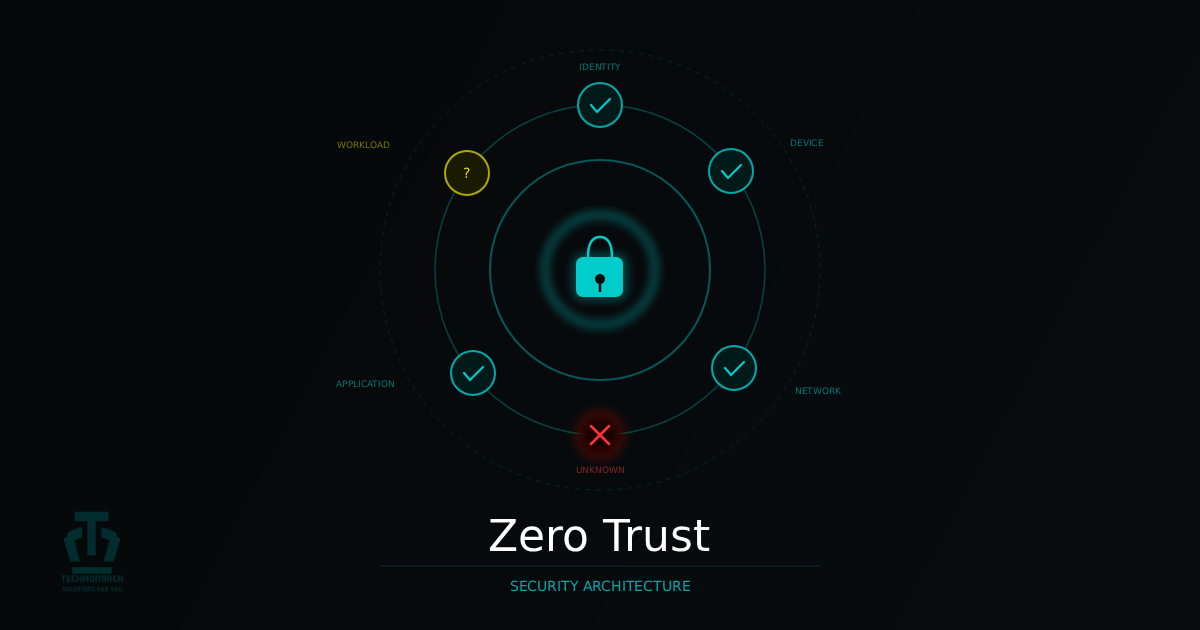
Zero Trust is the architectural response. Not a product, not a vendor’s marketing umbrella. A security philosophy built on one principle: never trust implicitly, always verify explicitly. Every access request, from every identity, on every device, from every location — treated as potentially hostile until proven otherwise.
1. Why Zero Trust — And Why It Matters Right Now
John Kindervag at Forrester coined the term in 2010. What’s changed isn’t the concept — it’s that the conditions which once made perimeter security workable have largely ceased to exist. The average enterprise in 2025 runs primary apps in Azure or AWS, collaborates in Microsoft 365, manages its CRM in Salesforce, and has staff connecting from managed laptops, personal devices, home networks, and coffee shop Wi-Fi. There is no perimeter anymore — only identities, devices, and workloads accessing resources across boundaries defined by policy, not physical location.
The specific vulnerability Zero Trust addresses is lateral movement post-breach. In a flat, trusted internal network, an attacker who compromises a single endpoint gains implicit trust — they can enumerate the network, escalate privileges, and move to high-value targets while appearing as legitimate internal traffic. The SolarWinds compromise is the canonical example: attackers with SYSTEM-level access moved freely for months because the network trusted internal traffic by default. The Kaseya VSA attack in 2021 demonstrated the same principle from a supply chain angle — the MSP’s own tooling became the ransomware distribution mechanism across their entire client base.
Zero Trust principles are now embedded in major compliance frameworks. NIST SP 800-207 provides the definitive ZTA architecture reference. US federal agencies were required to adopt ZTA by end of FY 2024. HIPAA, GDPR, SOC 2, CMMC, and PCI DSS controls all align tightly with ZTA principles. For MSPs advising clients in regulated industries, Zero Trust is no longer forward-looking guidance — it’s a compliance requirement most clients are meeting incompletely.
2. The Three Core Principles
Every practical ZTA implementation derives from three principles defined in NIST SP 800-207. Understanding them is what lets you evaluate whether a proposed control actually advances Zero Trust — or just sounds like it does.
| Verify Explicitly Every access request must be authenticated and authorised based on all available signals — not just a username and password at login. Relevant signals include: identity, authentication strength (is MFA phishing-resistant FIDO2 or legacy SMS?), device posture, location risk, identity risk score, and resource sensitivity. Trust is never assumed based on network location or prior authentication. It’s explicitly granted, scoped to the specific request, and re-evaluated continuously throughout the session. |
| Use Least Privilege Access Every identity — human and non-human — should have the minimum access required to complete their function, for no longer than necessary, with no standing privileges unless justified. This means RBAC, just-in-time (JIT) access for privileged tasks, and just-enough-administration (JEA) for admin actions. Non-human identities (service accounts, automation credentials) are often the most over-privileged entities in an environment. A compromised service account with domain admin rights vs. one with read-only access to a single database are categorically different security incidents. |
| Assume Breach Operate as if your environment has already been compromised or will be imminently. Design controls to limit damage when — not if — an attacker gets in. In practice: micro-segment networks, encrypt all internal traffic, invest in detection as heavily as prevention, and regularly test assumptions with red team exercises. Assume breach doesn’t mean your prevention is bad. It means your response capability is mature enough to catch and contain what prevention misses — which is every organisation, eventually. |
3. The Seven Pillars
The three principles tell you what to achieve. The seven pillars — as defined by CISA, NSA, and NIST — tell you where to implement controls to achieve them.
| # | Pillar | Core Principle | Key Controls |
| 01 | Identity | Identity is the new perimeter. Every human and non-human identity must be strongly authenticated and continuously evaluated. | MFA (phishing-resistant FIDO2), SSO, Conditional Access, PIM, JIT access, service account governance |
| 02 | Devices | Device health is a trust signal. Access decisions must factor in whether the requesting device meets defined compliance posture. | MDM/UEM, EDR, compliance policies (patch, AV, encryption), device certificates, conditional access |
| 03 | Network | The network is untrusted — including the internal LAN. Access granted at the application layer, not the network layer. | Micro-segmentation, ZTNA (replacing VPN), DNS filtering, east-west traffic inspection, software-defined perimeter |
| 04 | Applications | Apps accessible only through identity-aware proxies after policy verification — not directly exposed to the network. | App-layer proxies (Cloudflare Access, Zscaler ZPA), WAF, API gateway auth, SaaS posture management (SSPM) |
| 05 | Data | Protect data directly — not just the systems that contain it. Assume data will be accessed from untrusted locations. | Data classification (Microsoft Purview), encryption at rest and in transit, DLP, Information Rights Management |
| 06 | Infrastructure | Cloud, on-premises, and hybrid infrastructure hardened and access-controlled by identity, not IP. | CSPM, IaC security scanning, PAW, just-enough-administration (JEA), vulnerability management |
| 07 | Monitoring & Analytics | Visibility is the enforcement mechanism. Continuous telemetry, behaviour analysis, and automated response complete the ZTA loop. | SIEM, UEBA, XDR, threat intelligence integration, automated response playbooks, access review cadence |
Table 1: The seven Zero Trust pillars — principles and key controls (CISA Zero Trust Maturity Model v2.0)
Identity is the foundation — every other pillar’s enforcement depends on a trusted identity signal. Monitoring is the validation layer — without Pillar 7, you have controls in place but no way to know if they’re working or being bypassed. In any realistic implementation sequence, start with Identity and Devices. They deliver the fastest, broadest risk reduction with the least infrastructure overhead.
4. A Realistic Implementation Roadmap
Zero Trust is a journey, not a deployment event. Trying to implement everything simultaneously — especially under a compliance deadline or post-incident pressure — produces partial controls across every pillar rather than strong controls in a few. Phased implementation produces better outcomes.
- Phase 1 — Identity Hardening (Months 1–2): MFA for all users (admins first), Conditional Access baselines, privileged access review and clean-up, SSO for your top five applications. MFA alone blocks ~99% of automated credential attacks. If any client still has admin accounts without MFA, that’s the first conversation — full stop.
- Phase 2 — Device Compliance (Months 2–4): MDM/UEM enrolment, compliance policies (patch level, AV, encryption), Conditional Access gated on device compliance, EDR deployed, BYOD policy formalised. Without device posture checks, a compromised credential can still originate from a malware-infected machine even if MFA is in place.
- Phase 3 — Network Segmentation (Months 3–6): Asset inventory and traffic flow mapping, VLAN segmentation of critical systems, east-west traffic inspection, ZTNA pilot for remote access, DNS filtering. Micro-segmentation directly limits lateral movement — the technique used in the majority of major breaches.
- Phase 4 — Application Access Control (Months 5–8): Application discovery (sanctioned and shadow IT), app-layer proxy deployment for critical internal apps, SaaS security posture management, OAuth permission review.
- Phase 5 — Data Protection & Continuous Monitoring (Month 6 onwards): Data classification, DLP policy enforcement, SIEM correlation rules tuned across all pillars, UEBA baselining, automated response playbooks. Don’t defer monitoring — start visibility work in parallel with Phase 1.
One important note: most organisations with Microsoft 365 E3/E5, an EDR platform, and a modern firewall already have the tooling to get through Phases 1–3. The gap is usually configuration and policy, not new products. Start with what you have.

5. The MSP Angle — Two Conversations
Zero Trust for Your Own Operations
Your tooling environment — RMM, PSA, remote access tools, documentation platforms — is a high-value target. A compromised MSP technician account isn’t a single-client breach. It’s a potential breach of every client in your portfolio. Kaseya 2021 made this painfully clear. MSP-specific priorities: phishing-resistant MFA (FIDO2) for all technician accounts — no SMS-based MFA for anyone with client access. JIT access to client environments — no standing admin rights. Per-client credential isolation. SOC monitoring of your own technician access activity, baselined and anomaly-detected.
Delivering ZTA to Clients
For clients, your role is part architect, part engineer, and part change manager. The technical implementation is often the easier part — identity governance is harder because it touches every user and requires buy-in from HR, legal, and leadership, not just IT. The teams that navigate this well understand that ZTA is as much a conversation about access policy and business risk tolerance as it is a technical architecture question.
6. Zero Trust Theatre — What to Watch Out For
Zero Trust Theatre: environments that have adopted ZTA language, purchased ZTA-branded products, and produced compliance documentation — without actually achieving security outcomes. The most common failure modes:
- MFA without Conditional Access — deploying MFA uniformly, regardless of device posture or location risk, is a prevention control, not a Zero Trust control. A user on a fully-patched managed device and a user on an unregistered BYOD device from an unusual country should not have identical access to sensitive resources simply because both passed MFA.
- Flat network with a ZTA label — if the internal network has no meaningful segmentation between workstations, servers, and crown-jewel systems, an attacker who compromises a helpdesk endpoint can reach domain controllers and backup infrastructure without any additional controls. Calling your firewall policy Zero Trust while leaving the internal network flat is theatre.
- Service accounts exempt from least privilege — ‘We have Zero Trust for users’ is frequently said in organisations where service accounts still have domain admin rights and no monitoring. Non-human identities are the gap in most ZTA deployments. Kerberoasting, Golden Ticket attacks, and service account credential harvesting are standard post-exploitation techniques for exactly this reason.
- ZTA as a project, not a programme — Conditional Access policies that were correct at deployment become incorrect as the environment changes. Zero Trust requires an owner, a review cadence, and a budget that reflects its ongoing operational nature.
Final Thoughts
Zero Trust is the correct architectural response to the threat landscape and infrastructure reality of 2025. The perimeter is gone. Lateral movement is the dominant post-breach technique. The identities and devices accessing your clients’ environments come from networks and locations you don’t control. The only sensible response is to stop trusting implicitly and start verifying explicitly.
The practical path forward isn’t a big-bang transformation. Harden identity first, gate on device compliance second, segment the network third, and layer the remaining pillars as the architecture matures. Start with the highest-impact controls that require the least infrastructure change, demonstrate value early, and build momentum for the harder work that follows.
The clients in your book who are still running flat networks, using VPNs that grant network-level access, and managing service accounts with standing domain admin rights are operating architectures designed for a threat landscape that no longer exists. That modernisation conversation is worth starting — before the next breach starts it for you.
Recent Comments
- No comments to show