
Our Products Display
Product Introduction

Veritas
Veritas offers top-notch data management and protection solutions. Keep your data secure, accessible, and easy to recover with their reliable tools.

Acronis
Acronis delivers powerful backup and cybersecurity solutions. Protect your data from threats and ensure quick recovery with their user-friendly services.
Our Solutions

Local Backup
Cloud Backup
Hybrid Backup
Continuous Data Protection (CDP)
Incremental and Differential Backup
Disaster Recovery as a Service (DRaaS)
Virtual Machine Backup and Recovery
Bare Metal Recovery
Disaster Recovery Planning
Failover Solutions
Data Replication
Compliance and Reporting
Testing and Validation
Data Archiving
24/7 Monitoring and Support
Ransomware Protection
End-User Backup
Application-Specific Backup
Product Comparison
| Feature | Veritas | Acronis |
|---|---|---|
| Focus | Data management, backup, and recovery | Backup, disaster recovery, and cybersecurity |
| Strengths | Comprehensive data protection, advanced features, scalability | User-friendly, all-in-one solution with integrated cybersecurity |
| Deployment | On-premises and cloud-based | Primarily cloud-based, also on-premises |
| Key Features | Enterprise-level backup, disaster recovery, and data management; solutions like Backup Exec and NetBackup | Easy-to-use backup, ransomware protection, disk imaging; solutions like Cyber Protect and True Image |
| Best For | Large organizations with complex data needs | Small to medium-sized businesses and individuals looking for straightforward solutions |
Need Help with your custom requirement?
Need help? We're always here for you.


TechMonarch helped us improve our backup and disaster recovery setup. The team explained the available options clearly and made sure the solution matched our business requirements.
Parth Patel
The TechMonarch team was helpful while setting up our backup and recovery solution. They answered our questions clearly and made the overall process feel simple and manageable.
Bhavika DesaiYou Question We Answer
1. What is Backup & Disaster Recovery?
It’s the process of saving copies of your data and having a plan to restore it if something goes wrong, like a system crash or data loss.
2. Why do I need Backup & Disaster Recovery?
To protect your data from loss due to hardware failures, cyberattacks, or accidents, and to minimise downtime and financial losses.
3. How often should I back up my data?
Ideally, back up daily. If your data changes frequently or is highly critical, consider hourly or real-time backups.
4. What types of data should be backed up?
Back up all essential data, including business documents, databases, emails, and system configurations.
5. What is the difference between on-premises and cloud backup?
On-premises backup stores data locally, while cloud backup stores it on remote servers. Cloud offers more flexibility and off-site protection.
6. How long does it take to recover data after a disaster?
Recovery time varies based on the solution and data volume, from minutes to hours. A good plan minimises downtime.
7. How do I choose the right Backup & Disaster Recovery solution?
Choose based on your data needs, recovery goals, and budget. Look for ease of use, scalability, and reliable support.

Ready to Team Up for Better IT? Contact Us!
Let's join forces to enhance your IT services. Fill out the form, and we'll get back to you soon!


Introducing Our Best Works
 December 12, 2025
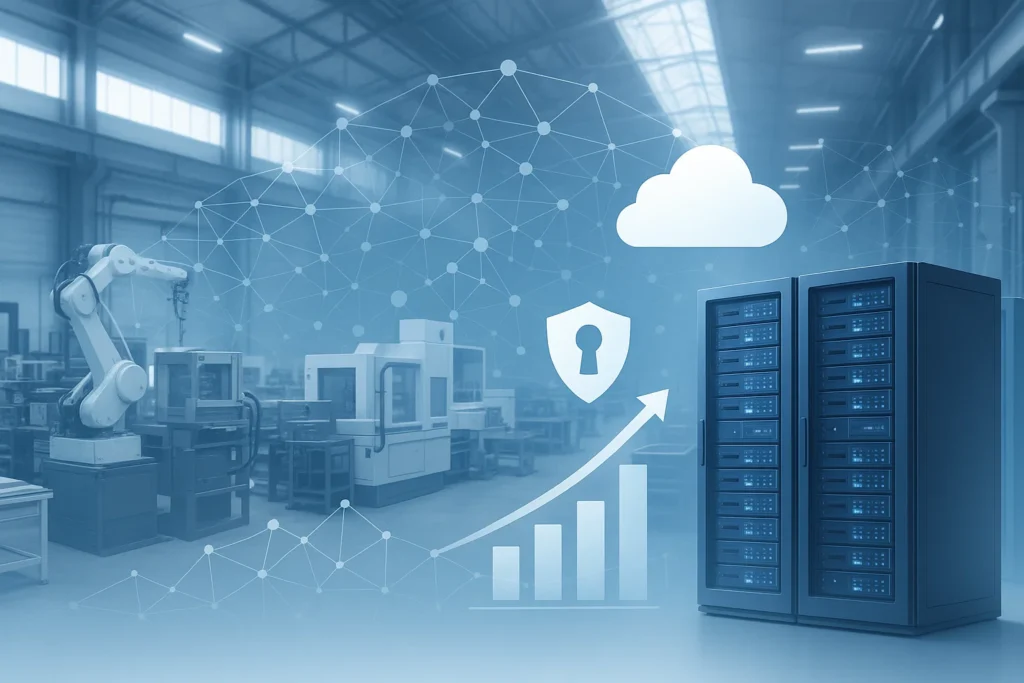
Transforming IT Operations for a Growing Manufacturing Company
A TechMonarch Success Story Client Overview SilverEdge Manufacturing Pvt. Ltd. is a mid-sized industrial components...
Read Full → December 30, 2024
O365 Support Services: Cutting Setup Time in Half and Driving Efficiency!
Introduction Every minute counts in today’s business world, especially when it comes to setting up...
Read Full →Our Latest Article
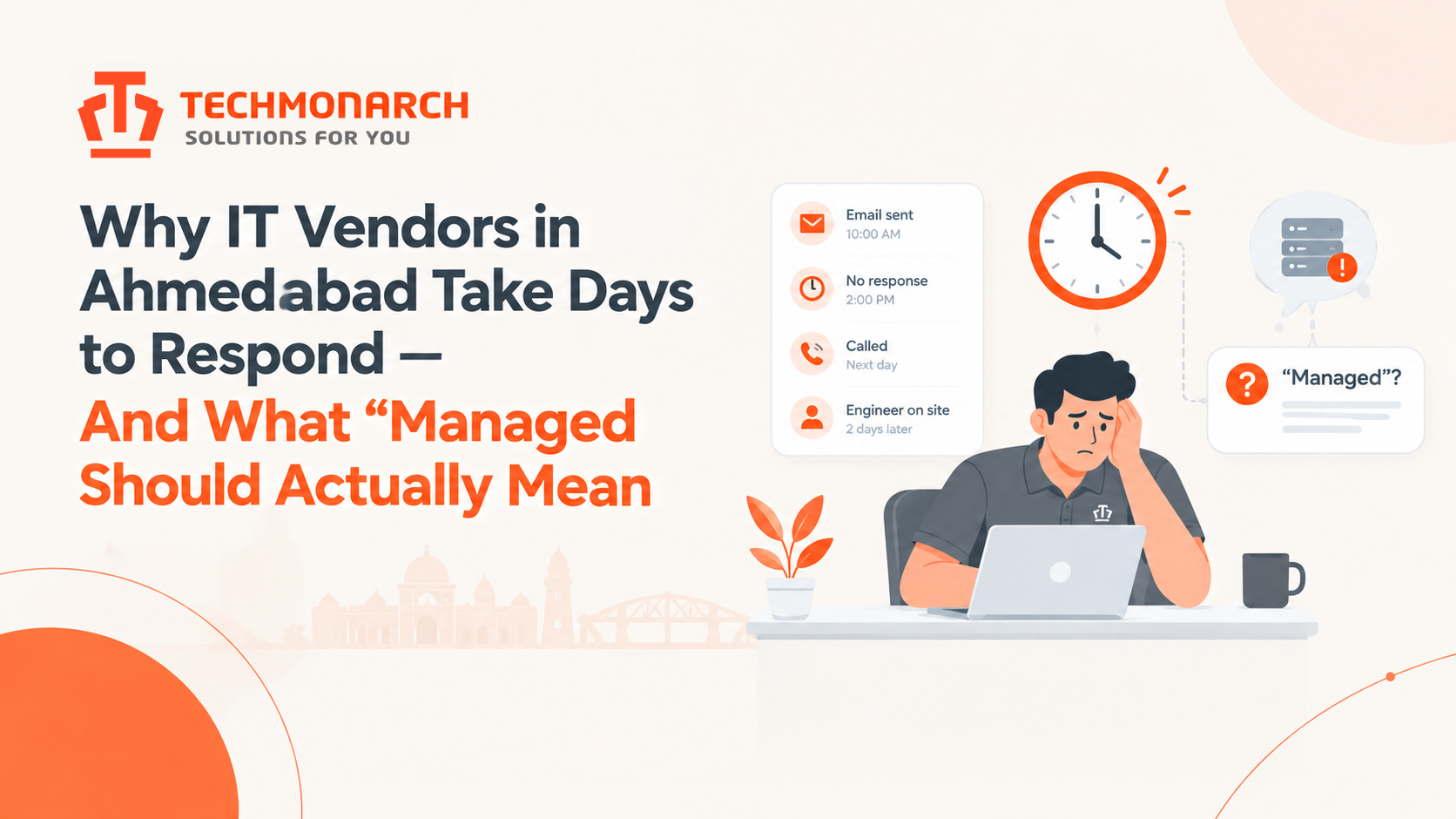
Why IT Vendors in Ahmedabad Take Days to Respond — And What “Managed” Should Actually Mean
Why IT Vendors in Ahmedabad Take Days to Respond — And What “Managed” Should Actually…

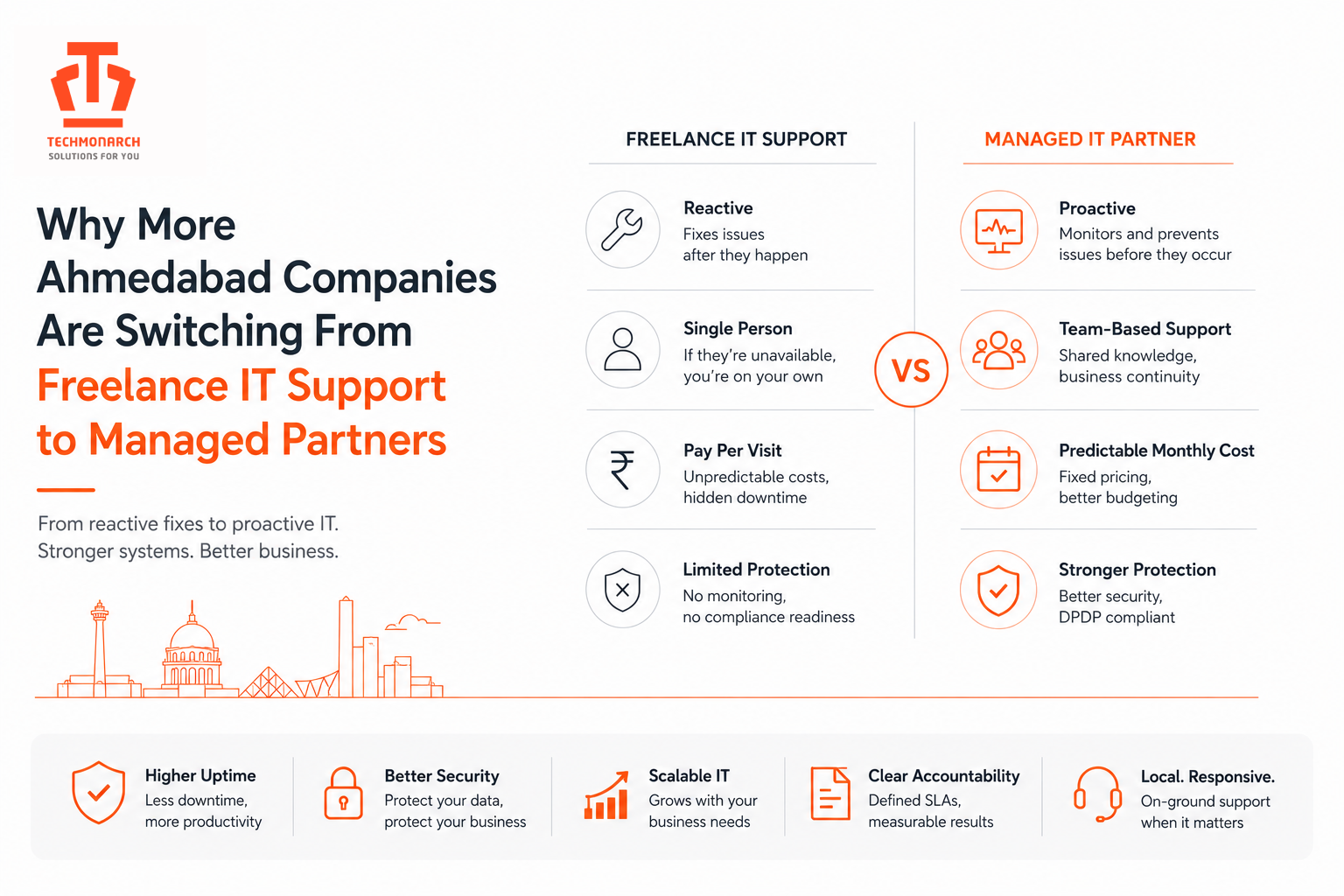
Why More Ahmedabad Companies Are Switching From Freelance IT Support to Managed Partners
Why More Ahmedabad Companies Are Switching From Freelance IT Support to Managed Partners For years,…
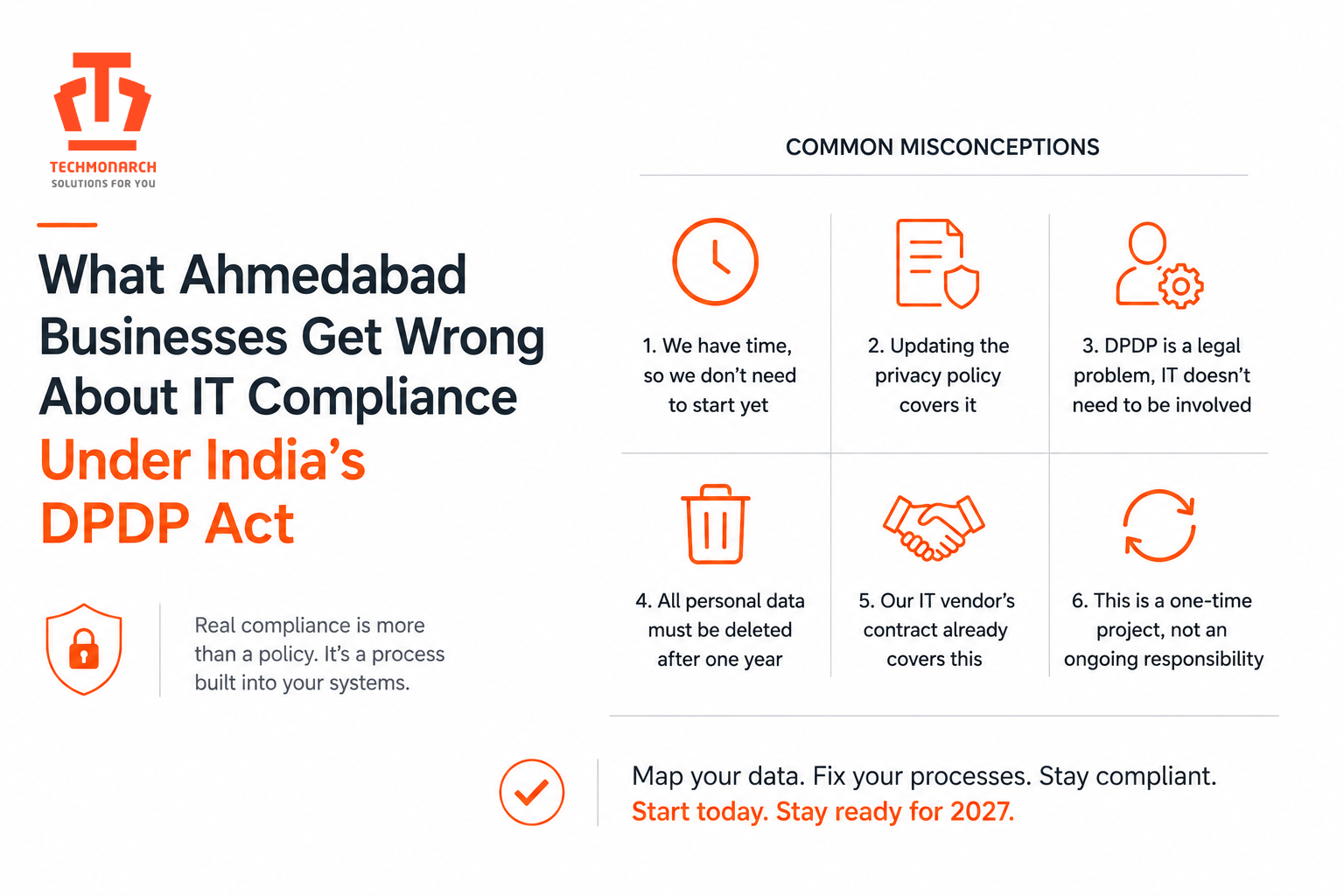
What Ahmedabad Businesses Get Wrong About IT Compliance Under India’s DPDP Act
What Ahmedabad Businesses Get Wrong About IT Compliance Under India’s DPDP Act The Digital Personal…
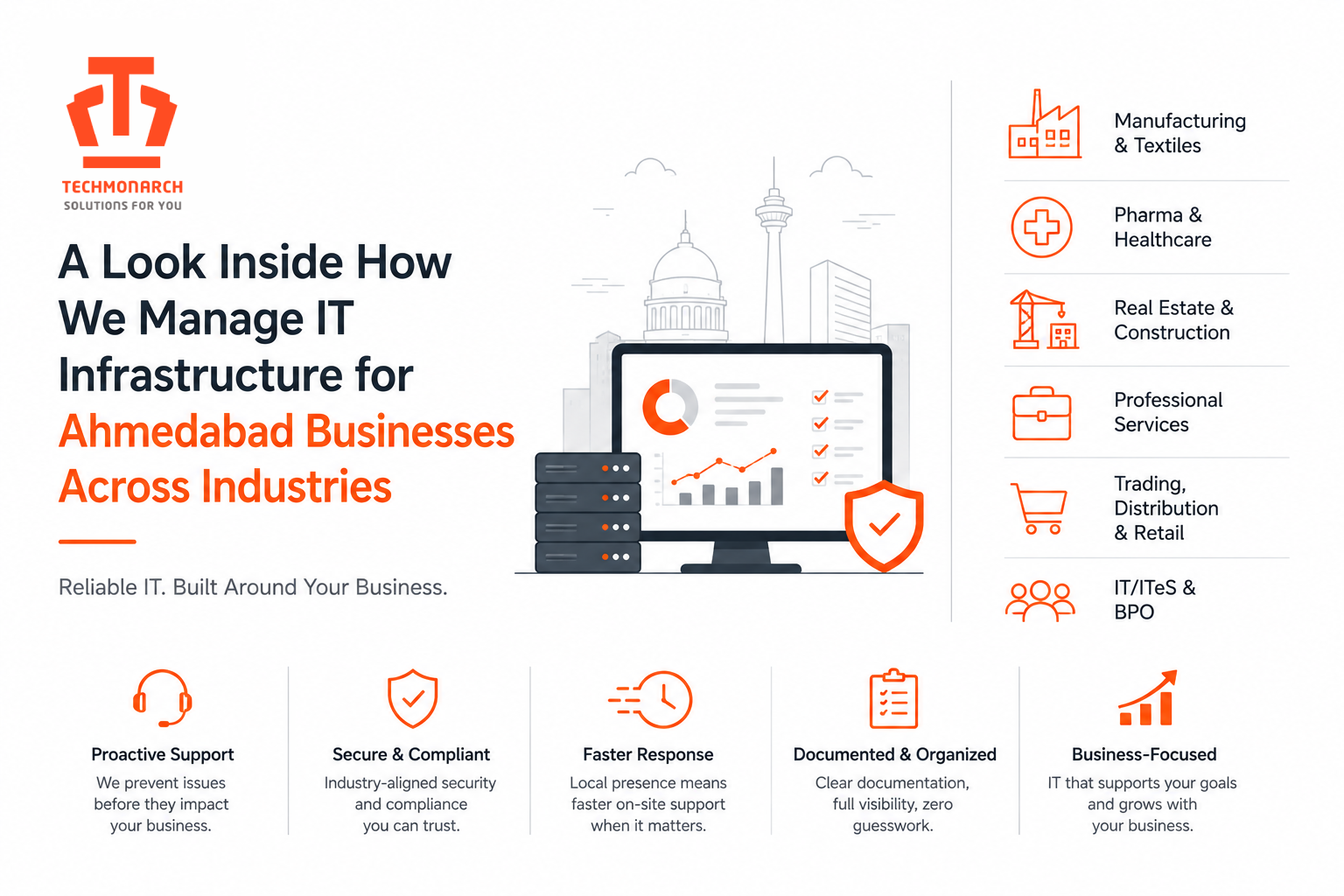
A Look Inside How We Manage IT Infrastructure for Ahmedabad Businesses Across Industries
A Look Inside How We Manage IT Infrastructure for Ahmedabad Businesses Across Industries Ahmedabad doesn’t…
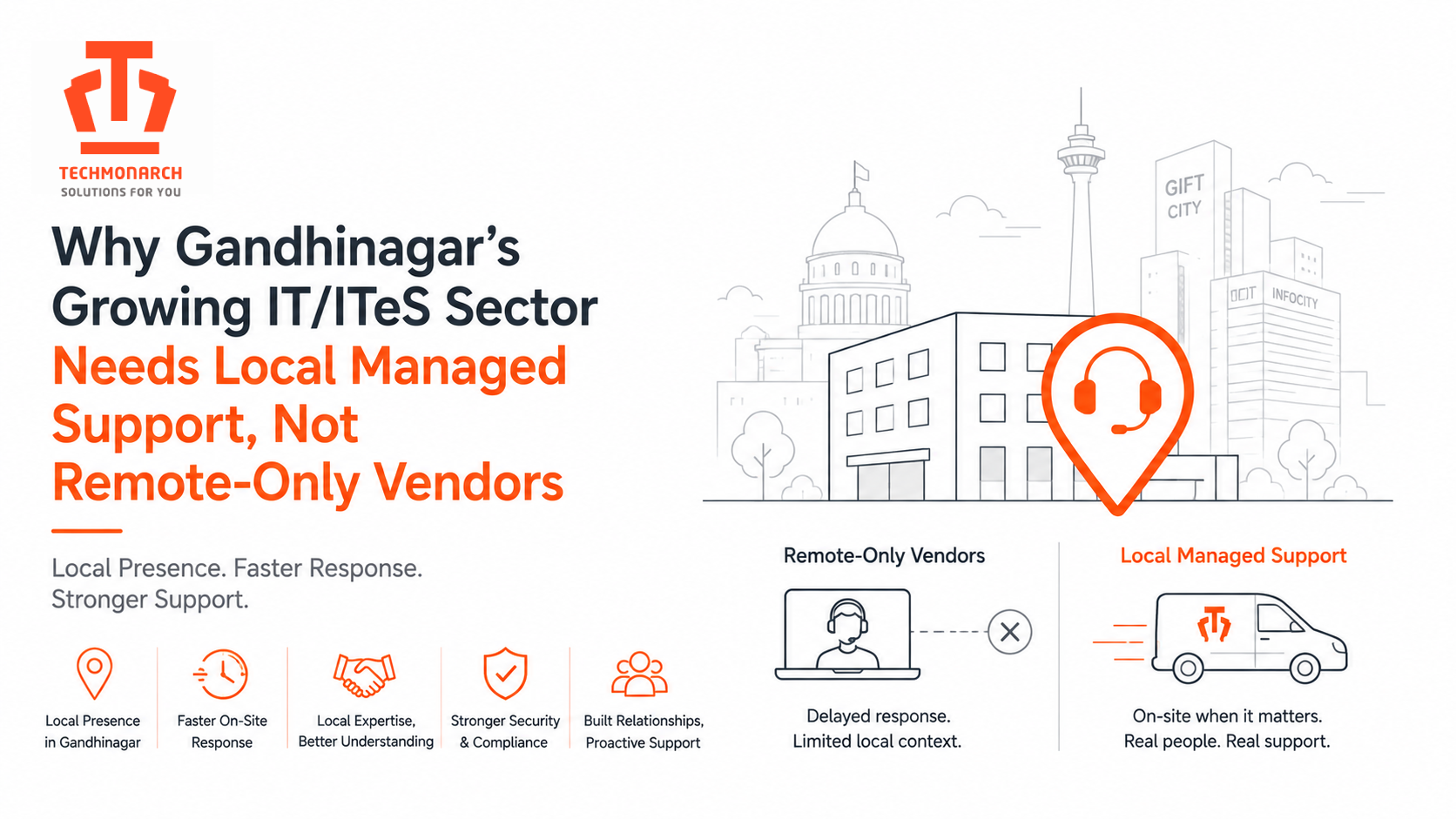
Why Gandhinagar’s Growing IT/ITES Sector Needs Local Managed Support, Not Remote-Only Vendors
Why Gandhinagar’s Growing IT/ITES Sector Needs Local Managed Support, Not Remote-Only Vendors Gandhinagar’s IT/ITeS story…
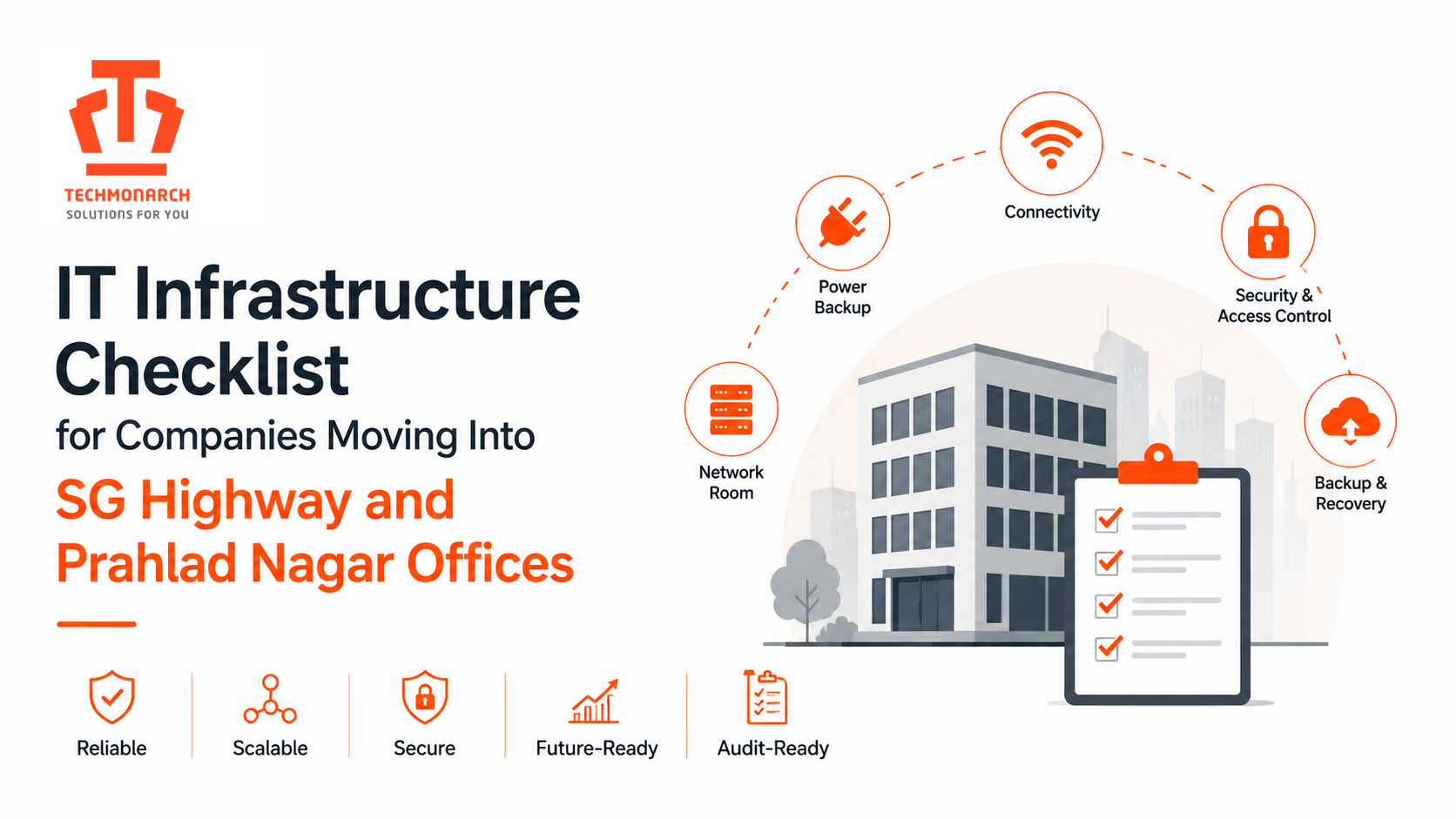
IT Infrastructure Checklist for Companies Moving Into SG Highway and Prahlad Nagar Offices
IT Infrastructure Checklist for Companies Moving Into SG Highway and Prahlad Nagar Offices If you’ve…
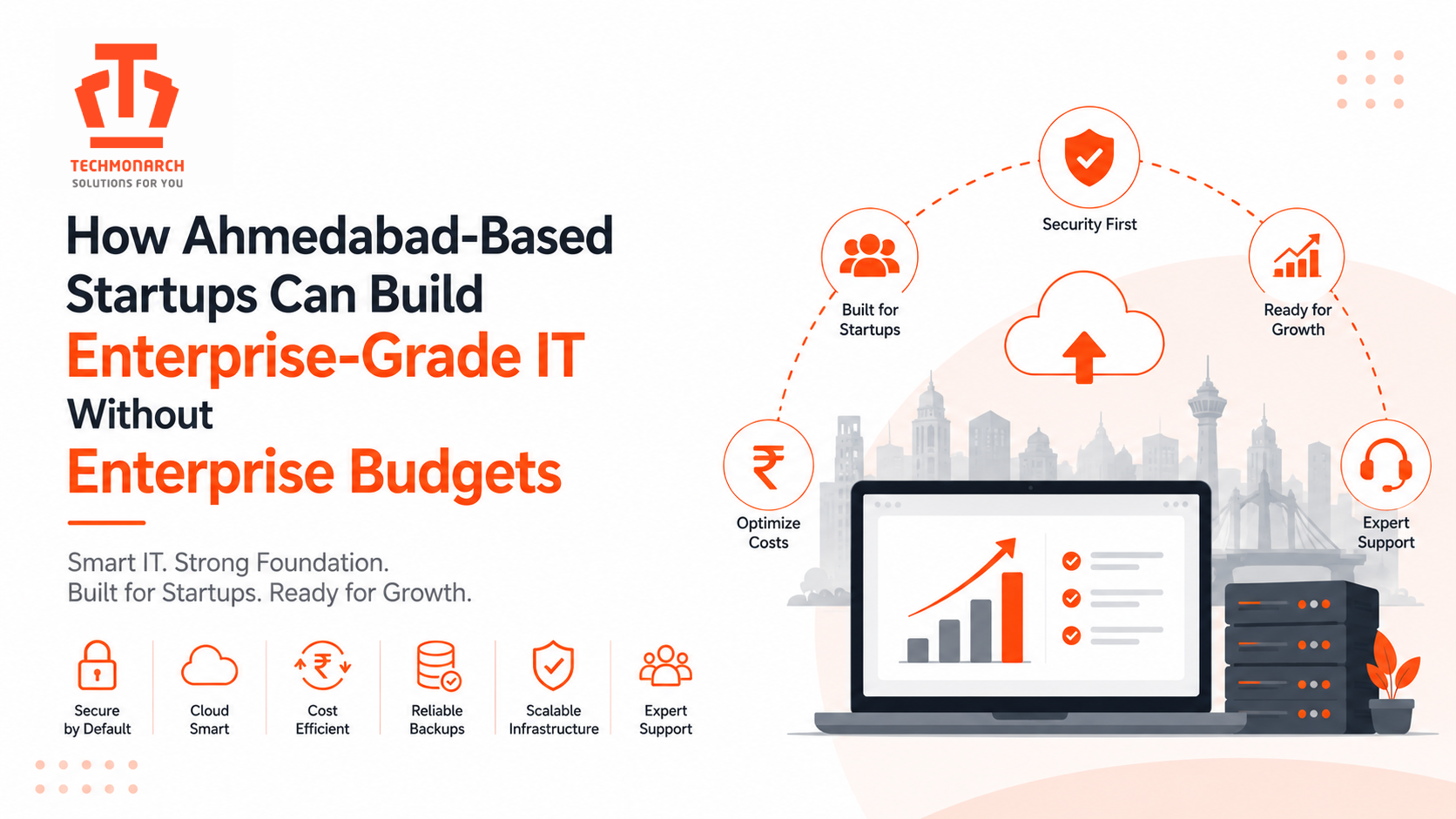
How Ahmedabad-Based Startups Can Build Enterprise-Grade IT Without Enterprise Budgets
How Ahmedabad-Based Startups Can Build Enterprise-Grade IT Without Enterprise Budgets Ahmedabad’s startup scene has moved…
Best IT Infrastructure Planning Practices for New Offices in Gandhinagar’s Government and Corporate Zones
Best IT Infrastructure Planning Practices for New Offices in Gandhinagar’s Government and Corporate Zones Gandhinagar…
IT Staff Augmentation in Ahmedabad: A Guide for CEOs Hiring Their First Outsourced Engineer
IT Staff Augmentation in Ahmedabad: A Guide for CEOs Hiring Their First Outsourced Engineer Drive…
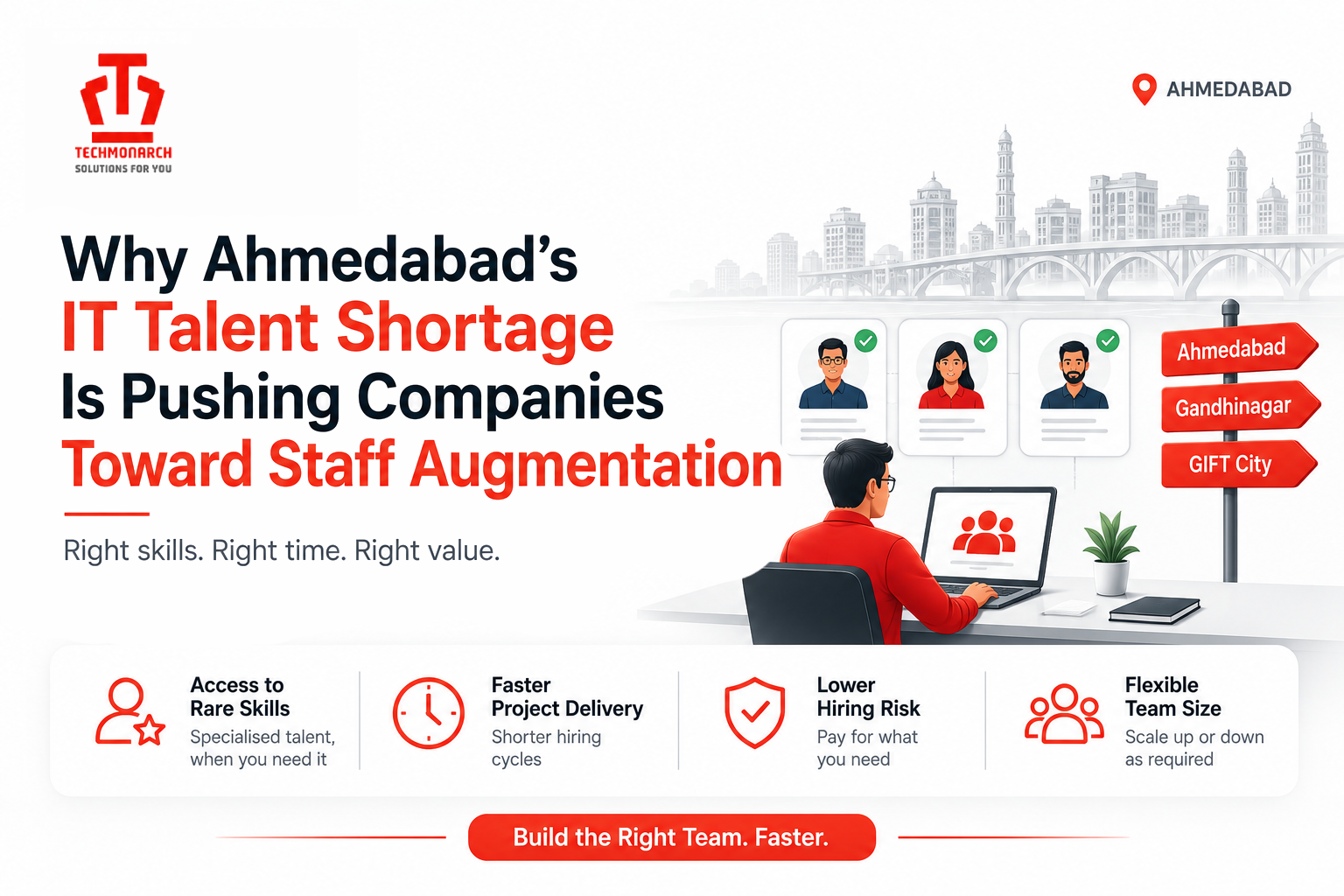
Why Ahmedabad’s IT Talent Shortage Is Pushing Companies Toward Staff Augmentation
Why Ahmedabad’s IT Talent Shortage Is Pushing Companies Toward Staff Augmentation Talk to almost any…