
-
Vijit
- November 12, 2026
- No categories assigned.
- No Comments
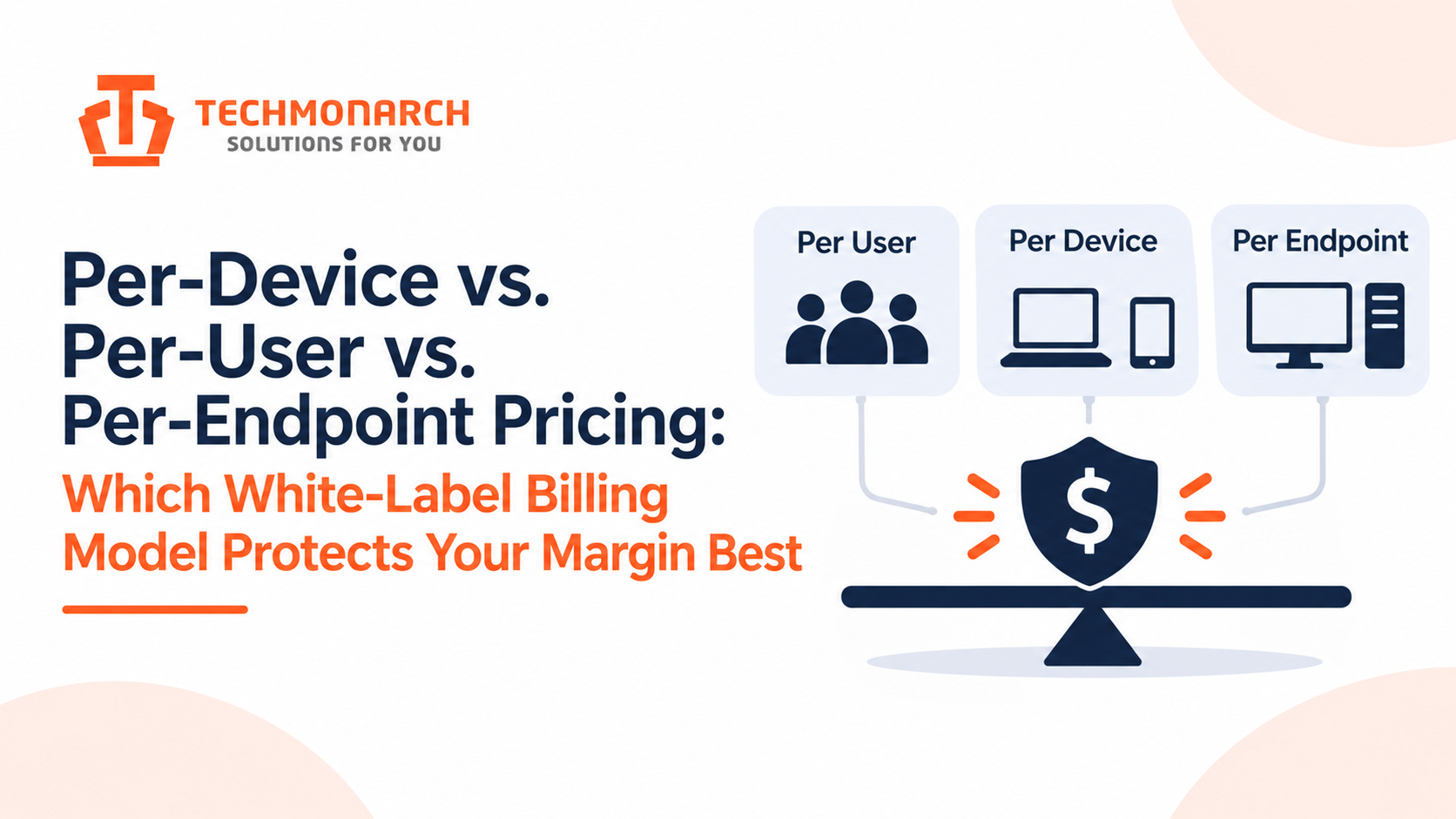
Most MSPs negotiate a white-label partner’s rate and never look at what the rate is attached to. Per user, per device, and per endpoint sound like three ways of saying the same thing, and the headline numbers are often close enough that the choice feels cosmetic. It isn’t. The unit your partner bills on decides whether your margin stays flat as clients change, or quietly drifts against you every time someone adds a laptop.
The principle is simple, and it gets ignored constantly: your cost basis should move the same way your revenue does. When it doesn’t, you’re carrying a hidden bet on how your clients’ environments will evolve. Let’s look at how each model behaves, run a comparison with numbers, and cover the contract terms that matter more than the rate itself.
What the Three Models Actually Mean
The terms aren’t standardized, and that’s the first problem. Before you compare rates, get the contract definition in writing.
Per user typically bills on the number of people supported, regardless of how many devices each one has. The definition of a “user” varies: named accounts, active mailboxes, licensed seats, or accounts that logged in during the month. Shared mailboxes, service accounts, contractors, and seasonal staff are common arguments.
Per device bills on every managed device, which often includes workstations, laptops, servers, network gear, printers, and sometimes mobile devices. Anything with an IP address that the partner monitors or supports can end up counted.
Per endpoint is usually narrower: devices with an agent installed, so workstations, laptops, and servers, but often not switches, access points, or printers. Some vendors use “endpoint” and “device” interchangeably, which is why the definition matters more than the label.
None of these is inherently better. Each one tracks a different underlying driver of cost and risk.
Why the Billing Unit Matters: Match Your Cost to Your Revenue
Think about how you bill your own clients. If you sell a flat per-user price, which is the dominant model in managed services, your revenue rises and falls with headcount. If your partner bills per device, your cost rises with device count instead. Those two numbers don’t move together.
A client who hires ten people and issues each a laptop and a phone moves both numbers. A client who deploys forty kiosks, shared terminals, or lab machines for the same twenty users moves only one. Your revenue stays flat while your cost climbs.
The reverse also happens. A client who consolidates devices, retires old servers, or moves to cloud services shrinks your partner bill without touching your revenue, which is a pleasant surprise but equally unplanned. Variance in either direction is the thing to manage.
A Worked Comparison
The rates and client profiles below are assumptions for illustration. Substitute your own. I’ve set the rates so they come out roughly equal for a typical client, so the comparison shows how the models behave under change, not which rate is lower.
You sell this support bundle at $65 per user per month. Your partner offers three billing options: $38 per user, $22 per device, or $26 per endpoint.
Client A: a typical office. 100 users, 140 endpoints (workstations, laptops, servers), and 25 other devices such as switches, access points, and printers, for 165 devices in total. Revenue: $6,500.
| Model | Partner cost | Margin |
| Per user | $3,800 | 41.5% |
| Per device | $3,630 | 44.2% |
| Per endpoint | $3,640 | 44.0% |
For a typical client, the three models land within a few points of each other. This is why the choice feels cosmetic.
Client B: a device-heavy environment. 40 users, 120 endpoints (shared terminals and lab machines), and 30 other devices, for 150 devices in total. Revenue: $2,600.
| Model | Partner cost | Margin |
| Per user | $1,520 | 41.5% |
| Per device | $3,300 | -26.9% |
| Per endpoint | $3,120 | -20.0% |
Here the picture changes sharply. Per-user billing holds your margin steady because your cost moves with your revenue. Per-device and per-endpoint billing turn a profitable client into a loss-maker.
Blended across both clients (revenue of $9,100):
- Per user: $5,320 cost, 41.5% margin
- Per device: $6,930 cost, 23.8% margin
- Per endpoint: $6,760 cost, 25.7% margin
The per-user model protected margin here because it mirrored how the MSP sells. That conclusion flips if you sell differently, which brings us to the part most comparisons miss.
It Depends on How You Bill Clients
If your own pricing is per user, partner pricing per user is the cleanest match. Your revenue and cost use the same unit, so margin is a function of your rate, not of client environments.
If you bill clients per device, which is common in RMM-centered and infrastructure-heavy shops, a per-device partner rate mirrors that and protects you the same way. The per-user model would expose you instead, because a client who grows devices faster than users would raise your revenue but not your cost, so the risk reverses.
If you sell flat-fee or tiered bundles with no per-unit price, you have the hardest case. You’re exposed to whichever unit drives your partner’s bill, and you’ll need to price in a buffer or cap the units in your client contracts.
Different Services Have Different Cost Drivers
Here’s the point that changes how mature MSPs structure these deals: one billing unit rarely fits every service you outsource.
- Help desk cost is driven by people. Ticket volume scales with users, so per-user billing tracks real workload.
- NOC, monitoring, and patching cost is driven by devices. Alert volume and maintenance work scale with how much infrastructure there is to watch, so per-device or per-endpoint billing tracks real workload.
- SOC and endpoint security cost is driven by endpoints and, sometimes, log volume. Per-endpoint billing is the natural fit.
A partner who insists on a single unit across all of these is giving you a simpler contract and shifting variance onto you. A hybrid, such as per-user for the help desk and per-endpoint for security, usually matches cost to workload more accurately. It does mean more lines to reconcile each month, which is a real operational cost. We’ve looked at the economics of the support-desk side in our 3-year cost model for white-label helpdesk vs. an in-house Tier 1 team, and the same logic applies to how that desk should be billed.
The Contract Terms That Move Margin More Than the Rate
Two partners can quote the same per-unit price and deliver very different margins, depending on the terms around the unit.
Count definition. What counts as billable? Spell out whether servers, virtual machines, network gear, mobile devices, and shared accounts are included. Every ambiguity gets resolved in the partner’s favor unless you’ve written it down.
Offboarding grace. When a client retires a device or a user leaves, how fast does billing stop? A thirty-day lag across hundreds of units adds up.
True-up cadence. Monthly billing on actual counts is the most accurate. Quarterly or annual true-ups hide drift until a large catch-up invoice arrives. Watch for ratchet clauses that let the count go up but not down.
Minimum commitments. A floor on units protects the partner, and it can leave you paying for capacity after you lose a client. Negotiate the floor against realistic churn.
Tier breaks. Volume discounts only help if the thresholds match your growth. A tier that starts at a number you won’t reach for two years is decoration.
Price protection. Ask for a cap on annual increases. Without one, your margin depends on the partner’s next renewal conversation.
Audit rights. Make sure you can see how units are counted. If your partner’s count and your own don’t match, you need a way to reconcile.
How the underlying coverage model is structured also affects the price you’ll be quoted, since business-hours and round-the-clock support carry very different cost structures. Our overview of 24/7 IT support models for MSPs covers how those differ and what each typically costs to deliver.

Per-User, Per-Device, or Something Else
Per-ticket and flat-fee models exist too, and they trade a different risk. Per-ticket pricing aligns cost directly with workload but makes your costs unpredictable if a client has a bad month. Flat fees give you predictability and shift the risk to the partner, who prices in a buffer for it. Neither is wrong; they suit MSPs with different appetites for variance. And if you haven’t yet settled whether to outsource a function at all, our guide to the in-house vs. outsourced decision is the better starting point before you get to billing units.
If you’re deciding where to start, follow this order. Identify how you bill clients. Match the partner’s unit to that wherever the service allows it. For services where cost is driven by something else, like devices for monitoring, take the partner’s unit that tracks the workload and cap that unit in your client contracts. Then negotiate the count definition, true-up, and minimums, because they decide whether the headline rate means anything.
Putting Your Own Numbers In
Don’t rely on my example. Take your five largest clients and calculate, for each, the number of users, endpoints, and total devices. Compute your margin under each billing unit at the partner’s quoted rates. The clients where the three results diverge most are the ones that expose you, and they usually aren’t the ones you’d guess.
Then look at trend, not just a snapshot. Pull twelve months of device and user counts and see which one is growing faster. If devices are growing faster than users in your client base, which is common as clients add laptops, tablets, and IoT, a per-device bill will erode margin over time while a per-user price stays flat.
If you’re evaluating a white-label partner on this basis, ask for their count definitions and true-up terms up front, before you discuss rates. Our white-label managed IT services can be structured around either a user or a device basis depending on how you sell, which is worth comparing with whatever you’re negotiating now. Whichever partner you choose, treat the billing unit as a margin decision you make deliberately, not a detail you accept by default.
Recent Posts
- Per-Device vs. Per-User vs. Per-Endpoint Pricing: Which White-Label Billing Model Protects Your Margin Best
- AI-Augmented NOC Monitoring vs. Traditional Threshold-Based Alerting: Comparing False-Positive Rates
- RMM-Native White-Label Support vs. Ticket-Only Outsourcing: Why Tool Access Changes the Math
- ISO 27001 vs. SOC 2 Type II: Which Certification Should You Actually Require From a White-Label Partner?
- White-Label Helpdesk vs. Hiring Your Own Tier-1 Team: A 3-Year TCO Model
Recent Comments
- No comments to show