
-
Vijit
- November 5, 2026
- No categories assigned.
- No Comments
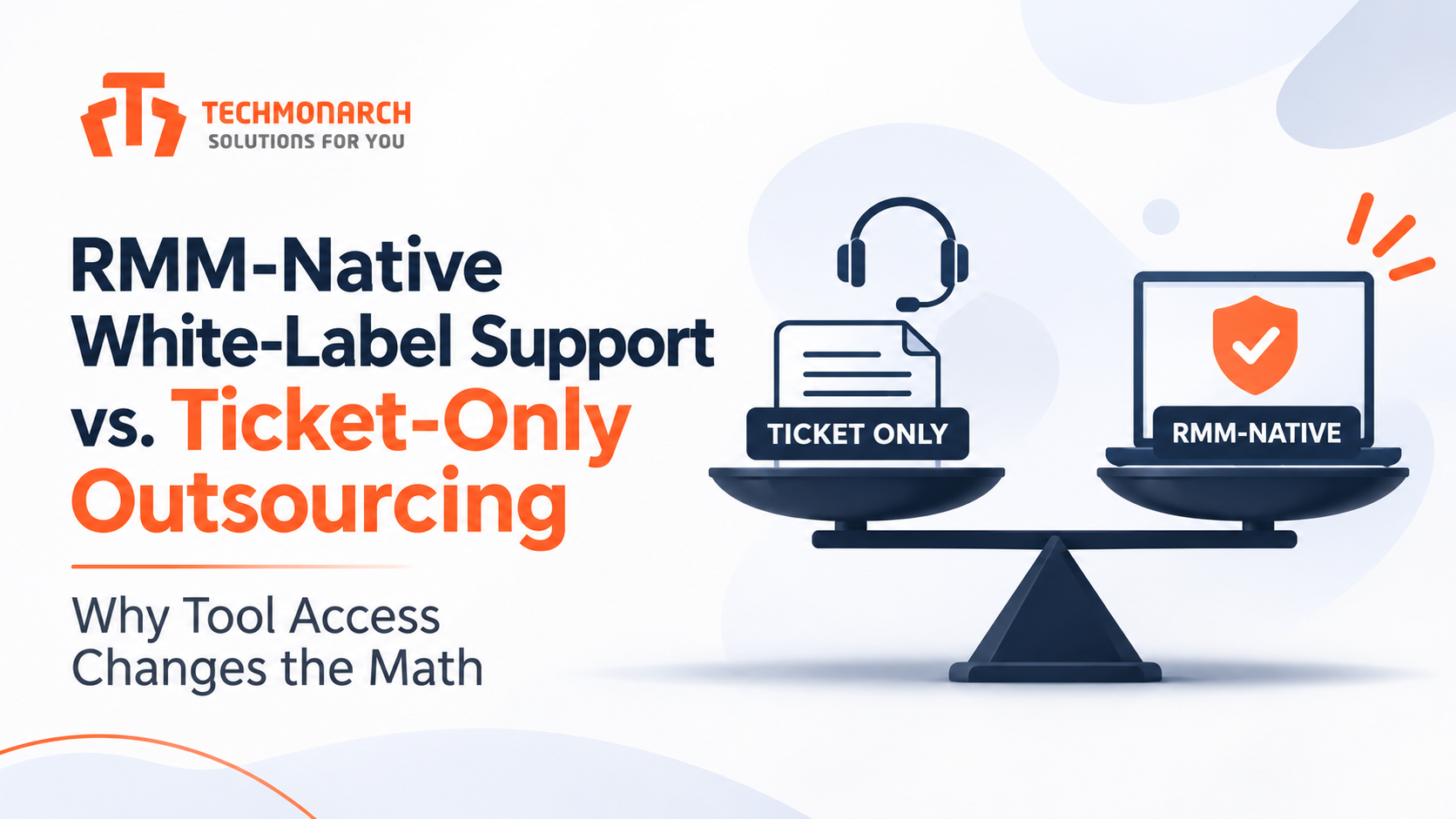
Most MSPs compare outsourced support models on price per ticket. It’s the easiest number on the proposal, and it’s the one that misleads you most. A partner who works only inside your PSA queue and a partner who has proper access to your RMM can quote the same per-ticket rate and deliver completely different economics, because one of them can fix things and the other can mostly describe them.
If you’ve outsourced before and came away disappointed, there’s a decent chance the problem wasn’t the engineers. It was the access model. Let’s walk through what actually changes when a partner is RMM-native, what it costs you in risk and licensing, and how to run the numbers for your own shop.
What “Ticket-Only” Actually Means in Practice
In a ticket-only arrangement, the partner’s team works from your PSA. They see the ticket, the user’s description, and whatever notes your techs have left. To touch an endpoint, they typically need the end user to launch a remote session, or they need one of your own technicians to do the part that requires real access.
That sounds workable until you watch it run for a month. A password reset in a directory they can reach is fine. Anything involving a service that won’t start, a stuck update, a profile problem, or a script that needs to run across several machines becomes a handoff. The ticket gets triaged well, documented well, and then bounced back to you with “needs hands-on access.” You paid for resolution and received triage.
Ticket-only models do have a place. They suit narrow scopes like end-user how-to questions, account administration through a cloud admin portal, or overflow call handling where you deliberately keep endpoint work in-house. The trouble starts when MSPs buy ticket-only coverage and expect it to behave like a full helpdesk.
What RMM-Native Changes
An RMM-native partner operates inside your RMM as a delegated technician, with permissions you define. That access changes four things at once.
First-touch resolution. With remote access, scripting, and service control available, the engineer fixes the issue while the user is still on the line. No scheduling a callback, no waiting for your tech.
Automation instead of repetition. The same issue appearing across forty machines becomes one script, not forty tickets. Partners with RMM access can build and run remediation for recurring problems like disk cleanup, stuck print spoolers, and failed agent services. If you want the foundation behind that, we’ve covered what RMM software actually does and why the shift from reactive to preventive work is where most of the value sits.
Alert handling. RMM alerts, as opposed to user-reported tickets, are where an enormous amount of low-grade operational work lives. A ticket-only partner never sees them. An RMM-native partner can triage, suppress noise, remediate, and escalate with context. Once alert volume gets serious, that work starts to look a lot like a NOC function, and we’ve written about how NOC outsourcing for MSPs is typically structured when you want it handled properly.
Patching and maintenance. Patch deployment, reboot scheduling, and failure remediation need RMM access. Without it, the partner can report that a patch failed but can’t do anything about it.
Running the Math
Here’s a simplified model. The inputs are my assumptions, not benchmarks, so replace them with your own ticket data before you rely on it.
Assume 1,500 managed endpoints generating about 900 tickets per month, and a partner rate of $13 per ticket in both models.
Ticket-only
- Partner cost: 900 tickets × $13 = $11,700
- Share of tickets escalated back to your techs because the partner lacks access: 35%, which is 315 tickets
- Internal cost of those escalations at 40 minutes each and a $45 loaded hourly rate: about $9,500
- Total monthly cost: about $21,200
RMM-native
- Ticket volume reduced by about 25% through automation and alert remediation: 675 tickets × $13 = $8,775
- RMM-native access and administration fee, assumed at $2.50 per endpoint: $3,750
- Escalation rate falls to 12%, which is 81 tickets, costing about $2,450 internally
- Total monthly cost: about $14,975
On those assumptions, the RMM-native model saves roughly $6,200 a month, or about $75,000 a year, even though the access fee makes the partner’s invoice look larger in one line. The savings come almost entirely from two places: fewer tickets in the first place, and far fewer escalations landing back on your own people.
Notice what drives the result. It isn’t the per-ticket rate, which was identical. It’s the escalation rate and the ticket reduction. If your current partner escalates a third of its tickets back to you, you aren’t really buying outsourced support, you’re buying a very polite intake layer.
The model is sensitive in both directions. If your environment is mostly cloud-native with little endpoint complexity, the escalation gap shrinks and ticket-only looks better. If you run a messy mix of legacy servers and aging workstations, the gap gets wider.
The Costs and Risks of Giving a Partner RMM Access
None of this comes free, and an honest comparison has to say so.
Security exposure. Your RMM can run code on every managed endpoint. That makes it the most valuable target in your stack, and delegating access to a third party widens the circle of people who can reach it. Require individual named accounts, never shared logins. Enforce MFA, apply least-privilege roles scoped to the tasks the partner actually performs, and restrict sign-in by IP where your platform allows. Decide in advance which actions are off-limits, such as deploying new software packages or editing global automation policies, and enforce that in permissions rather than in a contract clause.
Audit trail. You should be able to see who ran what, on which device, and when. If your RMM’s logging is weak, fix that before you extend access.
Licensing and platform terms. Some RMM vendors price per technician or restrict how third parties can use the platform. Read your agreement before you add outside engineers, and confirm whether partner seats cost extra.
Ownership of automation. Scripts, policies, and runbooks a partner builds inside your RMM should belong to you. State that in the contract, and keep a copy outside the partner’s reach so a change of partners doesn’t mean rebuilding your automation from scratch.
Dependency. A partner who runs your automation and alert handling becomes harder to replace. That’s a reasonable trade for the efficiency gain, but go in knowing it, and keep your own documentation current.
When Ticket-Only Is the Right Call
Choose ticket-only if your RMM governance isn’t mature enough to delegate safely, if you have contractual or client restrictions on third-party access to endpoints, or if you only want help with a bounded slice of work like phone intake and account administration. It’s also a sensible first step for an MSP testing whether a partner can handle your clients before extending deeper access.
What doesn’t work is the mismatch: ticket-only access paired with expectations of end-to-end resolution. That combination produces escalations, frustrated end users, and a team of your own technicians quietly doing the partner’s work.
How to Evaluate a Partner on This Axis
Ask questions that expose how they actually work rather than what their brochure says.
- Which RMM platforms do your engineers work in daily, and can they show you their runbooks for the one we use?
- What share of your tickets get resolved without escalating back to the client’s MSP? Ask for a number and how they calculate it.
- How do you handle credentials, access scoping, and offboarding when an engineer leaves your team?
- Who owns the scripts and policies you build in our tenant?
- Can you handle RMM alerts and not just user tickets?
A partner confident in the RMM-native model will answer these directly. One who hedges on escalation rates is likely running a ticket-only operation under a broader label, which matters because how a partner delivers shapes everything else about the relationship. We’ve explained how white-label IT service delivery is structured behind your brand, and access model is one of the first things worth pinning down.
Putting It Together
Tool access isn’t a technical footnote on the proposal. It decides whether a partner resolves work or relays it, and that shows up in your escalation rate, your ticket volume, and the hours your own team spends cleaning up behind the arrangement.
Pull three months of your own ticket data. Count how many tickets would need endpoint access to resolve, how many are repeats an automation could remove, and how many RMM alerts currently go unhandled. Those three numbers will tell you more than any per-ticket quote.
If you want a partner that works inside your RMM under the access controls you set, our RMM admin service is built for exactly that, and it’s worth putting next to whatever you’re comparing it against.
Recent Posts
- RMM-Native White-Label Support vs. Ticket-Only Outsourcing: Why Tool Access Changes the Math
- ISO 27001 vs. SOC 2 Type II: Which Certification Should You Actually Require From a White-Label Partner?
- White-Label Helpdesk vs. Hiring Your Own Tier-1 Team: A 3-Year TCO Model
- White-Label IT Service Delivery Explained
- 24/7 IT Support Models for MSPs
Recent Comments
- No comments to show