
-
Vijit
- July 27, 2026
- No categories assigned.
- No Comments
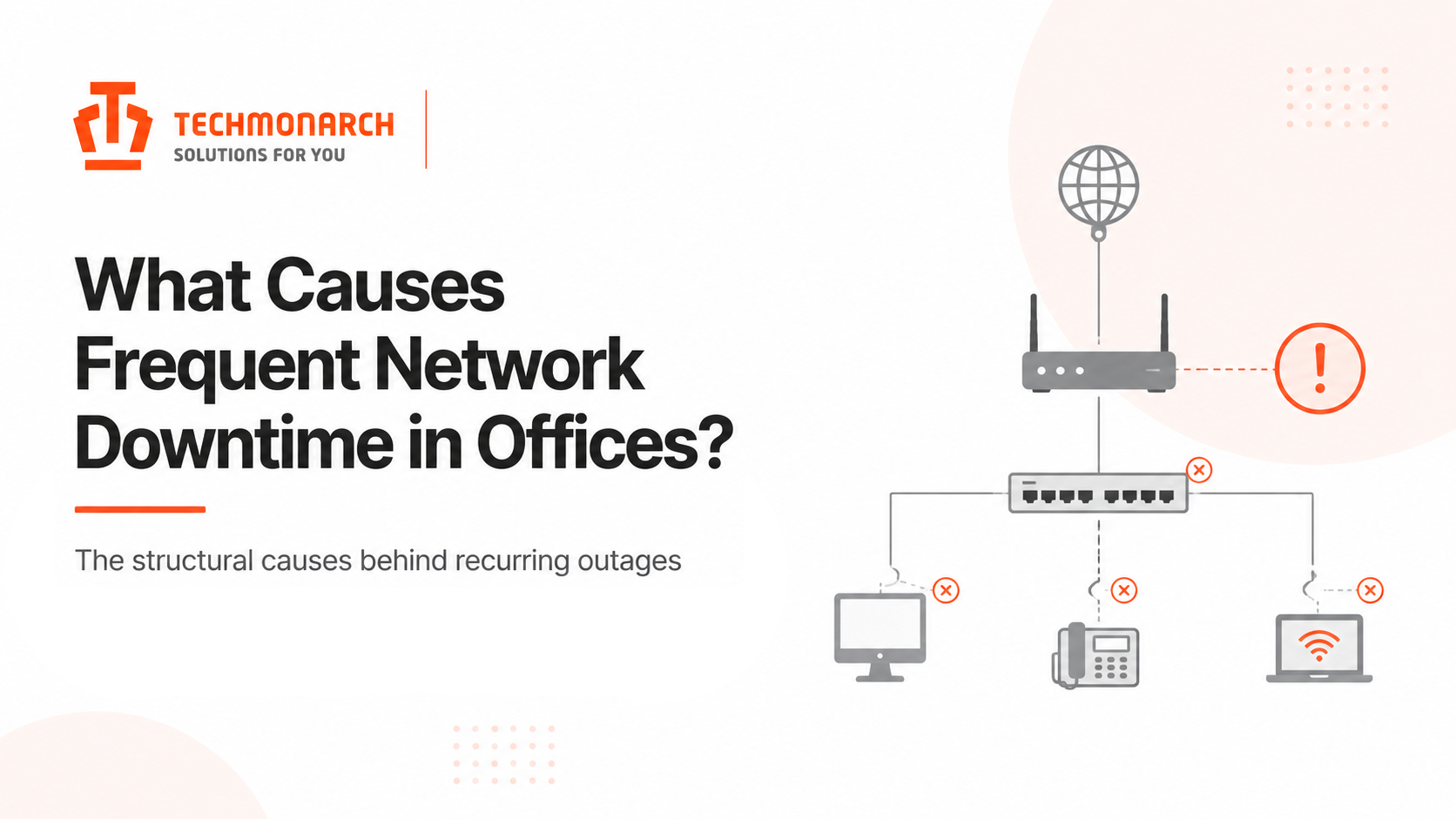
What Causes Frequent Network Downtime in Offices?
Network downtime rarely feels minor when you’re in the middle of it. A dropped connection during a client presentation. A cloud application that won’t load at 9 a.m. on a Monday. An entire floor of employees unable to access shared resources while the IT team races to identify the cause. The operational disruption is immediate, the frustration is real, and the pressure to restore connectivity makes it harder to think clearly about what actually went wrong.
What’s striking about network downtime is that despite the urgency it generates, the underlying causes are well-understood and, in most cases, entirely preventable. The same categories of failure show up in post-incident reviews across organizations of different sizes, industries, and geographies. They’re not random. They’re structural — rooted in how networks are built, managed, and maintained over time.
Understanding those causes in depth is more useful than a generic checklist. This article examines what actually drives frequent network downtime in office environments and why certain organizations experience it repeatedly while others maintain consistent stability.
Hardware That Has Outlived Its Reliable Operating Window
Network hardware — switches, routers, firewalls, access points — has a useful operating life. Within that window, it performs reliably and supports the demands placed on it. Past that window, failure rates climb. Components degrade. Fan assemblies that have been running for five years accumulate heat more readily. Capacitors that have been cycling for a decade become less reliable. Firmware on older devices stops receiving manufacturer security updates and bug fixes, which introduces both stability and vulnerability risk.
Most organizations don’t have a formal hardware refresh cycle for network equipment the way they do for laptops or workstations. The logic is understandable — a switch that’s ‘still working’ doesn’t seem to require replacement. The problem is that by the time it stops working reliably, it’s doing so in unpredictable ways: intermittent drops that are hard to reproduce, random reboots that happen at two in the morning, performance degradation that manifests as slowness before it becomes an outage.
The cost of proactive hardware refresh is modest compared to the cost of reactive replacement under pressure. When a core switch fails during business hours, the replacement timeline — sourcing hardware, arranging delivery, reconfiguring the device — is measured in hours or days. Building a refresh schedule based on manufacturer lifecycle guidance and actual usage patterns removes that exposure entirely.
Configuration Changes Without Adequate Testing or Documentation
Network configuration is one of the highest-risk activities in IT management, and it’s one that gets managed informally in most office environments. A firewall rule is added to allow a new application. A VLAN is created to segment a new team’s traffic. A routing change is made to improve performance for a specific workload. Each of these changes is legitimate, technically sensible, and potentially destabilizing if it introduces an interaction with an existing configuration that nobody anticipated.
Industry analysis consistently identifies configuration and change management issues as a leading cause of network outages. What makes this category particularly difficult is that the failure often doesn’t occur at the moment the change is made — it occurs later, when some other condition triggers an interaction that the configuration change made possible. A firewall rule that creates an unexpected path. A routing change that becomes a problem when a secondary link fails. A VLAN configuration that works correctly until a specific traffic pattern exposes an error.
The discipline that prevents this is structured change management: testing changes in an isolated environment before production deployment, maintaining current and accurate documentation of the existing configuration, requiring review of changes above a defined complexity threshold, and preserving rollback capability for every change made. These practices exist and are well-understood. The gap in most organizations is consistent enforcement, particularly when IT teams are under pressure and changes need to happen quickly.
Bandwidth and Capacity That Hasn’t Kept Pace With Demand
Network capacity is not a fixed requirement. It grows as headcount grows, as more applications move to the cloud, as video conferencing becomes standard practice, and as device density increases with mobile devices, printers, IoT sensors, and building management systems all connecting to the same infrastructure.
Organizations that provisioned their network capacity three or four years ago — for a smaller team, fewer cloud dependencies, and less video traffic — are often running on infrastructure that is structurally undersized for what the business actually does today. The symptoms surface as intermittent slowness rather than hard outages: video calls that degrade during peak hours, file transfers that time out under load, applications that are responsive in the morning and sluggish by midday. Over time, sustained congestion can trigger actual outages as devices and sessions time out waiting for resources that never become available.
Capacity planning needs to be an ongoing activity, not a one-time exercise. Regular traffic analysis — understanding which applications and which users are consuming the most bandwidth, where congestion is forming, and where the current headroom sits — gives IT teams the visibility to act before capacity constraints produce visible operational impact. In most office environments, this analysis is either not being done at all or is being done too infrequently to catch trends before they become problems.
Single Points of Failure in the Network Design
Many office networks are designed with a single path for critical traffic. One core switch. One internet connection from one provider. One firewall with no failover peer. This design is simpler, cheaper to build, and entirely adequate — until the single point fails.
The fundamental problem with single points of failure isn’t that they fail. It’s that when they fail, they take the entire network down simultaneously rather than degrading gracefully. A redundant design doesn’t prevent the failure of an individual component; it means the network continues to function when that component fails, while the team addresses the root cause. The difference in business impact between a network that goes down for four hours and one that stays up while a failed component is replaced is enormous.
Redundancy doesn’t require duplicating everything. It requires identifying the components whose failure would cause a complete outage and implementing failover or redundancy for those specific points. For most office environments, that means redundant internet connectivity from at least two providers or connection types, a core switching architecture that can lose one device without losing connectivity, and firewall configurations that support high availability. The incremental cost of building this in during initial design is far lower than retrofitting it after an outage has demonstrated why it was necessary.

Inadequate Monitoring and Alert Coverage
A significant portion of network downtime isn’t caused by sudden catastrophic failures. It develops gradually — an interface that starts dropping packets intermittently, a switch that begins logging errors at increasing frequency, a circuit utilization that climbs toward saturation week by week. In a monitored environment, these patterns are visible before they produce an outage. In an unmonitored one, they’re invisible until they tip over into failure.
Most office networks in the mid-market segment have some monitoring in place, but it’s often limited in scope. Device availability might be monitored — whether a switch or router is reachable — without monitoring the performance metrics that precede failure: interface error rates, CPU and memory utilization, link saturation, power supply status. By the time a device goes unreachable, the conditions that caused the failure have been present and escalating for some time.
Comprehensive monitoring doesn’t require a large investment in tooling. It requires careful definition of what should be monitored, sensible alert thresholds that surface genuine issues without generating noise, and — critically — someone who is actually reviewing and acting on what the monitoring surfaces. Monitoring that generates alerts nobody reads is functionally equivalent to no monitoring at all.
Security Incidents and Their Network Impact
Cybersecurity events are an increasingly significant source of network downtime, and they deserve specific attention because they operate differently from the causes above. Hardware failures and configuration errors produce downtime as an unintended consequence. Security incidents — ransomware attacks, denial-of-service attempts, unauthorized access events — can produce downtime deliberately, or as a direct consequence of the containment response to an attack.
When ransomware executes on a network, the response typically involves isolating affected segments, taking systems offline to prevent lateral movement, and potentially taking the entire network down while the scope of the compromise is assessed. Even when the attack itself doesn’t directly cause an outage, the response to it often does. Organizations that have experienced a significant security incident understand that the network downtime associated with containment and recovery can dwarf what any hardware failure would have caused.
The network security posture decisions that matter most here are the ones that limit lateral movement and reduce the blast radius of an incident: proper network segmentation, consistent patch management, access controls that follow least-privilege principles, and monitoring that detects unusual traffic patterns before they escalate. None of these eliminate the risk of a security incident. They determine how contained that incident remains when it occurs.
The Common Thread: Reactive Management of a System That Rewards Proactivity
Looking across these causes, a pattern is visible. Each one — aging hardware, undisciplined change management, capacity that lags demand, single points of failure, monitoring gaps, security posture weaknesses — produces worse outcomes when addressed reactively than when managed proactively. The cost of proactive hardware refresh is lower than emergency replacement. The cost of structured change management is lower than unplanned outage recovery. The cost of capacity planning is lower than the productivity loss from sustained congestion.
Yet most organizations address these things reactively, because the proactive investment isn’t attached to a visible problem. When nothing is broken, it’s difficult to justify the time and resources to prevent the things that will eventually break. The organizations that maintain consistent network stability have typically made a structural decision: they treat their network as something that requires ongoing, deliberate management rather than something that runs in the background until it doesn’t.
For businesses in Ahmedabad and Gandhinagar where network reliability is directly tied to the ability to serve clients and operate efficiently, this is increasingly a competitive question as much as an operational one. TechMonarch works with businesses on managed IT infrastructure and monitoring arrangements that address these causes systematically — building the proactive management layer that most in-house IT teams don’t have the capacity to maintain alongside everything else they’re responsible for.
Network downtime is not inevitable. It is, in most cases, the predictable result of known conditions that weren’t addressed before they became critical. The gap between organizations that experience it frequently and those that rarely do is largely a gap in how deliberately the underlying causes are managed.
Recent Posts
- Why IT Vendors in Ahmedabad Take Days to Respond — And What "Managed" Should Actually Mean
- Why More Ahmedabad Companies Are Switching From Freelance IT Support to Managed Partners
- What Ahmedabad Businesses Get Wrong About IT Compliance Under India's DPDP Act
- A Look Inside How We Manage IT Infrastructure for Ahmedabad Businesses Across Industries
- Why Gandhinagar's Growing IT/ITES Sector Needs Local Managed Support, Not Remote-Only Vendors
Recent Comments
- No comments to show