
-
Suresh Kalal
- February 19, 2026
- No categories assigned.
- No Comments
Understanding SonicWall DPI-SSL Architecture and Its Impact on Throughput
DPI-SSL A New Security Layer for Modern Networks With the extensive implementation of secure servers, Deep Packet Inspection over SSL (DPI-SSL) has become one of today’s most critical network security measures. Most traffic is now encrypted so traditional firewall controls lack visibility unless they decrypt, inspect and then re-encrypt packets in flight. The DPI-SSL logic from SonicWall is one of the more mature vendors with respect to design on this front in the SMB and mid-enterprise firewall space and should allow you to bring back into focus what has become darker as your perimeter security measures got better without creating untenable overhead.
Some VPN providers offered their services for free, even if they don’t support malware protection over SSL.” However, as all network engineers know—SSL inspection comes at a cost. Decryption, on the other hand, introduces CPU load, memory usage, session overhead and latency. Depending on how the firewall offloads encryption tasks, throughput can decline significantly if the architecture isn’t fully explained or optimised.
SonicWall’s trend in much greater throughput for DPI-SSL compared with other vendors is discussed, as are the configuration factors that affect throughput and how to design your environment to avoid unnecessary performance hits. In the process, we will also touch a bit on how sonicwall dpi ssl works under the hood, what is ssl inspection performance and encryption offload.
1. Why SSL Inspection Exists in the First Place
The shift toward encrypted-by-default applications has been dramatic. HTTPS is now the norm, QUIC traffic is growing, and even basic SaaS tools rely on encrypted tunnels. The result? Firewalls that cannot decrypt traffic effectively become blind.
SonicWall’s DPI-SSL architecture is designed to regain visibility by:
- Intercepting TLS handshakes
- Acting as a trusted man-in-the-middle proxy
- Decrypting packets, scanning them with its threat-prevention engines
- Re-encrypting and forwarding the traffic
When done correctly, this enables threat detection, content filtering, malware scanning, and data loss prevention—even when traffic is inside an encrypted session.
However, the process is resource-intensive because every TLS session creates additional workload on the firewall’s CPU and memory.
2. SonicWall’s DPI-SSL Architecture: What’s Happening Under the Hood
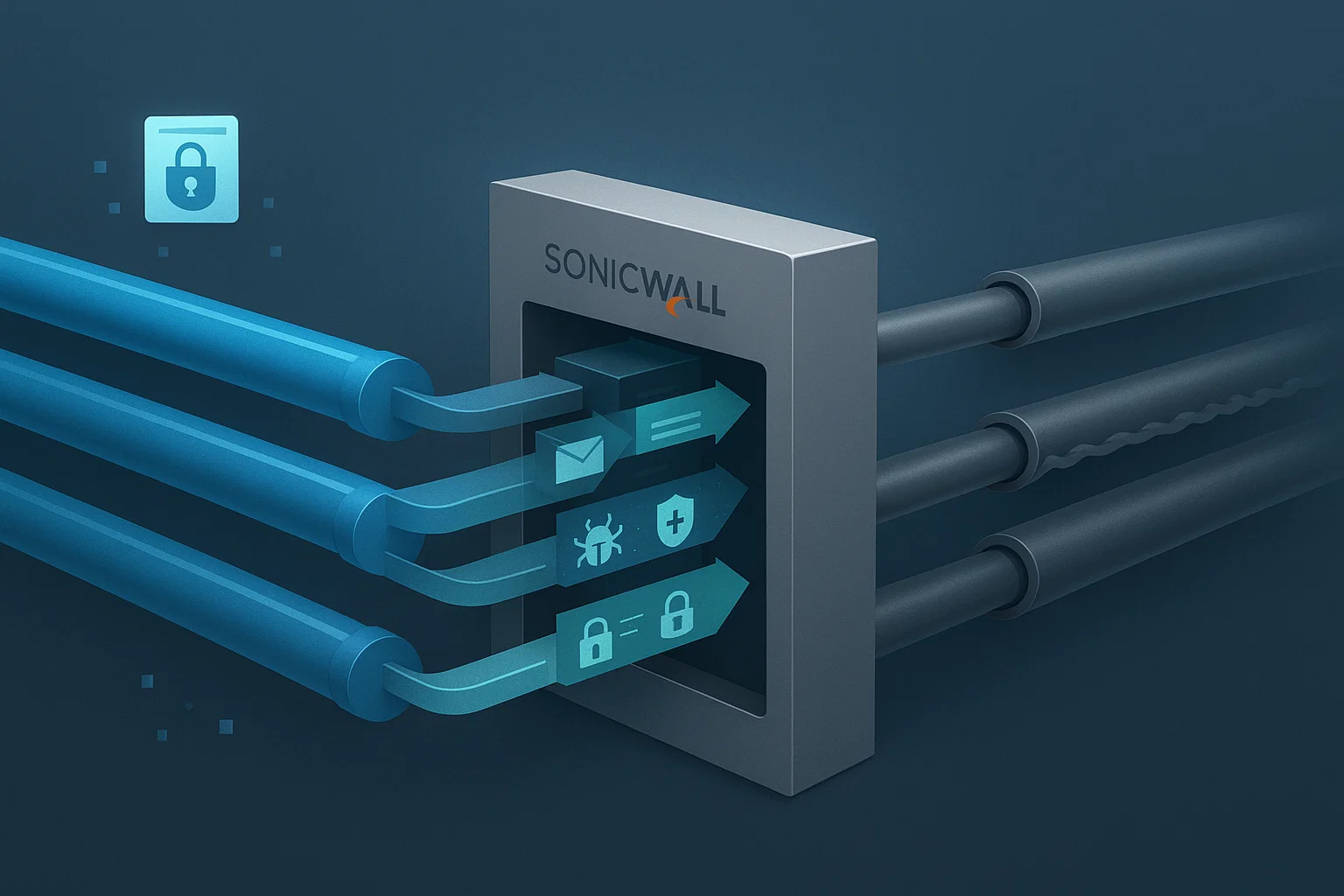
SonicWall uses a full-proxy model for SSL inspection. Unlike stream-based inspection—which attempts to inspect traffic within an existing encrypted flow—the full-proxy model terminates and re-establishes SSL/TLS connections.
Here’s what the flow looks like:
Step 1: Client connects to a secure website
The client initiates a TLS handshake with the firewall instead of the destination site.
Step 2: Firewall impersonates the destination
The firewall presents a locally generated certificate signed by the SonicWall DPI-SSL root certificate. This root cert must be installed on client devices; otherwise, users will get certificate warnings.
Step 3: Firewall establishes a second TLS session
On the backend, the firewall opens an encrypted session to the actual target server using its own negotiation parameters.
Step 4: Traffic flows through the SSL engine
The decrypted traffic is passed through:
- Intrusion Prevention System (IPS)
- Gateway Anti-Malware
- Content Filtering Service
- Application Intelligence
- File-based sandbox routing (Capture ATP)
Step 5: Firewall re-encrypts the traffic and sends it to the client
Both directions follow the same logic, making this a resource-heavy but full-visibility approach.
The key component behind all this is the SonicWall SSL Engine—responsible for cipher negotiation, certificate generation, and encryption/decryption tasks.
3. Why Throughput Drops When DPI-SSL Is Enabled
Throughput degradation during SSL inspection is not a SonicWall-only phenomenon; it’s universal across all firewall vendors. But understanding why it happens helps in planning capacity.
a. CPU-Bound Decryption
TLS decryption and re-encryption rely heavily on CPU cycles. Firewalls with dedicated crypto acceleration tend to suffer less, while entry-level models struggle more under load.
b. Increased Session Table Usage
Each SSL-inspected connection essentially creates two sessions:
- A client-to-firewall session
- A firewall-to-server session
This doubles the load on state tables and connection tracking.
c. Complex Ciphers and TLS 1.3
Modern encryption—especially with TLS 1.3—introduces additional overhead:
- Forward secrecy means unique keys per session.
- Some ciphers prevent passive inspection methods.
- QUIC/HTTP3 traffic over UDP cannot be inspected the same way as TCP-based HTTPS.
If the firewall has no hardware acceleration for specific ciphers, the SSL engine must fall back to software processing, reducing throughput further.
d. Inline Security Services Increase Load
When DPI-SSL is combined with:
- Anti-malware scanning
- Intrusion prevention
- Threat intelligence checks
- Cloud sandboxing
…the packet processing pipeline becomes significantly longer.

4. SonicWall’s Optimization Techniques for SSL Inspection
SonicWall has developed several optimizations to minimize the performance penalty.
a. TLS Encryption Offload
Higher-end SonicWall firewalls use hardware crypto acceleration via dedicated chips designed to handle bulk encryption tasks. This offloads major TLS operations from the main CPU.
b. Reuse of Session Parameters
Session caching allows the firewall to reuse certain handshake values, reducing the CPU impact of repeated connections to the same server.
c. Exclusion Policies
Selective scanning helps conserve resources by bypassing:
- Financial services websites
- Healthcare systems
- Trusted SaaS platforms
- Bandwidth-heavy services like YouTube or Office 365 (when decrypted scanning is unnecessary)
This reduces load dramatically and is one of the biggest levers for improving performance.
d. Deep Learning-Based Traffic Classification
SonicWall’s firewall SSL engine uses identification methods similar to App-ID (but SonicWall-specific) to classify encrypted applications without full decryption in some cases. This lets administrators block risky traffic without performing full TLS termination.
e. Concurrent Connection Scaling
Newer models support larger session tables, allowing more SSL connections simultaneously without exhausting memory.
5. Real-World Throughput Expectations
Many administrators are surprised when a firewall rated for “X Gbps of threat protection” drops to a lower throughput when DPI-SSL is enabled. This isn’t a flaw; it’s an architectural constraint.
Here’s a simplified example of typical performance behavior:
- Without DPI-SSL: Full advertised throughput
- With threat services only: Small reduction
- With DPI-SSL + threat services: Significant reduction, often 40% to 70% depending on model
This is due to the compound effect of decryption + inspection + re-encryption.
Even high-end SonicWall NSA or TZ models will show a noticeable dip when performing TLS termination at scale.
6. How to Plan SSL Inspection Without Killing Performance
Understanding DPI-SSL architecture helps build a design that balances security and performance.
a. Right-Size the Firewall
If SSL inspection is a core requirement:
- Don’t buy a firewall only based on standard throughput.
- Evaluate “DPI-SSL throughput” or “SSL inspection performance” ratings.
Manufacturers publish these specs precisely because the overhead is substantial.
b. Use Exclusion Lists Wisely
Decryption should be done where it matters most:
- Unknown domains
- Suspicious categories
- File-transfer services
- High-risk communication platforms
Trusted services with predictable traffic patterns may not need full inspection.
c. Consider Segmentation
You may not need to decrypt every VLAN or network segment. Prioritize SSL inspection where the risk is highest—typically user-facing networks rather than server segments.
d. Tune Cipher Support
Disabling older ciphers and enforcing streamlined TLS configurations can reduce the firewall’s decryption complexity.
e. Monitor the SSL Engine
Most SonicWall models provide detailed statistics on:
- SSL handshake rates
- Failed inspection attempts
- Crypto engine load
- Connection cache hit rates
Regular monitoring helps detect bottlenecks early.
f. Offload Non-Security Functions
Where possible:
- Move content filtering to cloud-based services
- Shift some security inspection to endpoint agents
- Offload VPN termination to dedicated appliances
This frees up CPU cycles for DPI-SSL.
7. The Future of DPI-SSL: Hardware Acceleration and Smarter Inspection
SonicWall’s roadmap—as seen across their Gen 7 firewalls—leans heavily on high-performance hardware optimized for encrypted traffic. With encryption standards becoming more complex, future firewalls won’t just need more CPU—they’ll need smarter packet handling.
Key trends include:
- Hardware-based TLS 1.3 acceleration
- Dynamic inspection that avoids decrypting trusted flows
- Machine learning for encrypted traffic classification
- More efficient session scaling and cache management
- Improved QUIC/HTTP3 inspection frameworks
The goal is to maintain security without forcing administrators to choose between protection and performance.
Conclusion
SonicWall’s DPI-SSL architecture is a powerful way to bring visibility back into encrypted traffic, but it inevitably impacts firewall throughput. Understanding how the SSL engine works, what causes performance degradation, and how encryption offload influences the processing pipeline is essential for designing a stable and secure network.
The good news is that with the right sizing, tuning, and policy strategy, SSL inspection can be deployed without overwhelming network resources. SonicWall’s ongoing improvements in hardware acceleration, cipher handling, and intelligent traffic classification continue to reduce the performance trade-offs traditionally associated with deep SSL inspection.
DPI-SSL is no longer optional for organizations wanting true visibility into modern encrypted traffic—and knowing how the architecture works enables smarter decision-making and smoother deployments.
Recent Posts
- Config Drift: The Silent Breaker of Large-Scale Network Environments
- Building a High-Performance VPN Mesh for Distributed Teams
- Building Resilient VPN Architectures Using Route-Based VPN and Tunnel Interfaces
- Understanding SonicWall DPI-SSL Architecture and Its Impact on Throughput
- Advanced Threat Prevention: Inline ML and DNS Security Architecture Explained
Recent Comments
- ISO 27001 Certification Audit on The Impact of Quantum Computing on Cybersecurity: Preparing for the Future
- ISO 27001 Certification Audit on The Impact of Quantum Computing on Cybersecurity: Preparing for the Future