
-
Suresh Kalal
- January 8, 2026
- No categories assigned.
- No Comments
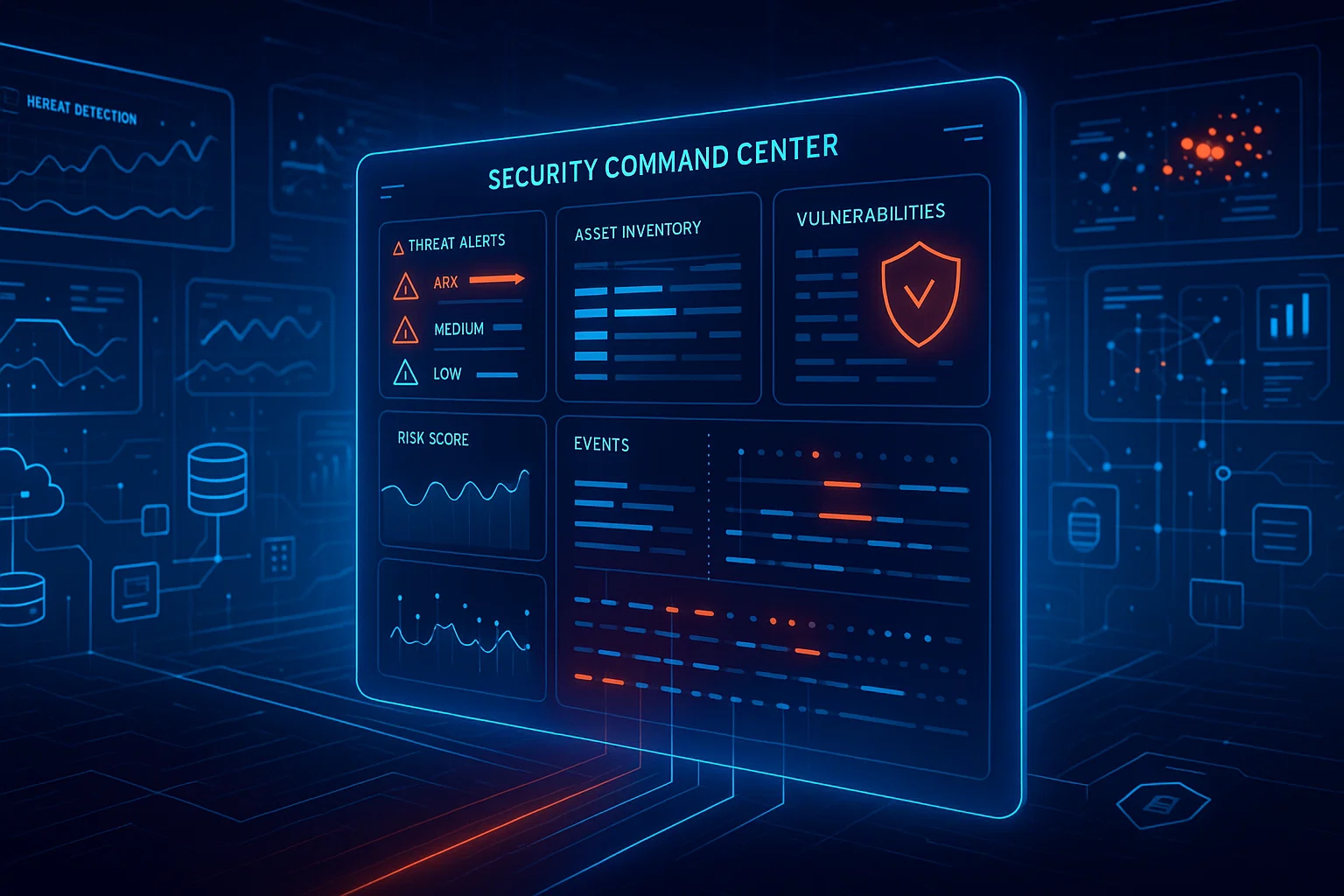
Implementing Real-Time Security Monitoring With Security Command Center
In today’s cloud-first landscape, organizations can no longer rely on periodic security reviews or manual risk assessments alone. Cloud environments are dynamic: workloads spin up and down, configurations change, and attackers exploit even the smallest gaps. That’s why real-time monitoring matters — and why Google Cloud’s Security Command Center (SCC) is becoming a must-have for serious security teams.
This article unpacks how to implement real-time security monitoring using SCC Premium, how it enables GCP threat detection, and why it’s a powerful addition to any mature managed-IT practice.
Why Real-Time Monitoring Matters for Cloud Security
When you run infrastructure in Google Cloud, your threat surface isn’t static. New VMs, Kubernetes clusters, and other assets are constantly being created or reconfigured. Without continuous oversight, even well-architected environments can drift into risky states.
Real-time monitoring helps you:
- Detect active attacks as they happen — not just after a quarterly review.
- Prioritize risks by surfacing the most critical issues in near real-time.
- Respond faster, minimizing dwell time for attackers.
- Maintain compliance by continuously tracking configuration and policy deviations.
Security Command Center brings all this into one native Google Cloud tool — giving you unified visibility and response capabilities across your projects.
What Is Security Command Center (SCC)?
Google’s Security Command Center is a cloud-native security and risk-management platform built for GCP. It provides visibility into your cloud assets, surfaces misconfigurations, tracks risk posture, and performs ongoing threat detection.
SCC has three service tiers: Standard, Premium, and Enterprise.
- The Standard tier handles basic posture management.
- The Premium tier adds real-time threat detection, attack path analysis, compliance, and more.
- The Enterprise tier provides multi-cloud CNAPP capabilities.
For real-time monitoring and advanced threat detection, SCC Premium is the sweet spot.
Setting Up SCC Premium: From Zero to Real-Time Monitoring
Implementing SCC real-time monitoring involves more than just flipping a switch — while Google has streamlined onboarding, it’s useful to understand the steps, trade-offs, and best practices.
1. Activate SCC Premium
- First, you need the right IAM permissions: typically
roles/securitycenter.admin,roles/iam.securityAdmin, and the ability to create service accounts. - Decide whether to enable SCC at the organization level (recommended) or at the project level.
- In the SCC settings, go to the “Tier details” tab and select Premium.
- Enable the built-in services you need — these can include Event Threat Detection, VM Threat Detection, Container Threat Detection, Web Security Scanner, etc.
Once enabled, SCC runs an initial asset scan, after which you gain visibility into your resources via the SCC dashboard.
2. Enable Key Detection Services
To achieve real-time threat detection, you’ll want to enable (or keep enabled) certain built-in services:
- Event Threat Detection (ETD): Monitors audit logs (admin activity, system activity, data access) and flags suspicious actions.
- Virtual Machine Threat Detection (VMTD): Uses hypervisor-level instrumentation, disk snapshots, and malware signatures to detect malicious processes (e.g., cryptominers, rootkits).
- Container Threat Detection: Works with GKE clusters; deploys DaemonSets to monitor container runtime behavior.
- Security Health Analytics: Scans your cloud configuration for misconfigurations continuously.
- Web Security Scanner: Scans web apps for common vulnerabilities. (Note: managed scans are built into Premium, but custom scans remain an option.)
Google strongly recommends keeping all relevant built-in services enabled all the time so that you’re always protected as your environment evolves.
3. Configure Data Export & Alerting
Real-time monitoring is most powerful when findings are exported and handled proactively:
- Use Continuous Exports in SCC to push findings to external systems (like SIEMs) via Pub/Sub.
- Leverage notification mechanisms or cloud functions to trigger automated workflows. For example, you might push threat findings into a SIEM or incident response tool.
- Define high-value resource sets — identify critical assets (e.g., production databases, Kubernetes control planes) and focus alerts on them.
4. Optimize & Tune for Your Environment
Implementing SCC is not a “set it and forget it” exercise. Here are ways to make your real-time monitoring more effective:
- Least-privilege IAM: Make sure service accounts and user roles follow the principle of least privilege.
- Logging strategy: Enable and centralize logs required by threat detection — such as VPC Flow Logs, firewall logs, Cloud Audit logs — and ensure SCC has access to them.
- Mute rules: Use “mute finding” rules judiciously to suppress noisy or low-risk findings. Over-muting risks missing real threats, so treat this carefully.
- Regular review: Periodically revisit which SCC services are enabled, how alerts are being routed, and whether your exports and integrations remain aligned with your security posture.
- Simulate threat paths: Use virtual red-teaming capabilities in SCC Premium to automatically model attack paths and discover risky combinations of vulnerabilities.
How SCC Premium Powers GCP Threat Detection in Real Time
Let’s take a deeper look at how SCC Premium enables real-time threat detection on Google Cloud (i.e., “gcp threat detection”) in practice:
- Live threat surfacing
SCC Premium includes over 175 proprietary detectors built into Google’s own infrastructure. These are specialized to detect risky/malicious behaviour in services like Compute Engine, GKE, Cloud Run, and BigQuery. - Continuous visibility
The asset view in SCC gives near-real-time discovery of your cloud resources. You can subscribe to “feeds” for resource or policy changes, so you’re rapidly aware of newly created or modified assets. - Threat dashboards
With SCC Premium, you get a Threats dashboard (Risk Overview → Threats) — this is where detected threats are surfaced, prioritized, and visualized. - Automatic remediation and investigation
By exporting SCC findings through Pub/Sub, you can push alerts into your SIEM or incident response pipeline (e.g., Chronicle SIEM or third-party tools). Because SCC’s threat detection is native to Google Cloud, it offloads much of the detection burden from your DevSecOps team, letting you focus more on investigation and mitigation.
Business Benefits & ROI for Managed IT Firms
For a managed IT company (or MSP) with deep cloud expertise, implementing SCC real-time monitoring can drive significant value — both for your clients and for your own operations.
- Defend customer environments proactively: Instead of relying on reactive security posture audits, you can proactively detect threats in client clouds, adding a new layer of managed security service.
- Differentiate your offering: Many MSPs focus on patching, backups, or cost optimization. Real-time threat detection using native Google tooling like SCC Premium gives you a premium, differentiated security value proposition.
- Reduce mean time to detect (MTTD): With real-time alerts, you cut down the time attackers remain undetected. That means fewer successful breaches, lower risk, and happier clients.
- Operational efficiency: By exporting SCC findings to your centralized SIEM or security tooling, you minimize manual triage and let your analysts spend time on real investigation.
- Scalable security: As your client base grows, SCC scales — you’re not deploying agents or managing third-party scanners per workload, it’s built into GCP.
- Cost predictability: With SCC Premium’s pay-as-you-go model (or subscription), you can align security spending more predictably with cloud usage.
Challenges & Considerations
That said, real-time monitoring with SCC Premium is not without trade-offs. Here are some common challenges:
- Cost: Premium tier costs can scale, especially with many projects. For some, pay-as-you-go might feel unpredictable.
- IAM complexity: Setting up correct IAM roles (least privilege) and service accounts can be complex and often requires careful planning.
- Log volume: Enabling all required logs (e.g., audit, flow) may generate large volumes of data. You need a plan for storage, retention, and ingestion.
- Alert fatigue: Without tuning, SCC can generate a high volume of findings. Mute rules, prioritization, and continuous review are necessary to avoid drowning in noise.
- Integration: Exporting findings and integrating with your SIEM or incident response tools requires work — Pub/Sub setup, subscription management, parsing SCC data, etc.
- Permissions and onboarding: Projects need to be part of a Google Cloud organization, and you need the right IAM roles.

Best Practices for a Smooth SCC Real-Time Monitoring Roll-Out
To make your implementation of SCC real-time monitoring effective and maintainable, consider these best practices:
- Plan your IAM
Set up roles and service accounts with least privilege. Use organizational policies to limit what SCC can see and act on. - Start with a pilot
Begin with a non-critical project or sandbox to enable SCC Premium and test built-in services. Validate detection, alerting, and exports. - Define high-value asset sets
Identify and tag the most critical resources in your cloud environment. Use SCC’s high-value resource set feature to focus alerts on these. - Use continuous exports strategically
Export only the findings you care about. Use filtering (severity, type) to reduce noise in your downstream tools. - Automate incident response
Connect SCC exports to your incident management — e.g., use Cloud Functions, Pub/Sub, or SIEM integration to trigger runbooks or automated playbooks. - Tune and evolve
Regularly revisit which SCC services are enabled, your mute rules, and how you handle findings. Use SCC’s optimization guidance to refine. - Leverage threat modeling
Use the virtual red teaming feature to model attack paths, see which resources are most exposed, and prioritize remediation.
Conclusion
Real-time security monitoring with Security Command Center Premium A solid step to mature your cloud security posture It’s a known fact that there may be multiple Security Operation Centers (SOCs) involved in the defense of an organization. When you take advantage of native threat detection capabilities within GCP, native asset discovery options and the continuous export of findings, you’re able to have proactive insights into your environment — a fast way to act.
For MSPs or natively-cloud companies, SCC Premium delivers a security offering that’s scalable, integrated and high-fidelity. Challenges exist (cost, alert volume, IAM complexity), but best practices in planning, tuning, and integration can help you create a high-fidelity real-time monitoring solution.
In summary: Cloud compliance isn’t only about visibility — it’s about transforming that visibility into action, managing risk and confidence in the cloud.
Recent Posts
- Building a High-Performance VPN Mesh for Distributed Teams
- Building Resilient VPN Architectures Using Route-Based VPN and Tunnel Interfaces
- Understanding SonicWall DPI-SSL Architecture and Its Impact on Throughput
- Advanced Threat Prevention: Inline ML and DNS Security Architecture Explained
- App-ID: How Palo Alto Firewalls Identify Traffic Beyond Ports & Protocols
Recent Comments
- ISO 27001 Certification Audit on The Impact of Quantum Computing on Cybersecurity: Preparing for the Future
- ISO 27001 Certification Audit on The Impact of Quantum Computing on Cybersecurity: Preparing for the Future