
-
Suresh Kalal
- December 11, 2025
- No categories assigned.
- No Comments
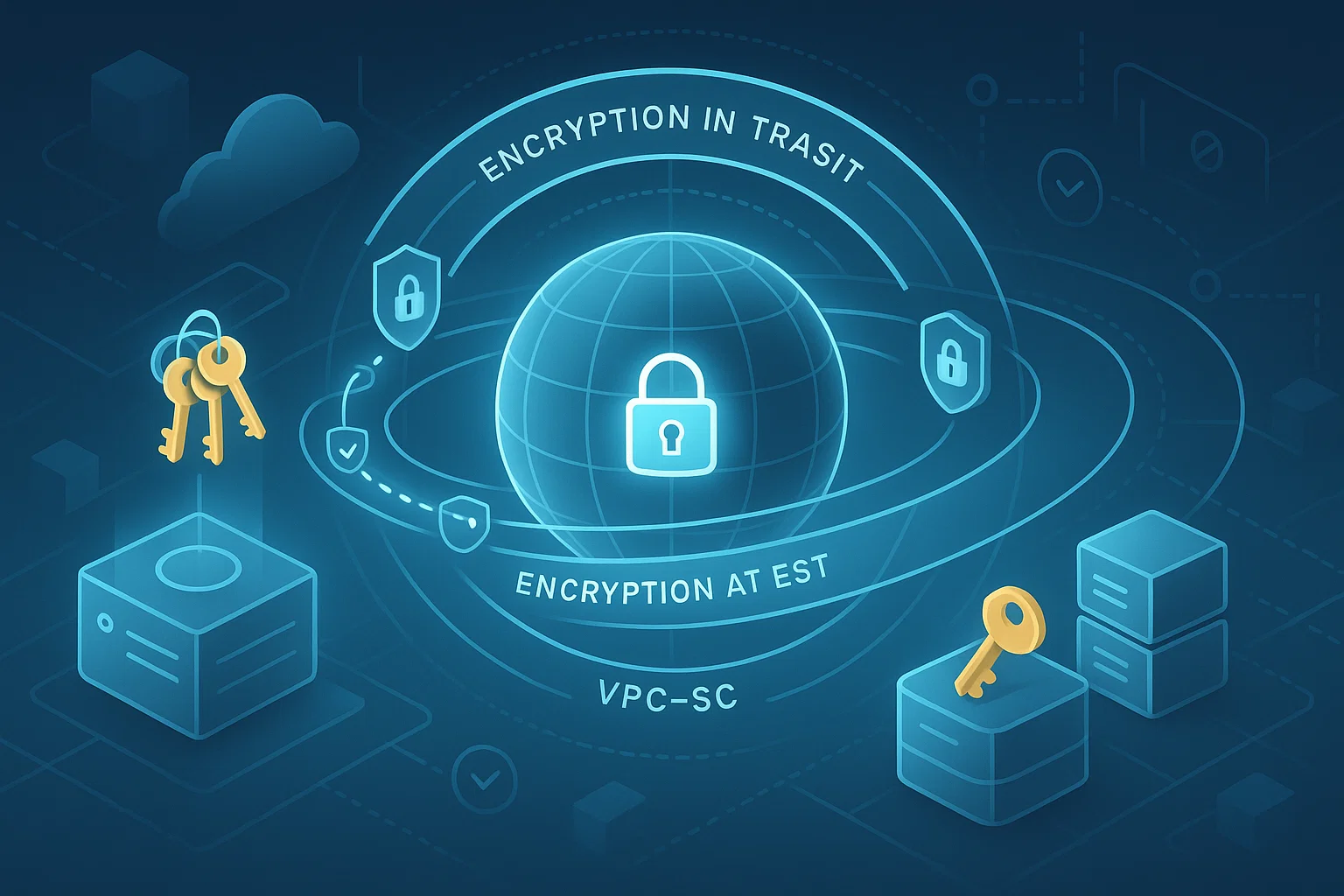
Encrypting Data in Transit & at Rest Using CMEK and VPC-SC
In this cloud-first world, data security has become not just a checkbox, but a boardroom conversation. As IT professionals, you know it is essential to safeguard information when at rests on disks as well as when it travels through networks. In Google Cloud, two key elements assist you in minimizing the exposure of data:Customer-Managed Encryption Keys (CMEK) and VPC Service Controls (VPC-SC). Let’s break down how they work together to improve your data security posture, why it matters and potential pitfalls.
Why Encryption Matters: A Quick Revisit
At its core, encryption is your last line of defense when someone tries to access your data without authorization. There are two primary states you need to protect:
- Data at rest — this is the data stored on disks, snapshots, backups.
- Data in transit — this is the data moving across networks, whether within your cloud or across the internet.
GCP encrypts customer data by default in both these states. But, default doesn’t always equal “owned by you.” That’s where CMEK comes into play. And while encryption safeguards the content, it doesn’t always prevent exfiltration — which is where VPC Service Controls shine.
CMEK Encryption: Taking Key Management into Your Hands
What is CMEK?
Customer-Managed Encryption Keys (CMEK) let you own and control the cryptographic keys used to encrypt data at rest in Google Cloud, instead of relying solely on Google’s managed keys. You manage these keys through Cloud Key Management Service (Cloud KMS).
By using CMEK, you gain:
- Control over key lifecycle: create, rotate, disable, or even destroy keys under your terms.
- Auditability: every operation (encrypt/decrypt) on the key can be logged via Cloud KMS audit logs.
- Regulatory compliance: since you manage the key, you can satisfy compliance regimes that demand cryptographic control.
How CMEK works under the hood
Under the hood, GCP uses a two-level encryption schema:
- A data encryption key (DEK) encrypts the actual data.
- That DEK is itself encrypted by a key encryption key (KEK), which you manage via Cloud KMS when using CMEK.
When data needs to be read, the service transparently asks Cloud KMS to decrypt the KEK, unwraps the DEK, and uses that to access your data — all without you managing every single operation.
Tradeoffs to consider
- There’s a cost: using Cloud KMS has pricing implications based on how many versions of the key you have and how frequently you invoke cryptographic operations.
- Operational responsibility: losing access to the key (for example, disabling or deleting it) can make your data irretrievable.
- Availability: for some services, if the key becomes unavailable, operations may fail (e.g., Firestore polls KMS every few minutes to check).
Securing Data Movement with VPC Service Controls
Encryption protects how data is stored, but what about how data flows across your cloud environment? That’s where VPC Service Controls (VPC-SC) come in.
What are VPC Service Controls?
VPC-SC allows you to define security perimeters around GCP resources (like Cloud Storage, BigQuery, etc.) to control how data moves in and out.
- You can restrict access to only authorized VPC networks, IP addresses, or service accounts.
- With ingress and egress rules, you can finely manage who can call into or out of those perimeters.
- There’s also context-aware access, meaning you can enforce policies based on identity attributes, device, or IP.
Why this matters
Even with strong encryption, data exfiltration remains a very real threat — especially from misconfigured IAM, compromised service accounts, or malicious insiders. VPC-SC helps you mitigate that by enforcing a “zero-trust” boundary: services and accounts inside your perimeter can freely communicate internally, but it’s much harder to push data outside in an uncontrolled way.

For example, if someone tries to copy a Cloud Storage bucket from inside your perimeter to a bucket outside, VPC-SC can block it.
Design considerations
- Use a common unified perimeter when possible: keeping your high-risk resources (datasets, storage) in a single large perimeter simplifies policy management.
- Use dry-run mode initially: VPC-SC supports dry-run, where violations are logged but not blocked — great for tuning without disrupting workloads.
- Be careful with unsupported services: not all GCP services are compatible with VPC-SC, and some metadata flows may not be blocked.
- Plan for ingress and egress rules: you’ll need to explicitly allow the communication flows you want (for example, from an analytics project to a data-lake bucket).
A Unified Strategy: CMEK + VPC-SC for GCP Data Security
Putting CMEK and VPC Service Controls together gives you layered protection. Here’s how they complement each other in a practical security posture:
- CMEK for data sovereignty: By managing your own encryption keys, you retain control and visibility into how data is encrypted at rest — satisfying both compliance and internal governance.
- VPC-SC for data movement controls: Even if someone has the right IAM permissions, they can’t easily move data outside your defined perimeter, thanks to the enforced service boundary.
- Defense-in-depth: Encryption ensures confidentiality. The perimeter control ensures that potential exfiltration vectors are minimized. Together, they reduce risk significantly.
- Operational resilience: Use dry-run VPC-SC to test without disruption; rotate CMEK keys regularly to limit exposure; audit both key usage and perimeter violations for continuous insight.
Risks & Challenges: What to Watch Out For
You’re not just implementing technology — you’re defining how trust and access work. A few real-world pain points to keep in mind:
- Operational complexity: VPC-SC adds a layer of abstraction and policy management. Multiple perimeters, ingress/egress rules, and exceptions can get tricky—especially at scale.
- Key management risk: Mismanaging CMEK keys (destroying versions, disabling accidentally) can lead to data loss.
- IAM isn’t dead: VPC-SC doesn’t replace IAM — it complements it. Poor IAM still allows privileged access inside perimeters.
- Unsupported services: Some GCP services don’t fully support VPC-SC. If you use such services, you may need to isolate them in separate projects.
- Metadata exposure: VPC-SC primarily guards data, not metadata. Some resource metadata might still be accessible and should be managed via IAM.
Final Thoughts
In a world where data breaches are not if but when, there’s something enormously appealing about CMEK plus VPC service controls. CMEK gives you (literally) the keys, and VPC-SC creates a virtual moat around your most important assets. For the IT leaders mapping out your security roadmap, this isn’t a box-checking exercise; it’s about architecting long-term resilience and control into your cloud infrastructure.
If you’re just getting started on the journey, start with your audit: map what data you have that should need CMEK, identify perimeters where you want enforcement and run VPC-SC in dry-run mode. And then iterate, check, enforce. When executed properly, this two-pronged approach provides you with key management and traffic control—a critical component of GCP data security.
Recent Posts
- Building a High-Performance VPN Mesh for Distributed Teams
- Building Resilient VPN Architectures Using Route-Based VPN and Tunnel Interfaces
- Understanding SonicWall DPI-SSL Architecture and Its Impact on Throughput
- Advanced Threat Prevention: Inline ML and DNS Security Architecture Explained
- App-ID: How Palo Alto Firewalls Identify Traffic Beyond Ports & Protocols
Recent Comments
- ISO 27001 Certification Audit on The Impact of Quantum Computing on Cybersecurity: Preparing for the Future
- ISO 27001 Certification Audit on The Impact of Quantum Computing on Cybersecurity: Preparing for the Future