
-
Suresh Kalal
- December 18, 2025
- No categories assigned.
- No Comments
Designing High-Density Wi-Fi With Aruba AI Insights & ClientMatch
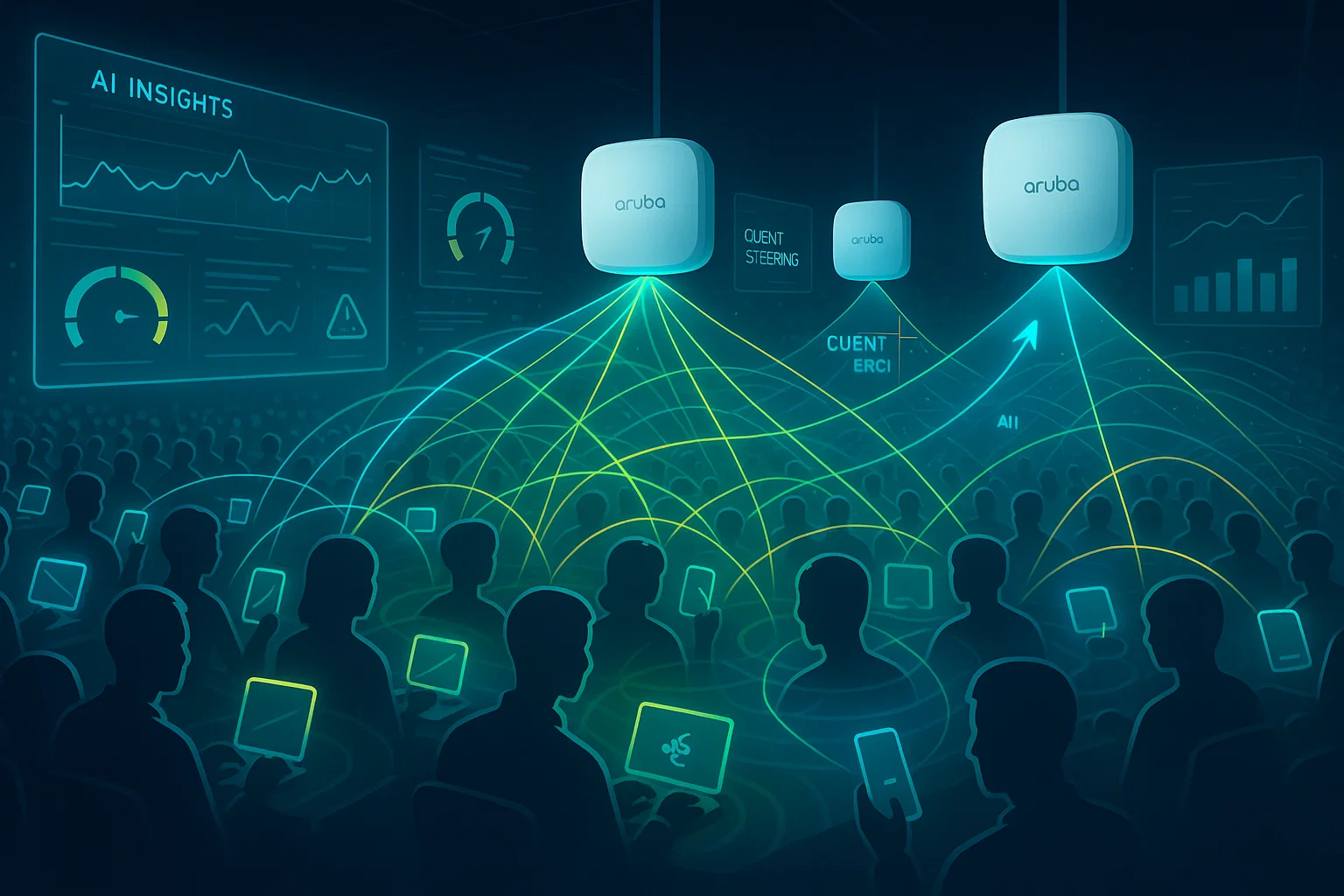
Introducing High-Density Wi-Fi It used to be a struggle with high-density Wi-Fi, a constant game of whack-a-mole… Too many devices not enough fresh airtime Just keep trying to force more throughput through the same RF cord till something breaks. Today the story is different. Today you can create that predictability-drven Wi-Fi with tools like AI Insights and ClientMatch on Aruba – so your Wi-Fi recovers more swiftly, adjusts in real time to changing client and RF conditions.
If you have any experience administering Wi-Fi in dense conference rooms, auditoriums, warehouses or open offices, you know that the key to a successful deployment is not pure AP count- it’s how smart those APs are at moving clients around and balancing load while responding to problems. Aruba’s newer capabilities foreground that intelligence.
This article details a behind the scenes look at using AI to build high-density Wi-Fi from Aruba: demystifying AI-driven analytics; automatic RF tuning and smarter client steering with ClientMatch—what works, what doesn’t and how AI really does make an impact.
Why High-Density Still Breaks Traditional Wi-Fi
Adding more APs rarely solves congestion. In fact, it often makes it worse. High-density problems generally come from:
- Too many clients associating with a single AP
- Sticky clients refusing to roam even when they should
- Co-channel interference from poorly placed APs
- Incorrect power/channel settings
- Band selection issues (clients stuck on 2.4 GHz)
- Under-utilized adjacent APs that could share the load
Even with clever manual tuning, conditions shift throughout the day. A workspace that’s empty at 10 AM becomes saturated at 3 PM. A conference room that sees 10 people one hour gets 50 people the next. Traditional Wi-Fi design assumptions don’t adapt quickly enough.
This is where AI Insights and ClientMatch start to matter.
Aruba AI Insights: Turning Wi-Fi Data Into Real-Time Decisions
Aruba AI Insights is essentially an analytics layer sitting on top of the network—tracking millions of data points, identifying behavioral patterns, and flagging issues before users even realize something’s off. It doesn’t just show dashboards; it gives context.
What AI Insights Actually Identifies
AI Insights looks at real-world performance metrics such as:
- Abnormal client behavior
- Repeated roaming failures
- Suboptimal AP load distribution
- Rising interference or noise
- APs under stress or saturation
- Authentication delays
- Misconfigured RF profiles
Instead of waiting for complaints, the system surfaces problems tied to their root cause—whether it’s RF optimization, a misbehaving client, or simply an overloaded AP.
Why This Matters in High-Density Environments
When working through Wi-Fi performance tuning, you often run into ambiguous issues: is it airtime, coverage, interference, channel planning, or a specific band? AI Insights removes the guesswork by correlating multiple signals. For instance:
- If an AP is overloaded while adjacent APs are free, it highlights load imbalance.
- If roaming events fail due to client behavior, it flags the responsible device type.
- If RF noise spikes at certain times, it shows the pattern across days or weeks.
In high-density Wi-Fi setups, these subtle patterns determine whether the experience stays stable or collapses under peak usage.
Smarter Roaming With Aruba ClientMatch
If you’ve ever watched a laptop cling to an AP three rooms away, you know client roaming is unpredictable. Most devices base their decisions purely on signal strength—not load, not airtime, not channel conditions.
ClientMatch changes that dynamic completely.
How ClientMatch Works
ClientMatch continuously evaluates:
- AP load
- Airtime utilization
- Signal quality
- Client type and radio capability
- Band performance (2.4 vs 5 vs 6 GHz)
When a better AP is available, ClientMatch gently but intelligently moves the client to it. This results in:
- Reduced sticky clients
- More uniform AP load distribution
- Faster recovery from AP failures
- Better utilization of 5 GHz and 6 GHz radios
In other words, ClientMatch keeps clients where they should be—not where they accidentally ended up.
Why It’s Critical for High-Density
High-density Wi-Fi fails primarily due to imbalance. One AP gets crushed, while neighboring APs carry a fraction of the load. ClientMatch solves this with real-time decisions that users don’t even notice.
For example:
- When a large meeting ends, 40 devices can move across APs instead of spiking one AP.
- When a device wakes from sleep, ClientMatch ensures it reconnects to the optimal AP—not the one it last remembered.
- When deploying 6 GHz (Wi-Fi 6E), ClientMatch nudges capable devices to the cleaner band, reducing pressure on 5 GHz.
It’s the kind of control you can’t get through static RF tweaks alone.

RF Optimization: Where AI + Automation Really Shine
Traditional RF optimization relies heavily on careful planning:
- Heatmaps
- Predictive surveys
- Manual channel alignment
- Power level tuning
- Interference adjustments
Aruba’s AI-driven RF Optimization layer supplements this with live telemetry.
Automatic Channel & Power Adjustments
Aruba’s Adaptive Radio Management (ARM), now assisted by AI Insights, continuously adjusts:
- Channel selection
- Transmit power
- Band balancing
- Airtime fairness
- DFS event handling
Instead of dialing in RF profiles once and hoping conditions don’t change, the system monitors real-time RF patterns and corrects issues immediately.
6 GHz Changes the Game
With 6 GHz (Wi-Fi 6E & Wi-Fi 7), high-density designs get:
- More available channels
- Fewer legacy interference sources
- Cleaner spectrum
AI-assisted RF tuning determines which devices should move to 6 GHz, when to load-balance between bands, and how channels should be aligned to minimize co-channel interference.
Designing an Aruba High-Density Wi-Fi Environment: Key Principles
Below are practical steps to design a strong high-density deployment using AI Insights, ClientMatch, and Aruba’s RF stack.
1. Start With Capacity, Not Coverage
High-density Wi-Fi is about:
- Airtime
- AP capacity
- Application requirements
- Device density
Coverage is the easy part; capacity is the real engineering challenge.
Estimate:
- Peak concurrent users
- Device type mix
- Throughput requirements
- Application layer behavior (voice, video, IoT, guest traffic)
2. Use More APs With Lower Power Levels
In a dense environment, APs should operate at lower transmit power to reduce interference overlap. AI Insights helps verify whether:
- APs are stepping on each other
- Coverage holes are appearing
- Power levels drift during peak times
3. Prioritize 5 GHz and 6 GHz
Design for:
- 5 GHz as the primary workhorse
- 6 GHz for capable devices
- 2.4 GHz only for legacy or IoT
ClientMatch offloads capable devices to 6 GHz whenever it makes sense.
4. Place APs Strategically
Avoid:
- Overhead APs in extremely high ceilings
- Placing APs inside obstructions
- Seating areas too close to APs (near-far problems)
Favorable placement includes:
- Regular grid layouts
- Avoiding direct line-of-sight overlap
- Keeping uniform spacing in dense areas
5. Use AI Insights as Your Continuous Validation Layer
Once deployed, AI Insights serves as your early warning system:
- Detecting roaming failures
- Highlighting overloaded APs
- Showing client capability distributions
- Alerting for sudden RF anomalies
- Identifying repeat offenders (device models causing issues)
It becomes a continuous tuning engine—not a one-time survey.
6. Allow ClientMatch To Maintain Optimal Distribution
Let ClientMatch handle:
- Steering between APs
- Band decisions
- Load balancing
- Resolving sticky clients
This prevents the usual high-density meltdown during peak activity.
What the Network Looks Like After AI-Driven Optimization
When AI Insights and ClientMatch are fully leveraged, the network tends to show:
- More even load across APs
- Faster roaming decisions
- Fewer sticky clients
- Reduction in retransmissions
- Improved application-level performance
- Higher throughput during peak usage
- Lower helpdesk tickets tied to Wi-Fi
The difference is noticeable—not because speeds suddenly skyrocket, but because the consistency improves significantly.
Common Pitfalls to Avoid
Even with AI and automation, a few design issues still cause trouble:
- Adding too many APs too close together
- Leaving 2.4 GHz at high power
- Not segmenting high-density areas (conference rooms vs hallways)
- Using SSIDs with outdated security settings
- Allowing 5+ SSIDs to broadcast simultaneously
- Ignoring DFS impact (AI Insights can help identify avoidable channels)
If these pitfalls are addressed early, the AI layer has a cleaner foundation to work from.
The Future: AI-Driven Wi-Fi That’s Self-Correcting
The direction of Aruba is clear: networks that can tune themselves. With ever increasing device numbers, multi-band complexity and the never-ending user density churn, manually supporting high-density Wi-Fi is no longer feasible.
AI Insights and ClientMatch are stepping stones to self-correcting networks — Wi-Fi that sees its own congestion, balances clients, tunes RF settings and drives performance toward stable baselines.
For high-density settings — offices, coworking spaces, campuses, events — this reorientation isn’t just nice to have; it’s a must.
Conclusion
Designing high-density Wi-Fi today is not only about adding more APs or selecting cleaner channels. It’s more a question of partaking in real-time intelligence to see how customers are behaving, where bottlenecks arise and how RF conditions change across the day. Aruba AI Insights, together with ClientMatch and adaptive RF optimization bring self-healing to Wi-Fi – finally!
The result: self-healing networks that intelligently allocate clients and maintain steady performance even when density peaks.
Recent Posts
- Building a High-Performance VPN Mesh for Distributed Teams
- Building Resilient VPN Architectures Using Route-Based VPN and Tunnel Interfaces
- Understanding SonicWall DPI-SSL Architecture and Its Impact on Throughput
- Advanced Threat Prevention: Inline ML and DNS Security Architecture Explained
- App-ID: How Palo Alto Firewalls Identify Traffic Beyond Ports & Protocols
Recent Comments
- ISO 27001 Certification Audit on The Impact of Quantum Computing on Cybersecurity: Preparing for the Future
- ISO 27001 Certification Audit on The Impact of Quantum Computing on Cybersecurity: Preparing for the Future