
-
Suresh Kalal
- December 4, 2025
- No categories assigned.
- No Comments
Around-the-Clock Monitoring: The New Standard for Modern IT Teams
The expectations placed on modern IT teams have changed radically.
It’s no longer enough to “keep systems running.” Users expect services to be available all the time, customers expect flawless uptime, and businesses expect IT to prevent issues before they happen—not after.
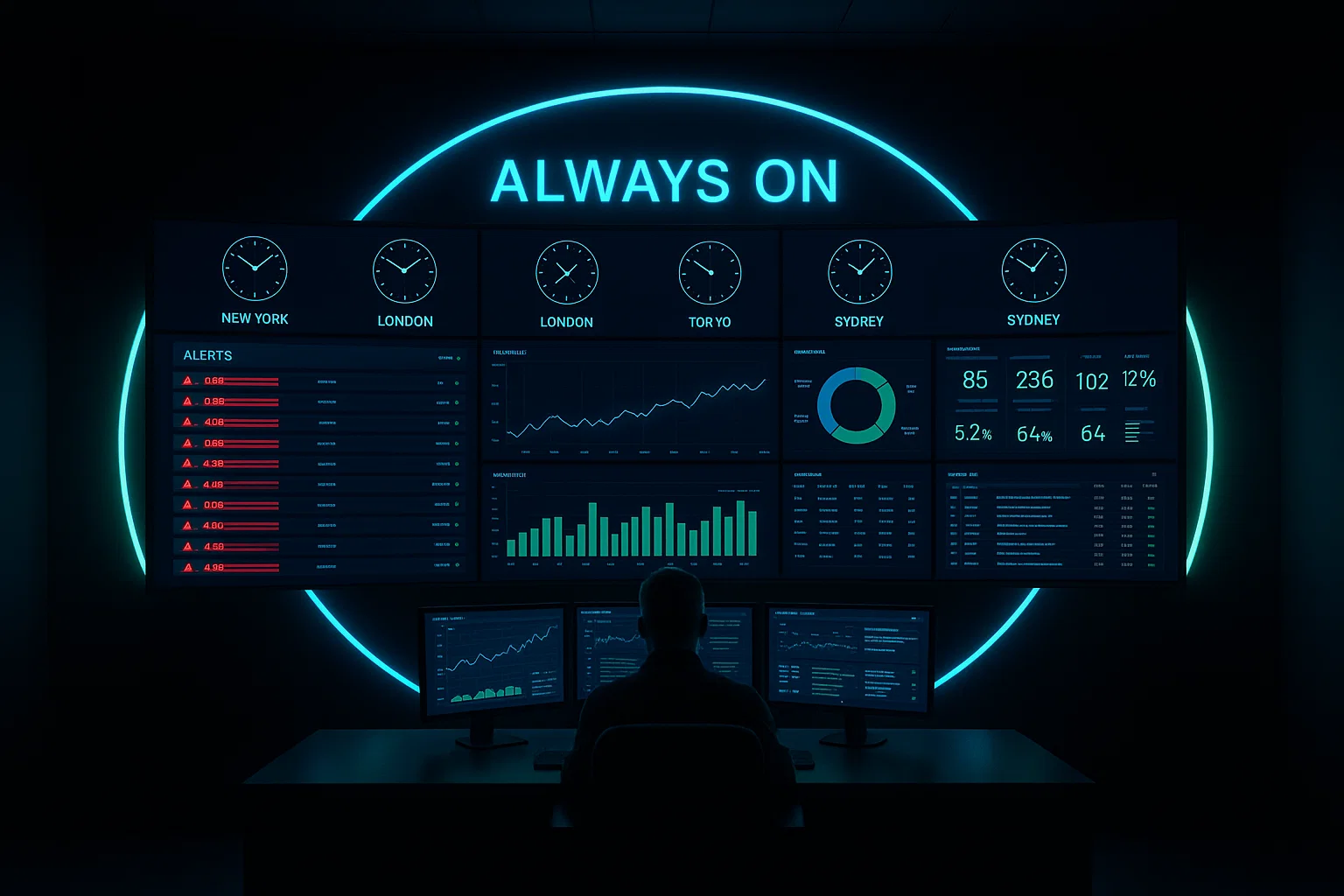
That’s why 24×7 monitoring has become the new baseline. Not a premium add-on. Not an optional service. But the default expectation for any serious IT operation.
And for teams managing multi-cloud workloads, distributed users, hybrid identities, and constant security threats, an always-on monitoring strategy is no longer a luxury—it’s survival.
In this article, we’ll break down what “around-the-clock monitoring” really means, the disciplines behind it, the pitfalls of relying only on business-hours coverage, and how NOC best practices and automation redefine operational reliability.
Why 24×7 Monitoring Became the Standard (Not a Bonus)
The old model—where IT only monitored systems during the day and responded to alerts the next morning—worked when applications were a closed ecosystem and downtime didn’t kill revenue.
Today, the world looks different:
- Users work from everywhere
- SaaS apps are mission-critical
- Cloud workloads scale on their own schedule
- Cyberattacks happen at 2 AM as often as 2 PM
- Customer touchpoints run 24×7
- SLAs demand real-time response
If an incident happens at night and no one addresses it until the next morning, the damage is already done—lost transactions, corrupted data, compromised systems, or security drift.
Modern IT doesn’t sleep, so monitoring can’t either.
1. Proactive > Reactive: The First Rule of Modern Monitoring
The biggest shift is philosophical.
Old monitoring = “Tell me when things break.”
Modern monitoring = “Tell me before things break.”
Proactive monitoring requires:
- Baseline performance thresholds
- Trend analysis
- Early warning signals
- Deviation detection
- Continuous service health scoring
Instead of waiting for a service outage, proactive monitoring flags:
- CPU rising over time instead of spiking
- Latency creeping up
- Disk nearing capacity
- Authentication failures increasing
- DNS query patterns shifting
These early signals help avoid catastrophic failures.
2. What Always-On IT Actually Means
24×7 monitoring is more than having someone “on call.”
It includes:
Always-On Visibility
Real-time dashboards for:
- Cloud workloads
- VM instances
- Network traffic
- SaaS apps
- Endpoint health
- Identity events
- Security logs
- Database performance
If something degrades at midnight, the team sees it instantly.
Always-On Response
A NOC (Network Operations Center) that:
- Acknowledges alerts within minutes
- Triages the issue
- Initiates first-level remediation
- Escalates only when necessary
Always-On Automation
Incident response automation ensures that:
- Reboots happen instantly
- Traffic re-routes without human input
- New VM instances spin up automatically
- Throttling rules activate during surges
It’s not just 24×7 humans—it’s 24×7 intelligence.

3. The Role of a Modern NOC: More Than Screens and Alerts
The Network Operations Center has evolved from a monitoring room to an operational nerve center.
NOC responsibilities today:
- Monitoring physical, virtual, and cloud systems
- Ticketing, triage, and escalation
- Patch management supervision
- Event correlation
- Security alert routing
- SLA tracking
- Automation execution
A modern NOC blends:
- Operational monitoring
- Security awareness
- Cloud observability
- User support telemetry
The goal isn’t just fixing incidents—it’s preventing them.
4. The Biggest Failures of Business-Hours-Only Monitoring
Many organizations try to avoid 24×7 operations to reduce costs. But this often leads to:
1. Morning surprises
Teams walk in to find:
- Overnight server crashes
- Ransomware activity
- Authentication lockouts
- Production slowdowns
Solving problems 8 hours late magnifies the impact.
2. SLA violations
If uptime commitments exist, business-hours-only NOC coverage is simply not enough.
3. Missed security events
Threat actors love nights, weekends, and holidays.
4. Performance drift going unnoticed
Performance issues rarely happen suddenly—they grow slowly.
5. Overburdened IT staff
Without 24×7 coverage:
- Alerts pile up
- Engineers burn out
- Root cause analysis becomes harder
Always-on monitoring doesn’t cost—it saves.
5. NOC Best Practices for High-Maturity IT Teams
Experienced IT leaders already know that 24×7 monitoring needs structure, not improvisation. Here are best practices used by high-performing NOCs:
a. Build a Tiered Alerting Model
Not all alerts are equal.
Tier 0 – Automated remediation
Tier 1 – NOC handles
Tier 2 – Escalation to on-call engineers
Tier 3 – Vendor or senior technical escalation
This prevents noise and alert fatigue.
b. Use Correlation, Not Just Alerts
Individual alerts tell you a symptom.
Correlated alerts show you the root cause.
Use systems that group events like:
- High CPU + disk I/O + packet loss
- DNS query spikes + authentication errors
- VM restart loops + storage latency
Correlation reduces mean-time-to-detect (MTTD).
c. Follow the “10-Minute Rule”
A mature 24×7 environment targets:
- Alert acknowledged: < 2 minutes
- Initial triage: < 10 minutes
- Remediation: Automated or within SLA limits
Consistency is key.
d. Automate First-Level Fixes
Good candidates for automation:
- Rebooting stuck services
- Clearing temp storage
- Restarting VPN agents
- Scaling cloud resources
- Clearing DNS cache
Automation handles boring problems; humans handle meaningful ones.

e. Document Runbooks for Everything
A NOC without runbooks is just guessing.
Runbooks define:
- Steps for handling specific alerts
- Criteria for escalation
- Commands/scripts to use
- Expected time-to-resolution
- When to close or re-open incidents
Consistency builds reliability.
6. Incident Response Automation: The Real Game Changer
Automation is no longer optional. It’s the backbone of 24×7 operations.
Automated processes may include:
- Self-healing VMs
- Automated failover
- Auto-scaling
- Automated service restarts
- Automated backups
- Policy-based remediation
- Anomaly detection alerts
- Real-time traffic shaping
Automation reduces:
- Human error
- Alert fatigue
- Response time
- Incident volume
The IT team becomes proactive by default.
7. Going Beyond Monitoring: Observability Is the Next Frontier
Monitoring tells you something is broken.
Observability tells you why it’s broken.
Mature IT teams combine:
- Metrics
- Logs
- Traces
- Events
- Telemetry data
- Behavioral analytics
This helps identify bottlenecks before they turn into incidents.
8. What Always-On IT Looks Like in the Real World
Here’s how 24×7 monitoring changes outcomes:
Before 24×7 Coverage
- Database crashes at midnight → discovered 9 AM
- VPN failures → users blocked in the morning
- Brute-force attack overnight → goes undetected
- CPU saturation → causes slow systems next day
After 24×7 Coverage
- Database restarts automatically
- VPN issues resolved before work hours
- Security alerts escalated in real time
- Auto-scaling addresses CPU spikes
The “next day problem” becomes a “resolved in the night” scenario.
Final Thoughts
Modern IT ecosystems demand real-time awareness.
Cloud workloads, hybrid networks, SaaS apps, and global users mean downtime isn’t bound to local business hours anymore.
That’s why 24×7 monitoring has become the new expectation—not an upgrade.
Organizations that embrace always-on IT experience:
- Higher uptime
- Lower incident volume
- Better performance stability
- Faster troubleshooting
- Stronger security posture
- Happier users
- Predictable SLAs
Whether you run an internal IT team or an MSP, around-the-clock monitoring isn’t about being reactive—it’s about being ready.
Recent Posts
- Building a High-Performance VPN Mesh for Distributed Teams
- Building Resilient VPN Architectures Using Route-Based VPN and Tunnel Interfaces
- Understanding SonicWall DPI-SSL Architecture and Its Impact on Throughput
- Advanced Threat Prevention: Inline ML and DNS Security Architecture Explained
- App-ID: How Palo Alto Firewalls Identify Traffic Beyond Ports & Protocols
Recent Comments
- ISO 27001 Certification Audit on The Impact of Quantum Computing on Cybersecurity: Preparing for the Future
- ISO 27001 Certification Audit on The Impact of Quantum Computing on Cybersecurity: Preparing for the Future