
-
Vijit
- May 21, 2026
- No categories assigned.
- No Comments
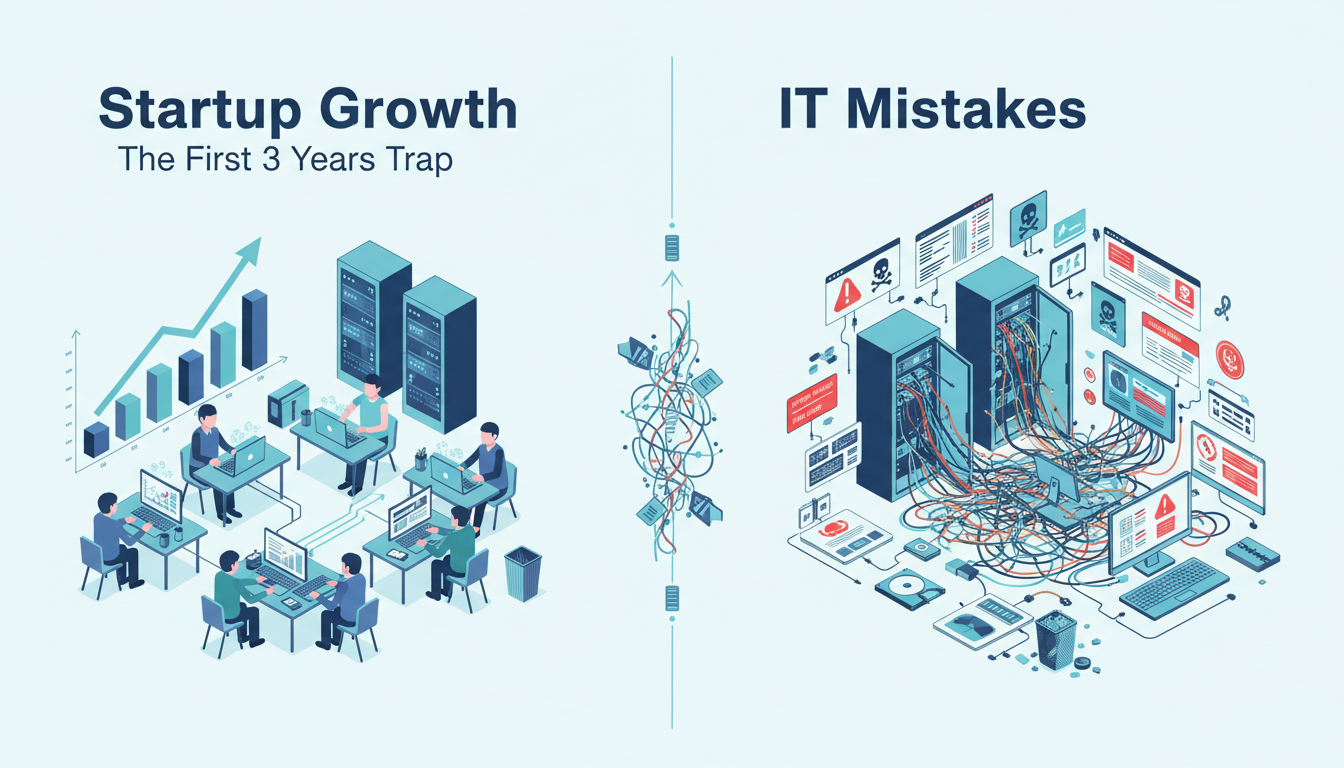
Make in Their First Three Years
Starting a company is exhilarating. You have got the idea, the team, maybe even the first few clients. Everyone is moving fast, wearing multiple hats, and the last thing on anyone’s mind is IT infrastructure. Sound familiar?
At TechMonarch, we have worked with a number of growing businesses and startups across Ahmedabad — from bootstrapped two-person operations to funded companies scaling past 50 employees. And across all of them, we keep seeing the same IT mistakes play out, almost like clockwork, in those critical first three years.
The brutal truth? These are not small oversights. Some of them lead to data loss, security breaches, expensive firefighting, or even operational shutdowns at the worst possible time — like right before a funding round or product launch.
So let’s talk about them honestly. No jargon, no scare tactics. Just real mistakes, real consequences, and practical ways to avoid them.
Mistake #1: Treating IT as an Afterthought
This is the big one. Most early-stage startups treat IT the same way they treat HR — something to figure out later, once the business is “established.” The result is a patchwork of personal laptops, free-tier cloud tools, no asset tracking, no security policy, and no one really responsible for any of it.
“We’ll set it up properly once we’re bigger.” — We’ve heard this from startups that have already lost critical data by the time they say it.
The reality is that IT decisions made in Year 1 form the foundation of everything that follows. A poorly set up file storage system in month three becomes an unmanageable mess by month eighteen. A “temporary” workaround for remote access becomes a permanent security hole. Getting the basics right early is always cheaper than fixing them under pressure later.
According to IBM’s Cost of a Data Breach Report 2023, the average cost of a data breach for small and mid-size businesses globally is now over USD 3.31 million — and for many startups, that is simply game over.
Mistake #2: Using Personal Email Accounts for Business
“We all just use our personal Gmail accounts for now” — this is one of the first things we hear when we audit a young startup’s IT setup. It seems harmless at the start, but the problems compound quickly.
When business communication, client data, vendor contracts, and financial correspondence live across five different personal Gmail inboxes, you have no centralised visibility, no data ownership, and a serious compliance risk. What happens when an employee leaves and takes their inbox with them? What happens when two co-founders fall out?
Setting up Google Workspace or Microsoft 365 with your own domain is not expensive — it costs less than a team lunch every month — and it immediately gives your startup professional credibility, centralised email management, and proper data governance. This is genuinely one of the easiest wins on this entire list.
Mistake #3: No Backup Strategy — or a False Sense of Security About Backups
Storing files on Google Drive or OneDrive does not mean you have a backup. It means you have cloud storage. There is a critical difference.
Cloud storage syncs your files — including accidental deletions, ransomware encryption, and corrupted files. A backup, by contrast, is an independent, versioned, recoverable copy of your data stored separately.
The 3-2-1 backup rule is a well-established industry standard: keep 3 copies of your data, on 2 different media types, with 1 copy offsite. Most startups we see have zero of those covered.
One Ahmedabad-based SaaS startup we know lost nearly two weeks of engineering work because their sole developer accidentally overwrote a shared folder — and since everything was on a single synced drive with no versioned backup, it was unrecoverable.
Backup solutions do not need to be expensive or complicated. What they do need is to be properly configured, regularly tested, and someone’s actual responsibility. A backup you have never tested is not a backup — it is a hope.
Mistake #4: Weak Password Hygiene and No MFA
Password123. The company name followed by the founding year. Everyone on the team sharing the same login to the server. We see it more than we should.
Verizon’s 2023 Data Breach Investigations Report found that compromised credentials were involved in 74% of all breaches. That is not a niche threat — it is the most common attack vector in the world, and it disproportionately affects growing businesses that have not yet formalised their security practices.
Multi-Factor Authentication (MFA) is possibly the single highest-impact, lowest-cost security control a startup can implement today. Microsoft’s own research has shown that MFA blocks over 99.9% of account compromise attacks. Enabling it across your email, cloud tools, and any admin accounts takes an afternoon and costs nothing on most platforms.
Pair that with a password manager for the team — tools like Bitwarden (free for teams starting out) or 1Password — and you have eliminated one of the biggest risk surfaces in your business.
Mistake #5: Ignoring Network Security at the Office
When a startup moves into its first proper office, there is usually a mad rush to get the internet working, set up desks, and get people productive. Network security planning? That can wait.
What typically gets installed is a basic consumer-grade router, a single flat Wi-Fi network that the office cleaner, the interns, the CFO, and potentially visiting clients all share. No firewall beyond what the ISP provides, no network segmentation, no monitoring.
This matters because internal threats are just as real as external ones. A compromised personal device on your flat office network can propagate malware across every other connected device. A visitor plugging into your network is now sitting inside your perimeter.
Proper network design — even for a 20-person office — should include segmented Wi-Fi networks (separate SSIDs for staff, guests, and IoT devices), a business-grade firewall, and basic network access controls. This is not a luxury; it is the minimum viable network security posture.
Mistake #6: No Documented IT Processes or Asset Inventory
As a startup grows from 5 to 25 to 50 people, something quietly breaks: nobody actually knows what devices the company owns, what software licences are active, who has access to what, or what the process is when someone joins or leaves the team.
We have walked into offices where ex-employees still had active login credentials months after leaving. Where the company was paying for 40 software licences it only needed 15 of. Where nobody knew the admin password to a critical server because the person who set it up had resigned.
A simple IT asset register — even a well-maintained spreadsheet to start with — combined with an onboarding/offboarding checklist, can prevent most of these issues. The goal is not to build a bureaucracy; it is to ensure that when things go wrong (and they will), you have the information you need to respond quickly.
Mistake #7: Scaling Infrastructure Reactively Instead of Proactively
The most common pattern we see in fast-growing startups is this: IT infrastructure works fine up to a point, then suddenly it does not. The server cannot handle the load. The VPN is painfully slow with 30 users. The email system hits storage limits. The file server becomes a bottleneck.
And then comes the emergency upgrade — rushed, expensive, and often poorly implemented because it is being done under pressure.
Good IT infrastructure planning looks 12 to 18 months ahead. When you are a 15-person company, you should be building for 40. When you are setting up your server room, you should be thinking about redundancy, failover, and what the system looks like when you double headcount. Proactive planning is always cheaper than reactive firefighting.
At TechMonarch, our IT infrastructure setups always include a scalability blueprint — not just what you need today, but a clear roadmap for what you will need at 2x and 3x your current size.
So, Where Should a Startup Actually Begin?
If you are reading this and nodding along at three or more of the above, do not panic. The good news is that most of these issues are fixable, and fixing them early is far less disruptive than doing it mid-crisis.
Here is a practical starting checklist for any startup in their first year:
- Set up business email on your own domain (Google Workspace or Microsoft 365)
- Enable MFA on every business account — no exceptions
- Deploy a password manager for the whole team
- Implement a 3-2-1 backup strategy for all critical data
- Separate your guest Wi-Fi from your internal network
- Create a basic IT asset register — even a Google Sheet works to start
- Document your onboarding and offboarding IT checklist
- Have a conversation with a Managed IT provider about your next 18 months

How TechMonarch Helps Startups Get This Right
We work with startups at every stage — from pre-revenue teams setting up their first office to Series A companies that need to clean up the technical debt from their early days. Our approach is always pragmatic: we look at where you are, where you are going, and what you actually need — not the most expensive solution, but the right one.
Whether it is a one-time IT infrastructure setup, an ongoing Managed IT Services partnership, or simply a half-day audit to tell you where your biggest risks are — we are here for it. We are local to Ahmedabad, we understand the pace and constraints of the startup environment, and we speak plain language.
If any part of this article resonated with your current situation, it probably means it is worth having a conversation. Reach out to the TechMonarch team — before a problem forces you to.
Recent Posts
- Why IT Vendors in Ahmedabad Take Days to Respond — And What "Managed" Should Actually Mean
- Why More Ahmedabad Companies Are Switching From Freelance IT Support to Managed Partners
- What Ahmedabad Businesses Get Wrong About IT Compliance Under India's DPDP Act
- A Look Inside How We Manage IT Infrastructure for Ahmedabad Businesses Across Industries
- Why Gandhinagar's Growing IT/ITES Sector Needs Local Managed Support, Not Remote-Only Vendors
Recent Comments
- No comments to show