

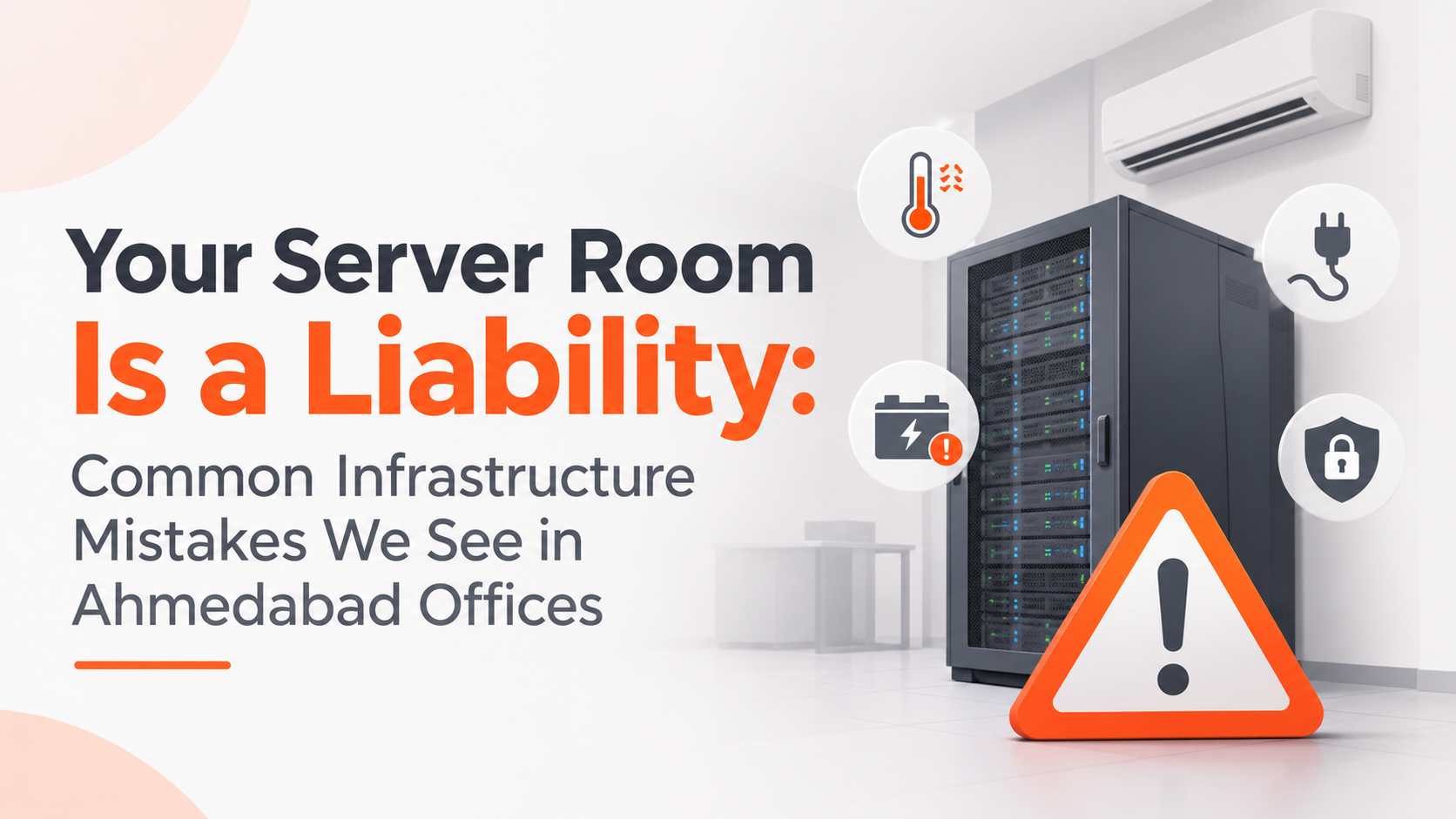
Open the door of a typical office server room in Ahmedabad and you’ll often find the same scene. A rack in the corner, a split AC that someone switches off at night, a UPS older than the newest employee, extension boards chained together, and a stack of old monitors and spare chairs next to it. It works, until the day it doesn’t.
The room isn’t the problem by itself. The problem is that it runs the whole business and gets less attention than the pantry. Billing, ERP, file shares, email, CCTV, and the firewall all depend on it. This article lists the mistakes we see most often, why they matter, and what to do about each one, without a sales pitch and without hardware you don’t need.
1. The server room is really a storeroom
The space gets chosen because it was free. That usually means a corner near the washroom or pantry, a room under a leaking terrace, or a cabin shared with stationery and old furniture. Dust, moisture, and humidity are slow killers. Water seepage during the monsoon is a classic: a rack that’s fine for three years gets wet in one bad week.
What to do: keep the room dedicated and locked. Check walls and ceiling for seepage every monsoon, keep equipment off the floor, and clear everything that doesn’t belong to IT. Cardboard boxes and paper are a fire load, so they don’t belong there either.
2. Comfort cooling pretending to be server cooling
This is the most common mistake in Gujarat, and the most expensive. A normal split AC is designed for people who are in the room for eight hours. Servers run 24 hours. Many offices switch the AC off at night, on Sundays, and on holidays, and the room cooks quietly. When Ahmedabad touches 44 or 45°C outside, a closed room full of running equipment heats up quickly.
Hardware survives by throttling itself, which shows up as slow applications, random reboots, and failed disks that nobody connects to heat. Most equipment is happy at roughly 18 to 27°C, and every sustained hour above that shortens its life.
What to do: put the server room on its own AC with no timer. Run two units, so one can fail without cooking the room, and set them to alternate. Add a cheap temperature sensor with an alert to your phone. And don’t let cold air hit a wall of cables with no airflow path. Put the rack where air can actually move through it.
3. A UPS nobody has looked at in years
We regularly see UPS units that are undersized for the current load, running on original batteries that are four or five years old. Batteries wear out. A UPS that shows green and “online” can still fail to carry the load for even a minute when the power drops. Add voltage fluctuation, which is a daily reality in many industrial and commercial areas, and your servers are taking repeated small shocks.
The second half of this problem is the transition from mains to the generator. Even when a DG is present, the gap during changeover can be enough to reboot a server that isn’t on a working UPS. A good UPS and power backup setup deals with this properly.
What to do: calculate the actual load, size the UPS with headroom, test batteries on a schedule, and replace them before they fail, typically every three to four years. Check earthing. Use proper PDUs, not extension boards plugged into extension boards.

4. Cabling that looks like spaghetti
Patch cables run across the floor, no labels, no patch panel, and switch ports plugged randomly. Everything works on day one. Six months later, someone has to find the cable for the accounts floor switch and unplugs the wrong one at 11 AM.
Messy cabling also blocks airflow, hides loose connectors, and makes every troubleshooting session three times longer. A proper structured cabling layout with patch panels, labels, and colour coding costs little compared to a single hour of office downtime.
What to do: label both ends of every cable, use patch panels, separate power from data cabling, and photograph the rack after every change so you always have a current picture.
5. Everyone has the key
The room is “locked”, but the key hangs at the reception, the housekeeping staff has a copy, and three vendors have been given the code over the years. Most physical incidents aren’t malicious. Someone unplugs a cable to charge a phone, wipes the floor and trips a power strip, or restarts a server because it “looked stuck”.
What to do: limit access to two or three named people, use a coded or biometric lock if you can, and keep a simple visitor log. Vendors and engineers should be accompanied. It sounds strict, and it’s a small price for the room that holds your data.
6. No monitoring, so you only learn when users complain
If your first alert is a phone call from the accounts team, you’re running blind. Servers and network gear can report disk health, temperature, fan failures, and power status automatically. Most offices don’t use any of it.
What to do: set up basic server monitoring for disk, memory, CPU, RAID status, and temperature, with alerts going to a person who will act on them. Even a free tool is better than none.
7. Fire and water protection is an afterthought
A smoke detector in the corridor is not fire protection for the server room. We often find the wrong type of extinguisher, or none at all, and overloaded circuits that haven’t been inspected. Water-based extinguishers and electronics don’t mix, and a small electrical fire can destroy the whole rack before anyone responds.
What to do: install a smoke or heat detector inside the room, keep a suitable CO2 or clean-agent extinguisher near the door, have an electrician check the circuit load and MCBs, and make sure the room has its own dedicated power circuit.
8. Backups sit on top of the server
This one is worth saying twice. If your backup drive sits in the same rack, in the same room, on the same power, then a fire, a flood, a power surge, or ransomware takes both the data and the backup. It isn’t a backup; it’s a second copy in the same risk zone.
What to do: follow the basic rule of keeping copies in more than one place, with at least one off-site or in the cloud and one that can’t be changed or deleted from your main network. Most importantly, test a restore. A backup you’ve never restored is only a hope. A tested disaster recovery plan is what turns a bad day into a recoverable one.
9. Only one person knows how it works
There’s no network diagram, no list of IP addresses, no record of which UPS feeds which device, and the admin passwords live in one person’s head. When that person is on leave, resigns, or just isn’t reachable, a small fault turns into a long outage.
What to do: keep IT documentation current and simple. A network diagram, an asset list, a power map, vendor contacts, warranty dates, and a sealed or vault-stored copy of critical credentials. It takes a day to create, and a few minutes to maintain.
A 30-minute walkthrough you can do this week
- Check the room temperature at night and on a Sunday, not during office hours.
- Look at the UPS age, battery date, and load percentage.
- Trace where each cable goes. Count how many aren’t labelled.
- Ask who holds keys or access codes, and write the list down.
- Find out where your latest backup is stored, and when it was last restored.
- Look for water marks, dust, stacked boxes, and extension boards.
When it makes sense to bring in help
If your IT team is one or two people already busy with daily support, a proper review of the server room often keeps slipping down the list. Companies in Ahmedabad and Gandhinagar usually reach out after an incident, not before. A planned review of cooling, power, cabling, and layout is far cheaper than an emergency. That’s the kind of work our team at Techmonarch handles through our on-premise infrastructure services, and it starts with an on-site walkthrough, not a product list.