
-
Vijit
- May 11, 2026
- No categories assigned.
- No Comments
Ask most business owners what a firewall does and you’ll get some version of “it protects us from hackers.” And that’s not wrong — but it’s a bit like saying a hospital “helps sick people.” True, technically. But it doesn’t tell you much about what’s actually happening inside.
Firewalls are one of the most fundamental pieces of any IT security setup. Whether you’re running a five-person operation out of a shared office in Ahmedabad or managing a 200-seat enterprise with multiple branches, a firewall is sitting at the edge of your network, quietly making thousands of decisions every single day. And yet, most people don’t really know how it decides what to allow and what to block.
Let’s fix that. In this article, we’re going to break down exactly what a firewall does, what it’s actually blocking, and the logic it uses to make those calls. No jargon overload — just a clear, honest explanation that helps you make better decisions about your business’s security.
1. First Things First: What Exactly Is a Firewall?
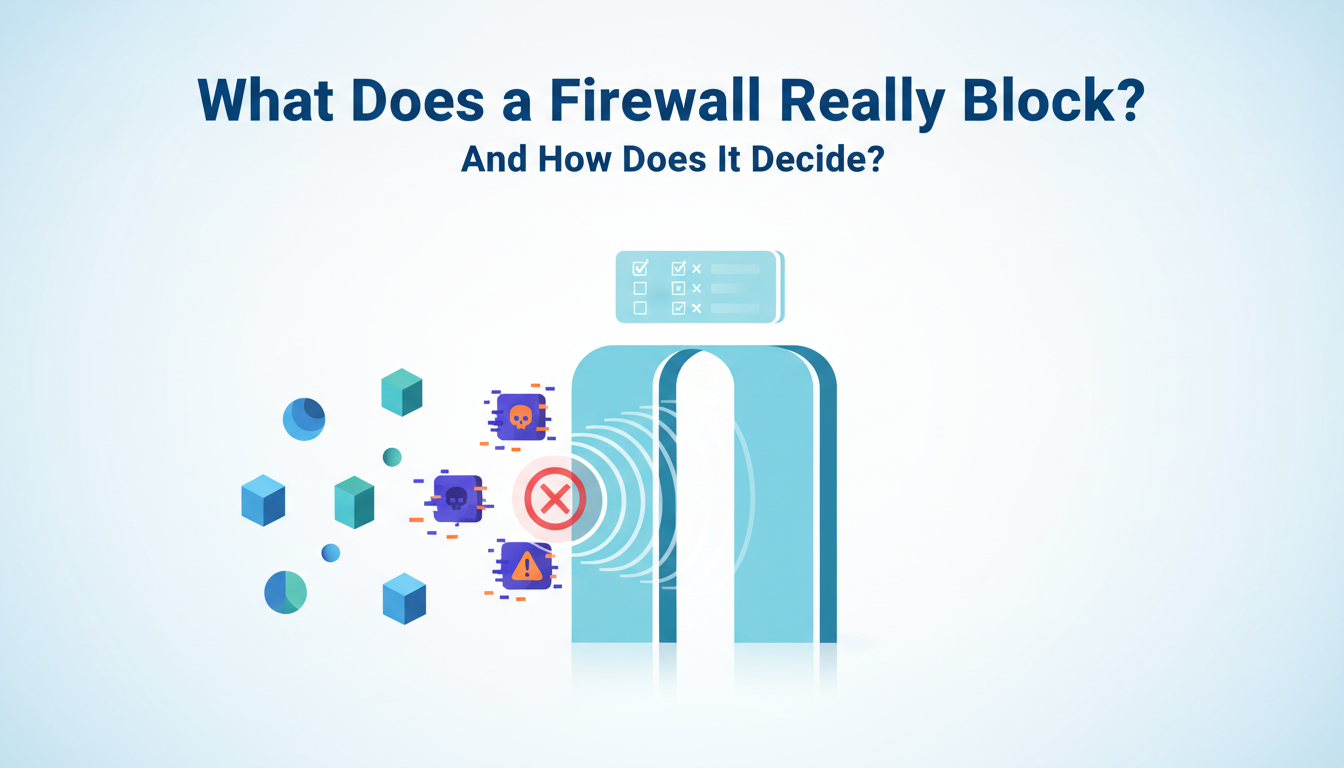
A firewall is like a guard. It stops the outside world (the internet and other networks) from getting to your internal network (your computers, servers, printers, and everything else on your side). The firewall checks every piece of data that tries to get in or out of your network and decides whether to let it through or stop it.
The word “firewall” comes from the idea of building walls between parts of a building that are fireproof to keep fire from spreading. In IT, the idea is the same: keep threats contained so they can’t move freely through your systems.
Firewalls can be hardware (physical boxes in your server room), software that runs on a computer or server, or, more and more, cloud-based services. Most modern businesses use a mix of all three. According to Statista, the global firewall market was worth about $5.3 billion in 2023 and is still growing. This shows how important this technology is for keeping computers safe.
2 What Is It Actually Blocking? The Real Answer.
This is where it gets interesting. A firewall isn’t blocking “hackers” in some abstract, cinematic sense. It’s blocking specific types of network traffic based on defined rules. Let’s look at the main categories of things a firewall stops:
Unauthorised inbound connections
Someone from the internet trying to connect directly to your internal systems — a server, a shared drive, a device — without permission. Without a firewall, those systems are essentially open doors.
Traffic on suspicious or unneeded ports
Every type of network communication uses a “port” — a numbered channel. A firewall can be configured to block traffic coming through ports that your business doesn’t use, reducing the number of potential entry points for attackers.
Traffic from known malicious IP addresses
Firewalls can be updated with threat intelligence feeds that identify IP addresses associated with cybercriminal activity, botnets, or known attack infrastructure. Traffic from these sources gets blocked outright.
Outbound traffic to dangerous or restricted destinations
Modern firewalls don’t just watch what comes in; they also watch what goes out. If a computer on your network is infected and tries to connect to a command-and-control server run by hackers, a well-configured firewall can stop that connection.
Data that violates your policies
Next-generation firewalls (NGFWs) can look at the content of traffic, not just where it comes from. This means that even if the source looks fine on the surface, they can block certain apps, websites, or types of file transfers.
3. How Does a Firewall Decide? The Logic Behind the Rules
Most people don’t think about this: a firewall doesn’t make decisions based on instinct. It follows a ruleset, which is a structured list of conditions and actions that go with them. The firewall checks each packet of data against these rules in order, from top to bottom, until it finds one that matches. Then it does what the rule says: allow, deny, or log.
Firewall rules are typically built around five key attributes:
| Attribute | What It Checks |
| Source IP Address | Where is the traffic coming from? A specific device, a subnet, or the entire internet? |
| Destination IP Address | Where is it trying to go? Your web server, an internal database, a specific workstation? |
| Port Number | What type of communication is this? Web traffic (port 80/443), email (port 25), remote desktop (port 3389)? |
| Protocol | Is this TCP, UDP, ICMP — and is that the right protocol for the claimed purpose? |
| Direction | Is the traffic coming inbound (into your network) or outbound (leaving your network)? |
Based on these attributes, a typical rule might read something like: “Block all inbound TCP traffic on port 3389 from any source outside our corporate VPN range.” That’s a real-world example — port 3389 is used by Remote Desktop Protocol (RDP), which is one of the most commonly exploited entry points in ransomware attacks.
According to Microsoft’s Digital Defense Report 2023, RDP remains one of the top attack vectors for ransomware deployment globally. A single well-written firewall rule blocking external RDP access can eliminate an enormous category of risk.
4. The Evolution: From Packet Filters to Next-Gen Firewalls
Not all firewalls are created equal. The technology has evolved significantly over the decades, and understanding the differences matters when you’re choosing the right protection for your business.
Packet Filtering Firewalls (1st Generation)
The original. These look at individual packets of data and check source/destination IP and port. Fast and lightweight, but they can’t see inside a packet — so they can be fooled by attackers who know how to disguise their traffic.
Stateful Inspection Firewalls (2nd Generation)
Instead of just looking at packets one at a time, they keep track of the “state” of a connection. They can tell if a packet is part of a legitimate session or if it’s a suspicious lone wolf trying to get in.
Application Layer / Proxy Firewalls (3rd Generation)
These look at traffic at the application level, so they can tell what an HTTP request is really asking for, not just that it came in on port 80. They are more powerful but also use more resources.
Next-Generation Firewalls (NGFW) — Current Standard
The modern standard for businesses. NGFWs combine traditional firewall capabilities with deep packet inspection, intrusion detection and prevention (IDS/IPS), application awareness, SSL/TLS decryption, and integration with threat intelligence. They can identify and block specific applications (like TikTok or BitTorrent) regardless of what port they’re using.
For most businesses operating today, a Next-Generation Firewall is the appropriate baseline. The older generations, while still in use in some environments, simply don’t have the visibility required to deal with modern threats.
5. What a Firewall Can’t Do (and People Often Assume It Can)
This is the section that matters most for business owners, honestly. There’s a dangerous misconception that having a firewall means you’re “covered.” You’re not — at least not entirely. Here’s what a firewall does not protect you from:
- Phishing emails that trick an employee into handing over their credentials — the firewall lets that email through because it looks like normal traffic
- Threats that originate from inside the network — a compromised device or a malicious insider bypasses perimeter controls entirely
- Encrypted malware hidden inside legitimate HTTPS traffic (unless your NGFW has SSL inspection enabled)
- Zero-day exploits — attacks that use previously unknown vulnerabilities that haven’t yet been added to threat intelligence databases
- Social engineering attacks — no technology stops a person being deceived
This is why cybersecurity professionals talk about a “layered” or “defence-in-depth” approach. A firewall is a critical layer — but it’s one layer among many. You still need endpoint protection, email security, user training, access controls, and regular security assessments working alongside it.
Verizon’s 2023 Data Breach Investigations Report found that 74% of data breaches involved a human element — meaning the attack got through not because the firewall failed, but because a person was manipulated or made a mistake. Technology has limits. People are often the real vulnerability.
6. Firewall Configuration: Where It Usually Goes Wrong
Here’s something we see regularly in our work with businesses across Ahmedabad: companies that have firewalls but haven’t configured them properly. Having a firewall and having a properly configured firewall are two very different things.
Common configuration mistakes include:
Using default settings
Out-of-the-box firewall settings are designed to be permissive so the device works immediately. They are not designed to be secure. Default rules need to be replaced with rules tailored to your specific environment.
Overly broad “allow all” rules
Rules like “allow all outbound traffic” might be convenient but they defeat the purpose of having a firewall. Every rule should have a specific, documented reason.
Never updating rules
Your business changes. New applications get added, old ones are retired, staff roles evolve. Your firewall rules should be reviewed and updated regularly to reflect the current reality of your network.
No logging or monitoring
A firewall that isn’t logging its activity is a firewall you can’t learn from. Firewall logs are invaluable for identifying attack patterns, spotting unusual behaviour, and investigating incidents after the fact.
Ignoring firmware updates
Firewalls themselves have vulnerabilities. Keeping firmware up to date is non-negotiable. Attackers actively exploit known vulnerabilities in outdated firewall firmware — sometimes before businesses even know the update exists.
7. What Good Firewall Management Actually Looks Like
A firewall that is well-managed isn’t something you set up once and forget about. It’s a part of your security system that needs to be watched over all the time. Here’s what proper firewall management looks like in practice:
- Regular rule audits — at minimum quarterly — to remove outdated rules and tighten permissions
- Firmware and software updates applied promptly, ideally within days of release for critical patches
- Firewall logs reviewed regularly for anomalies, blocked connection attempts, and unusual outbound traffic
- Integration with your broader security monitoring — firewall alerts should feed into a centralised view of your security posture
- Documentation of every rule — who created it, why, and when it should be reviewed
- Penetration testing to verify that your firewall rules are actually working as intended
For many businesses, managing all of this in-house isn’t realistic. Your core team has a business to run. That’s where a Managed IT Services provider becomes genuinely valuable — not just as a support desk, but as a proactive partner keeping your security infrastructure in shape.

The Bottom Line
A firewall isn’t magic. It’s a tool that makes rule-based decisions about what traffic can cross the border of your network. It’s a powerful and necessary one. It makes up the most important outer layer of your business’s cyber defense when it’s set up right, kept up to date, and watched over.
When it’s not? It creates a false sense of security that might actually be more dangerous than having no firewall at all — because you think you’re protected when you’re not.
Understanding what your firewall is actually doing — and how it’s making decisions — is the first step toward making sure it’s doing its job properly. And if you’re not entirely sure whether your current firewall setup is up to scratch, that uncertainty itself is a signal worth paying attention to.
At TechMonarch, firewall configuration, management, and auditing are a core part of what we do for businesses across Ahmedabad. If you want a straightforward assessment of where your network security stands — no sales pitch, just honest answers — reach out and let’s talk.
Recent Posts
- What Ahmedabad Businesses Get Wrong About IT Compliance Under India's DPDP Act
- A Look Inside How We Manage IT Infrastructure for Ahmedabad Businesses Across Industries
- Why Gandhinagar's Growing IT/ITES Sector Needs Local Managed Support, Not Remote-Only Vendors
- IT Infrastructure Checklist for Companies Moving Into SG Highway and Prahlad Nagar Offices
- How Ahmedabad-Based Startups Can Build Enterprise-Grade IT Without Enterprise Budgets
Recent Comments
- No comments to show