
-
Suresh Kalal
- December 22, 2025
- No categories assigned.
- No Comments
Preventing Overload on IT Teams Through Smarter Ticket Prioritization
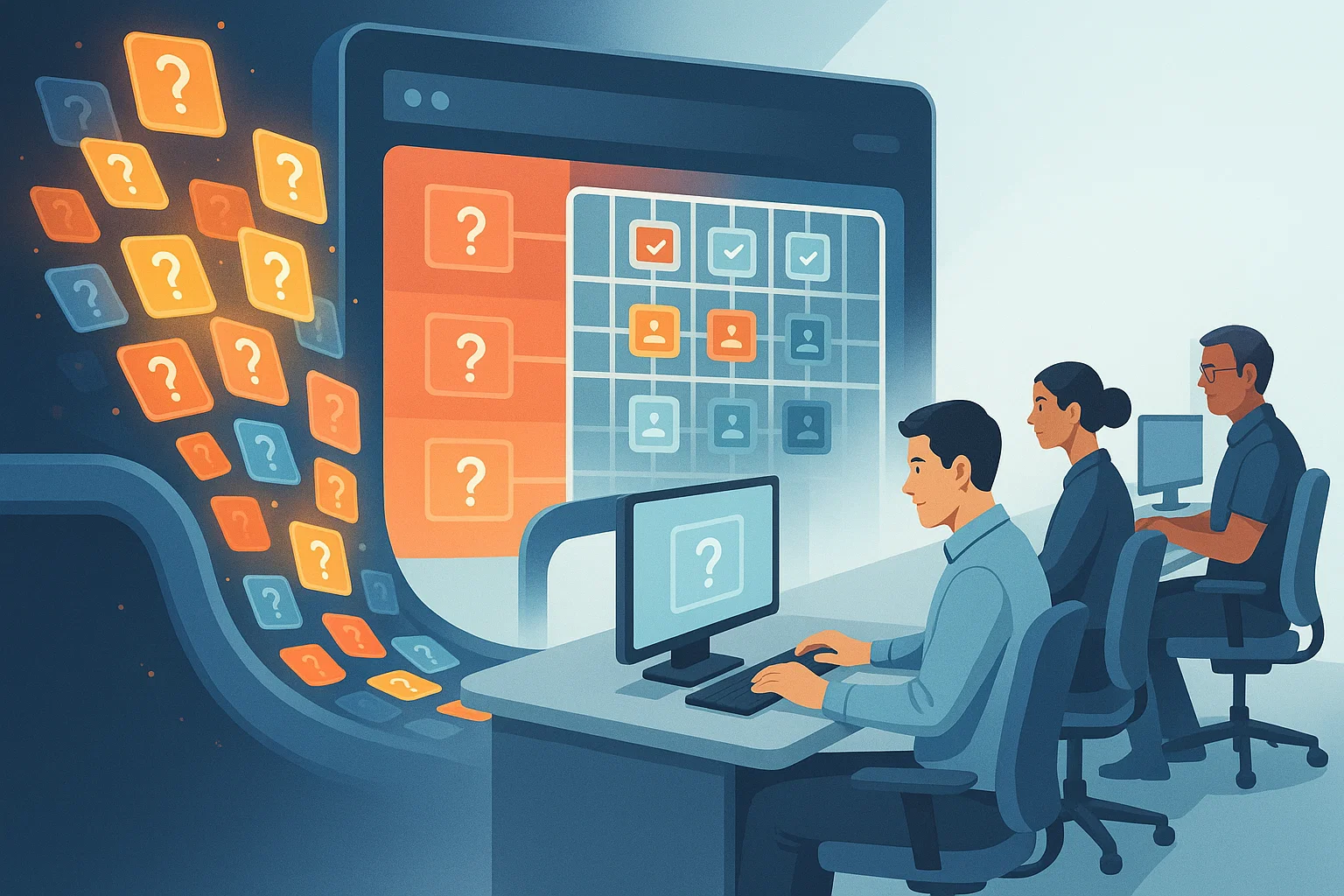
When support requests pour in, the IT teams can get stuck running a hamster wheel of reactions jumping from one reactionary leap to another – with important work that falls by the wayside. This type of firefighting is stressful, delays projects, slows down operations, and it raises the chances that something was missed at some point that would later become catastrophic. The bulk of this cacophony can be reduced to one thing: bad ticket prioritization.
Smarter prioritization isn’t just about working harder— it’s about providing teams with clarity, structure and the ability to act on what matters most first. Alongside great IT ticket management and smart workload balancing, it’s one of the most effective means to improve general IT helpdesk efficiency — helping you cut down on your overall IT support backlog.
Why Overload Happens in the First Place
Overload rarely happens because teams lack talent. It happens because:
- Tickets come in without enough context, forcing unnecessary back-and-forth.
- All issues are treated with the same urgency, creating chaos.
- Workload is distributed unevenly across technicians.
- Repetitive or low-impact tasks consume skilled resources.
- Teams rely on “gut feeling” rather than structured prioritization.
These patterns lead to slower resolution times and growing frustration for everyone involved.

A Smarter Way to Prioritize IT Requests
Real efficiency comes from using a systematic prioritization method rather than subjective urgency. A strong model considers three factors:
1. Impact
How many users, systems, or functions are affected?
An issue preventing onboarding of new clients or processing core workflows holds more weight than a software glitch affecting one workstation.
2. Urgency
How quickly does the business need this resolved?
A failure that halts daily operations naturally ranks higher than a request to install a new tool.
3. Effort
How long will it take to resolve?
Sometimes a low-impact issue that requires only two minutes of effort may be worth resolving immediately to clear noise from the queue.
Combining these factors creates a clear structure that technicians can follow consistently.
Using Ticket Categorization to Prevent Overload
Smarter categorization allows teams to organize work into specific queues—incidents, access requests, change requests, maintenance tasks, and so on. When categories are consistent, the system can automatically:
- Route tickets to the right team or engineer
- Assign correct priority levels
- Balance workloads more evenly
- Trigger predefined workflows for common requests
This removes manual decision-making and keeps the process predictable.
Balancing Workloads Across the Team
A well-run helpdesk makes sure no technician is carrying more than they can handle. With workload balancing IT principles, you can:
- Distribute tickets based on skill set and current load
- Use automation to assign routine tasks to junior engineers or AI chatbots
- Reserve specialized talent for deep-dive issues
- Rotate high-pressure tasks to avoid burnout
Balanced allocation ensures that the entire team performs consistently instead of relying on a few top performers.
Reducing the Backlog With Automation and Standards
A growing backlog is usually a sign that the system—not the people—is breaking down.
A few operational improvements can shrink backlogs quickly:
1. Automate Common Requests
Password resets, access approvals, software installations, and FAQ-level issues can be automated or self-serviced.
2. Introduce Standard Operating Procedures (SOPs)
Documenting clear steps reduces friction and speeds up resolution.
3. Use SLAs to Set Expectations
Internal SLAs help allocate time properly and reduce unnecessary “status update” interruptions.
4. Limit Work in Progress (WIP)
Fewer parallel tasks = faster completion = less stress.
Giving IT Teams Space to Work Strategically
Once noise is reduced and ticket flow becomes predictable, IT teams can shift from reactive firefighting to proactive improvement. This opens time for:
- Infrastructure upgrades
- Monitoring and alert fine-tuning
- Security hardening
- Long-term planning
- Reducing recurring issues at the source
The helpdesk becomes a strategic function rather than an overloaded support desk.
Conclusion
Overload isn’t inevitable. Smarter prioritization, organized ticket management and balanced workloads make it possible for IT teams to keep up with increased demand without burning out. By removing the guesswork and orchestrating a predictable working pace, businesses benefit from improved IT helpdesk efficiency, faster issue resolution rates as well as a reduction of IT support backlog.
A well-managed ticketing system is not only a support to the IT department, but to the stability and growth of the organization as a whole.
Recent Posts
- What Ahmedabad Businesses Get Wrong About IT Compliance Under India's DPDP Act
- A Look Inside How We Manage IT Infrastructure for Ahmedabad Businesses Across Industries
- Why Gandhinagar's Growing IT/ITES Sector Needs Local Managed Support, Not Remote-Only Vendors
- IT Infrastructure Checklist for Companies Moving Into SG Highway and Prahlad Nagar Offices
- How Ahmedabad-Based Startups Can Build Enterprise-Grade IT Without Enterprise Budgets
Recent Comments
- No comments to show