
-
Suresh Kalal
- March 23, 2026
- No categories assigned.
- No Comments
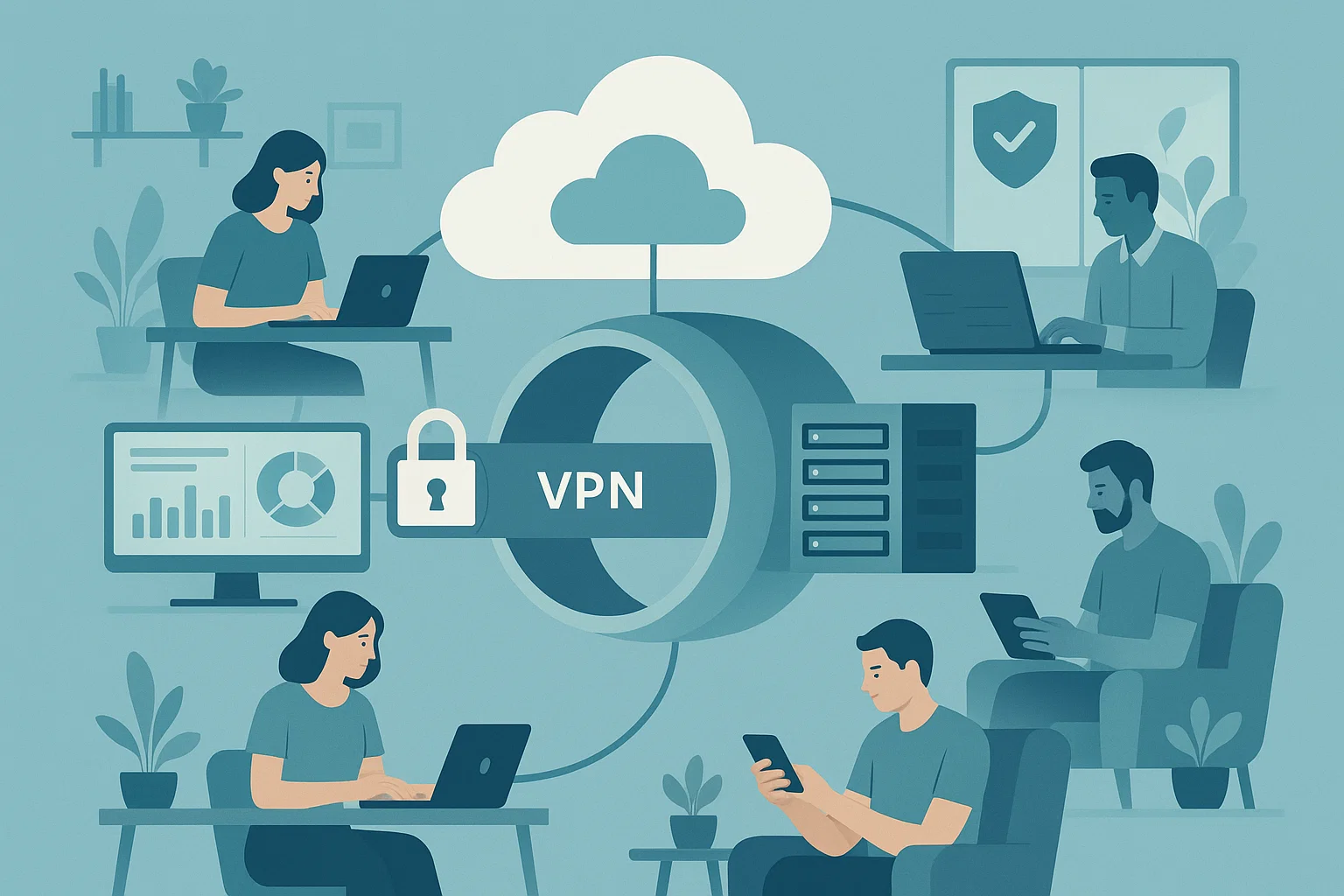
Supporting Remote Teams Effectively With a Strong IT Foundation
The transition to remote work has unlocked new possibilities for companies, but it has also presented major challenges in supporting a co-located workforce. Productivity, collaboration and security in a remote world It’s clear that having a strong IT foundation is key to succesful productivity, collaboration and security in the virtual space. Companies that deploy the right technology and IT management practices are well positioned to enable remote teams with minimal disruption, while preventing downtime and maintaining high levels of performance as well as data protection.
Building a Reliable IT Infrastructure for Remote Teams
A strong IT infrastructure is the backbone of successful remote operations. This includes reliable network connectivity, secure cloud storage solutions, and centralized management of devices and applications. Proper IT infrastructure for remote teams ensures that employees can access the tools and information they need without interruptions, regardless of their location.
Key elements to focus on include:
- Cloud-based collaboration tools: Facilitate seamless communication and file sharing across distributed teams.
- Device management systems: Enable monitoring, updating, and troubleshooting endpoints remotely.
- Network reliability: Ensure VPNs and secure connections are in place to minimize downtime and connectivity issues.
Leveraging Remote Work Technology
Remote work technology is more than video calls and chat apps—it encompasses the entire ecosystem that enables employees to work efficiently from anywhere. Implementing solutions for project management, document sharing, and task automation not only streamlines workflows but also reduces the strain on IT teams.
Technologies to consider:
- Virtual desktops and remote access solutions for consistent work environments.
- Collaboration platforms with integrated document management and real-time updates.
- Automation tools to minimize repetitive tasks and optimize team productivity.
Virtual Workforce IT Management
Managing a virtual workforce requires more than just providing access to tools—it demands proactive IT oversight. Virtual workforce IT management involves monitoring system performance, enforcing security policies, and anticipating potential issues before they affect operations.
Best practices include:
- Regular system audits to ensure all remote endpoints are up-to-date and compliant with security standards.
- Performance monitoring to identify bottlenecks in applications or network usage.
- User support and training to help remote team members leverage technology efficiently.

Ensuring Secure Remote Operations
Security is a critical concern when supporting remote teams. Without proper safeguards, sensitive data can be exposed, and unauthorized access can disrupt operations. Establishing secure remote operations involves both technical and administrative measures.
Steps to enhance security:
- Multi-factor authentication (MFA) for all remote access points.
- Data encryption for communication and storage.
- Regular patching and vulnerability management to reduce the risk of cyber threats.
Conclusion
Simply put, an organization’s infrastructure and everyday use of technology (and how that technology is managed) is a… well… complicated. If you want to keep remote teams up and running, it takes more than band-aid fixes; IT needs to be integrated into everything the business does. Through addressing these regions, companies can continue to remain productive, protect their businesses and establish the most effective virtual working experience. If you invest in IT infrastructure to support remote teams and in structured management practices, operating remotely doesn’t become a reality but rather an intelligent use of resources.
Recent Posts
- How to Eliminate Repetitive IT Issues With Better Documentation Practices
- Improving System Security With Structured Patch and Vulnerability Management
- Supporting Remote Teams Effectively With a Strong IT Foundation
- Closing Cybersecurity Gaps by Addressing Overlooked IT Basics
- Managing Software Licenses Efficiently to Minimize Cost and Compliance Issues
Recent Comments
- No comments to show