
-
Suresh Kalal
- March 2, 2026
- No categories assigned.
- No Comments
Reducing Security Risks With Proper User Access and Permission Controls
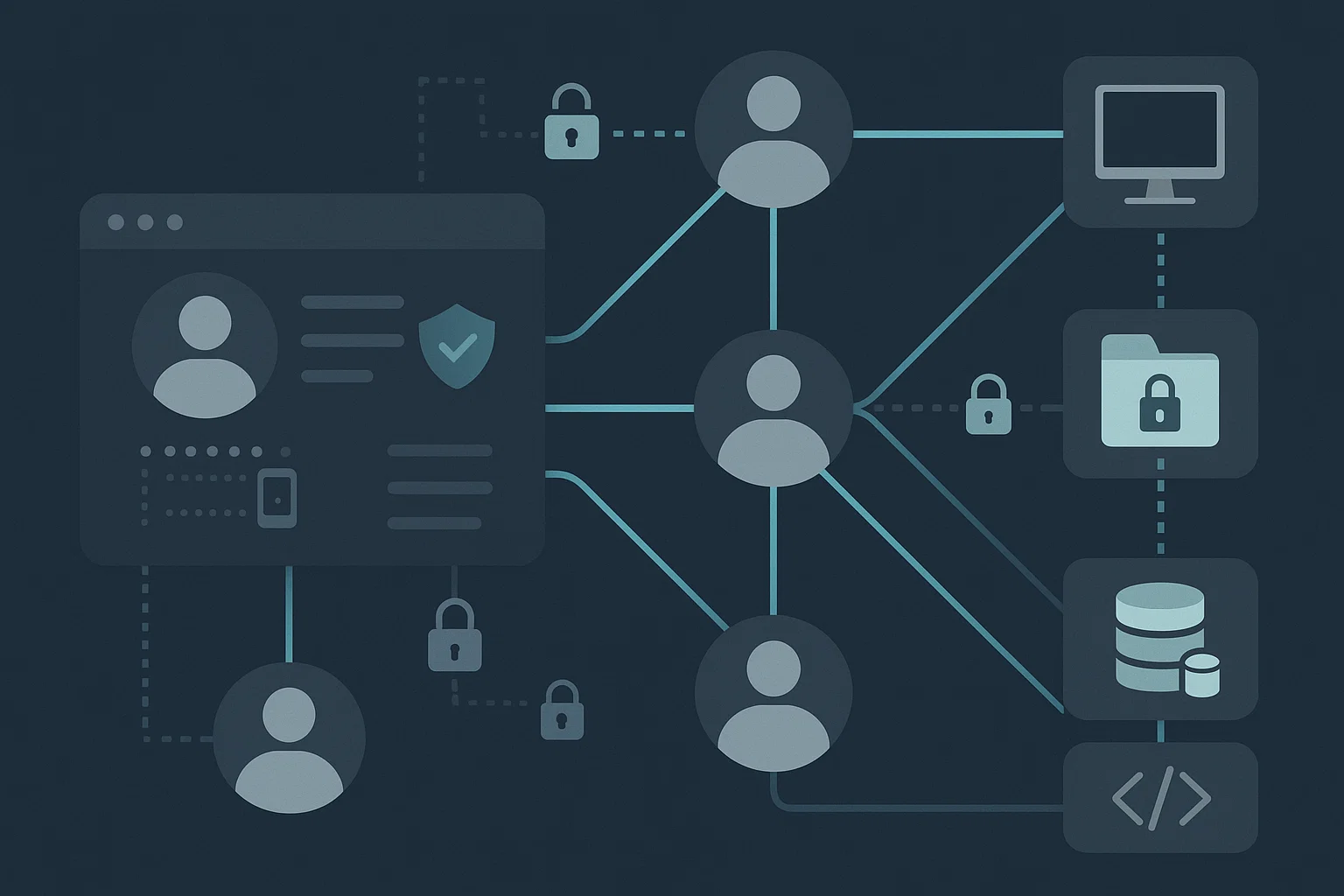
At most organizations, security incidents seldom are the result of only high-profile external attacks. Most breaches actually originate from inside the network — due to outdated access, and over permissions, shared credentials or poorly managed user accounts. That’s why robust user access management and strict IT permission controls are simply not a choice anymore. They are a fundamental need for securing an IT environment and safeguarding critical business data.
With digital systems being increasingly interconnected and teams depending on cloud platforms, remote access, and third-party applications, the problem has become more about protecting the network perimeter. The true challenge is managing who has access to what, when and where.
In this article, see how being able to grant the right access and permissions in your data environment can minimize security risks and what a sound approach tends to look like (along with common gaps) – and where you may need companies on board with clear-cut, pragmatic tasks.
Why User Access Management Is a Core Security Layer
User access management focuses on defining, controlling, monitoring, and reviewing how users interact with systems, applications, and data. It answers three basic but critical questions:
- Who is the user?
- What access do they actually need?
- Is that access still valid today?
When access is not managed properly, attackers don’t need to “hack” in — they simply log in using stolen, reused, or forgotten credentials. Weak access governance turns every user account into a potential entry point.
Common issues seen in weak access setups include:
- Users having access far beyond their actual needs
- Shared logins across teams
- Ex-employees retaining active credentials
- Limited visibility into who accessed what and when
- No routine access reviews
Any one of these gaps can expose sensitive information, disrupt operations, or lead to regulatory trouble.
How IT Permission Controls Reduce the Attack Surface
IT permission controls define what actions a user is allowed to take inside a system. While access management decides whether a user can enter, permission controls decide how far they can go once inside.
Strong permission controls are based on a simple principle:
Give the minimum level of access required to do the task — nothing more.
This concept is known as the principle of least privilege. When applied properly, it limits the damage that can be caused by:
- Compromised accounts
- Accidental data deletion
- Unauthorized configuration changes
- Insider threats
For example, a user who only needs to view data should not have editing or export rights. A system operator should not automatically have access to financial or confidential customer data. When permission levels are tightly defined, even successful attacks remain contained.

Identity and Access Management: The Framework That Holds It Together
Identity and access management (IAM) is the structure that brings user access management and IT permission controls into a single system. It governs how digital identities are created, verified, maintained, and removed.
A strong IAM setup typically includes:
- Centralized user authentication
- Multi-factor authentication (MFA)
- Role-based access control (RBAC)
- Automated provisioning and de-provisioning
- Activity logs and audit trails
Without IAM, access rules are often scattered across platforms, managed manually, and rarely reviewed. This makes enforcement inconsistent and security teams blind to hidden risks.
IAM also plays a major role in compliance, as it allows organizations to prove who accessed sensitive systems, when, and under what authorization.
The Real Cost of Poor Access Control
The impact of weak access and permission management goes far beyond a single breach. It leads to:
- Data exposure: Sensitive customer, financial, or operational data can be downloaded or modified without detection.
- Operational disruption: Unauthorized changes to systems can cause downtime or service breakdowns.
- Regulatory penalties: Many laws require strict access governance and audit trails.
- Loss of trust: Once data is exposed, regaining trust takes years.
- Hidden long-term risks: Dormant accounts and unused permissions often remain unnoticed for months or years.
What makes this especially dangerous is that these risks silently grow over time. The longer access is not reviewed, the larger the attack surface becomes.
Practical Steps to Minimize Security Risks With Access Controls
Improving access governance does not require massive system overhauls on day one. The following structured approach brings immediate risk reduction:
1. Map All Users, Accounts, and Systems
Start by listing:
- All internal and external users
- All applications, servers, and cloud services
- All types of access currently granted
This visibility alone often reveals dormant accounts and excessive permissions that were never noticed before.
2. Apply Role-Based Access Control
Instead of assigning access individually, define access based on roles. Each role should include only the permissions required for routine work. This:
- Prevents over-privileged accounts
- Makes audits simpler
- Reduces manual errors during onboarding
When roles change, access automatically changes with the role.
3. Enforce Strong Authentication
Basic passwords are no longer sufficient. Enabling:
- Multi-factor authentication
- Conditional access rules
- Device-based access checks
greatly reduces the chances of credential-based attacks, even when passwords are compromised.
4. Automate Joiner–Mover–Leaver Processes
Manual access updates are one of the biggest security gaps. Automation ensures:
- New users receive only approved access
- Access changes when users shift responsibilities
- All access is immediately revoked when someone exits
This alone removes one of the most common causes of internal data breaches.
5. Conduct Routine Access Reviews
Access should never be “set and forgotten.” Regular reviews identify:
- Unused permissions
- Stale accounts
- Conflicting privileges
Review cycles should be scheduled, documented, and tracked to closure.
6. Monitor and Log All Access Activity
Even the best controls require visibility. Centralized logs help:
- Detect suspicious behavior
- Investigate security events
- Meet audit and compliance needs
Without monitoring, misuse often goes unnoticed until real damage is done.
Creating a Truly Secure IT Environment
A secure IT environment is not built on a single tool or one-time configuration. It is the result of consistent control, validation, and oversight. Access governance directly supports:
- Data confidentiality
- System integrity
- Business continuity
- Regulatory compliance
As systems grow more interconnected, the question is no longer if unauthorized access will be attempted — it is when. The goal is to ensure that when a breach attempt occurs, access controls stop it before any real damage is possible.
Access Control Is a Business Continuity Strategy, Not Just a Security Task
Many organizations view access management as a purely technical requirement. In reality, it is a business protection strategy. Poor access control can:
- Interrupt operations for days
- Trigger costly legal exposure
- Damage long-term credibility
- Cause irreversible data loss
Strong identity and access management, paired with well-defined IT permission controls, reduces dependence on individual behavior and replaces it with structured, testable safeguards.
Final Thoughts
The nature of cyber threats is increasingly complex, yet many breaches continue to capitalize on basic access failures — not advanced hacking. Overprivileged identities, dormant users, weak-sign-on and non-existent reviews persist as some of the most exploited vulnerabilities in today’s IT systems.
Through enhanced user access management, effective implementation of IT permission controls, and a security posture that is built around a mature identity and access management framework organization can greatly reduce their risk exposure and finally secure their IT in reality.
The best defense isn’t just better technology — it’s more control over who has access to what at every point in the digital life cycle.
Recent Posts
- How to Eliminate Repetitive IT Issues With Better Documentation Practices
- Improving System Security With Structured Patch and Vulnerability Management
- Supporting Remote Teams Effectively With a Strong IT Foundation
- Closing Cybersecurity Gaps by Addressing Overlooked IT Basics
- Managing Software Licenses Efficiently to Minimize Cost and Compliance Issues
Recent Comments
- No comments to show