
-
Suresh Kalal
- December 1, 2025
- No categories assigned.
- No Comments
Improving Incident Communication Between IT and Departments to Reduce Confusion
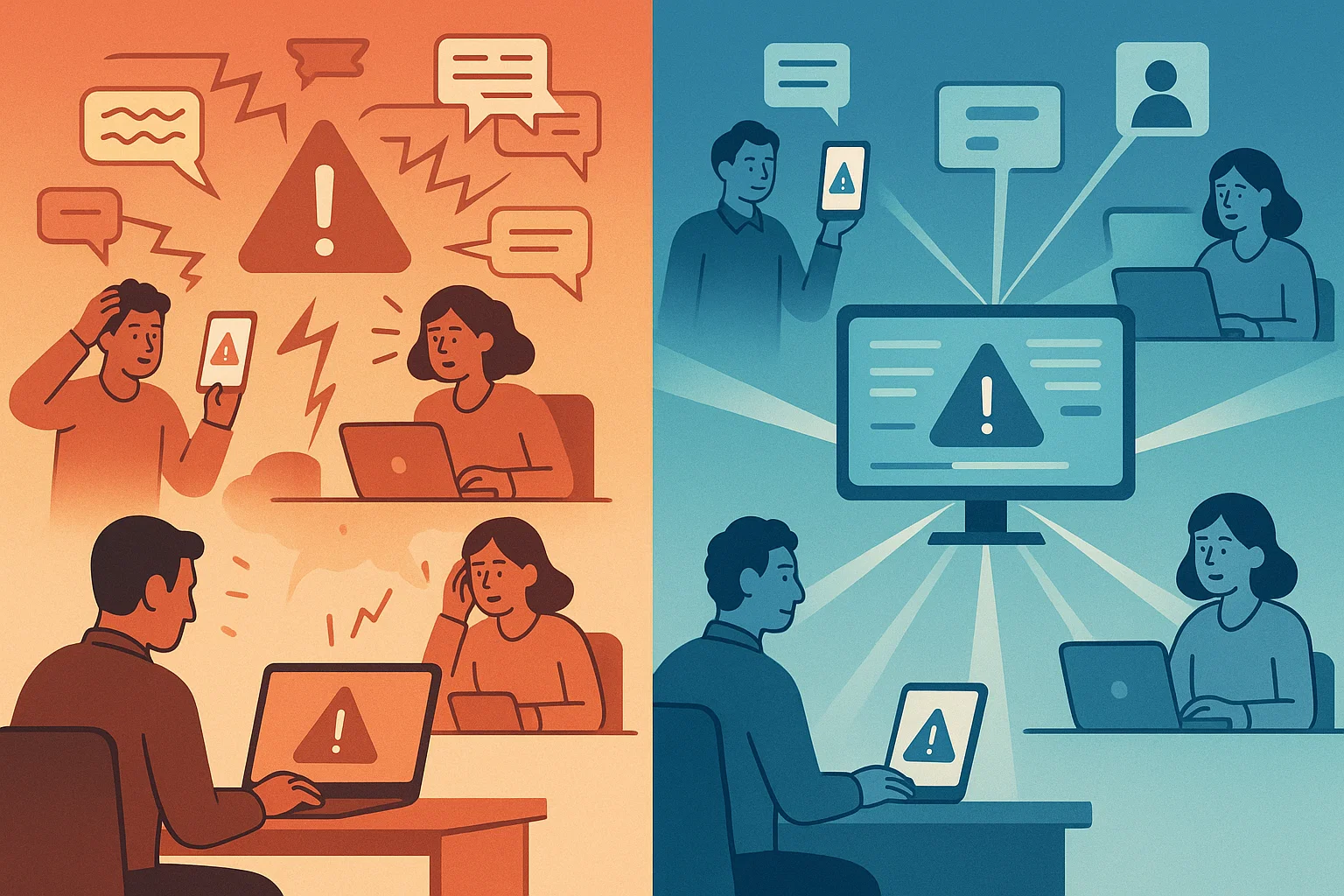
When issues occur — system crashes, inability to log in, software bugs, security notifications — the technical solution is rarely the most pressing issue. The biggest damage is unclear communication between IT and other departments. Wait times, multiple tickets being created, frustration and reactive decision-making are often a result poor incident communication rather than the context of the interruption itself.
Ultimately, clear communication is what keeps operations on an even keel when they are disrupted. When information moves in the right direction, teams answer more quickly, downtime decreases and preventable errors vanish.
Why Incident Communication Breaks Down
Most communication gaps follow the same pattern:
1. Unclear Ownership
When no one knows who is responsible for updating whom, confusion spreads. Some incidents get too many updates; others get none.
2. Vague Incident Reports
Messages like “Email is not working” or “System is down” slow down IT diagnosis. Without context—time of issue, user impact, screenshots—the helpdesk must chase information instead of solving the problem.
3. Slow Feedback Loops
Departments often wait too long to share if the issue is resolved or still active. IT closes the ticket prematurely or keeps working on an issue that’s already fixed.
4. No Standard Method of Escalation
When teams escalate incidents differently—email, chat, calls, or informal notes—priority gets unclear and tasks fall through the cracks.
5. Updates That Are Too Technical
Some IT updates focus on syntax, logs, or patch details that do not help non-technical staff understand the situation or expected timeline.
The Solution: A Clear Incident Communication Framework
A strong framework removes guesswork and creates predictable communication across the company.
1. Use a Standard Incident Reporting Format
A simple structure helps non-technical teams report issues clearly:
- What exactly is not working
- When the issue started
- Who is affected
- Steps already tried
- Screenshots or error messages
This reduces back-and-forth and helps IT diagnose incidents faster.
2. Set Communication Rules for Each Incident Level
Different severity levels require different communication patterns.
Example:
| Severity | Type of Issue | Communication Expectation |
|---|---|---|
| Critical | Outage affecting many users | Immediate update within 5 minutes, follow-up every 15 minutes |
| High | Major function not working | Initial update in 15 minutes, hourly updates |
| Medium | Individual user issues | Response within defined helpdesk SLA |
| Low | Minor inconvenience | Update based on helpdesk queue |
This avoids over-communication and under-communication.
3. Adopt a Single Channel for Incident Communication
A central channel—helpdesk portal, shared chat channel, or incident board—keeps information in one place.
No more scattered messages across WhatsApp, email, and personal calls.
4. Use Incident Templates for Updates
Non-technical teams prefer clear, direct updates such as:
- What is the issue?
- What is the impact?
- What is being done?
- How long until resolution?
- What should users do meantime?
These templates remove technical jargon but still convey the needed context.
5. Close the Feedback Loop
An incident is not closed until the affected departments confirm that:
- The issue is resolved
- There are no side effects
- Normal operations are restored
A structured closure message prevents premature ticket closure and ensures IT logs accurate records for future analysis.
Incident Reporting Best Practices That Reduce Confusion
1. Encourage Real-Time Reporting
Faster reporting reduces downtime. A simple rule—report as soon as you notice something unusual—helps IT catch patterns early.
2. Keep a Known Issue Board
When several users face the same problem, a public issue board avoids duplicate reporting and frustration.
3. Use Simple SLA Language
People respond better to clear timelines such as:
- “First response within 30 minutes”
- “Temporary fix in 2 hours”
- “Permanent fix within 24 hours”
This builds trust and sets realistic expectations.
4. Include Non-Technical Teams in Incident Post-Mortems
Short, 10-minute reviews help everyone understand root causes and how to prevent repetition—without diving into deep technical explanations.
5. Document Recurring Issues
A recurring incident log helps IT identify patterns and reduces time spent diagnosing the same issues repeatedly.
The Payoff of Better Incident Communication
Improving IT incident communication is not just about faster fixes. It leads to:
- Lower downtime
- More predictable operations
- Fewer escalations
- Less frustration between IT and other teams
- Better planning for future incidents
- Clearer visibility into IT workload
When communication flows properly, incidents feel less chaotic, and teams spend far less time reacting and far more time focusing on their actual work.
Recent Posts
- How to Eliminate Repetitive IT Issues With Better Documentation Practices
- Improving System Security With Structured Patch and Vulnerability Management
- Supporting Remote Teams Effectively With a Strong IT Foundation
- Closing Cybersecurity Gaps by Addressing Overlooked IT Basics
- Managing Software Licenses Efficiently to Minimize Cost and Compliance Issues
Recent Comments
- No comments to show