
-
Suresh Kalal
- February 26, 2026
- No categories assigned.
- No Comments
How to Strengthen Backup and Recovery Processes to Avoid Data Loss
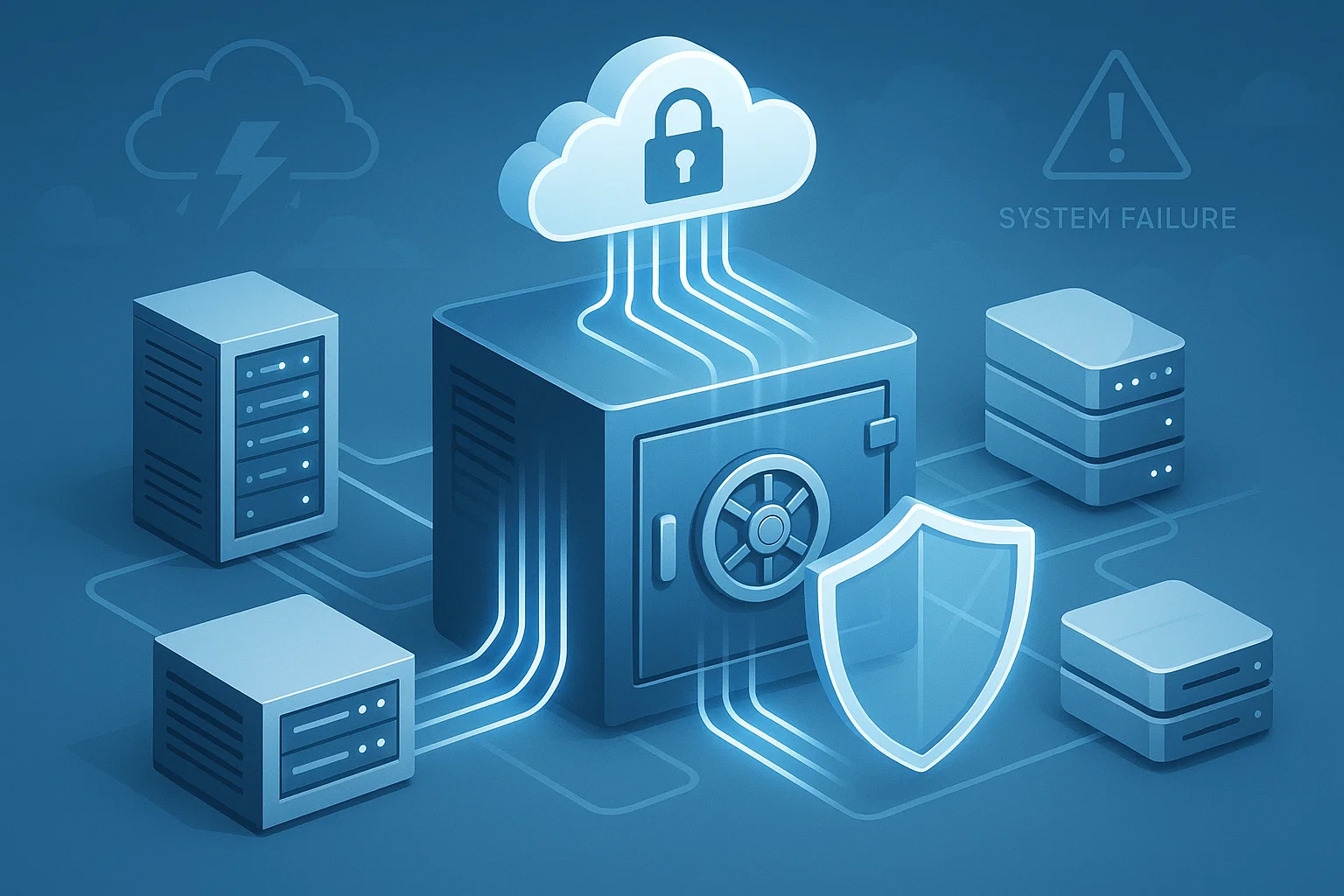
Data loss isn’t just abrupt and catastrophic. It’s a tiny thing that tends to set off such hours of downtime, halted work and expensive recovery efforts — typically something like an update gone wrong or a file becoming corrupted or a system misconfigured. “Backup and recovery is not a ‘nice to have.’ It is critical to maintaining business continuity and cutting down on operational risk.
This ebook reviews practical strategies for strengthening data backup procedures, planning for the unexpected and providing trusted protection for your enterprise’s most valuable asset-your data.
1. Start by Classifying Critical Data
Not all business data carries the same importance. Backups become far more effective when systems and files are grouped by priority.
Why it matters:
Critical operational data requires more frequent backups and faster recovery options. Less important archives can follow cheaper or slower storage tiers.
Action steps:
- Map applications and workloads based on business impact
- Define Recovery Time Objective (RTO) and Recovery Point Objective (RPO) for each
- Assign backup tiers (hourly, daily, weekly, monthly) accordingly
This ensures time and money are spent protecting what truly matters.
2. Move to a Multi-Layered Backup Strategy
Relying on a single backup method is one of the biggest mistakes organisations make. A mature strategy uses multiple backup types to protect data from various failure points.
Recommended layers:
- Local backups for fast restore
- Cloud backups for offsite resilience
- Immutable storage to protect against ransomware
- Replication for real-time failover of critical systems
A blend of on-premise and cloud storage strengthens resilience and ensures redundancy.
3. Build a Disaster Recovery Plan That’s Simple but Practical
Many businesses have a disaster recovery document—but it’s either outdated or too complex to execute under pressure. A good disaster recovery planning process focuses on clarity and speed.
Your plan should include:
- The exact steps to restore each critical system
- Access details for backup repositories
- Roles and responsibilities for recovery tasks
- Clear communication workflows
- A predefined order for system restoration
The goal is to reduce the confusion during a crisis and get operations back online quickly.

4. Adopt Secure Backup Solutions to Guard Against Modern Threats
Cyberthreats increasingly target backups because attackers know recovery is the only barrier that stops a full-scale disruption. Strengthening security around backup systems is non-negotiable.
Core security measures:
- End-to-end encryption (in transit and at rest)
- Multi-factor authentication on backup consoles
- Role-based access control
- Immutable storage and versioning
- Network isolation for backup repositories
These steps ensure backups cannot be tampered with, deleted, or encrypted.
5. Test Your Backups Regularly—Not Once a Year
The biggest surprise during a real outage is discovering that backups were incomplete or corrupted. Regular testing ensures backup integrity and confirms the recovery timeline.
Test the following:
- Backup restore speed
- Data accuracy and completeness
- Application functionality after restoration
- Failover and failback between primary and secondary systems
Testing transforms theoretical business continuity plans into real, predictable outcomes.
6. Automate Wherever Possible
Human error is one of the most common causes of failed backups. Automation eliminates unnecessary manual tasks.
Automate:
- Backup scheduling
- Monitoring and alerts
- Consistency checks
- Cloud synchronization
- Version management
Modern backup platforms offer automation native to the solution, improving reliability and reducing operational effort.
7. Maintain Clear Visibility Through Centralized Monitoring
A strong recovery strategy is only as good as the visibility behind it. A central dashboard for all backup jobs helps detect issues early.
What to monitor:
- Failed backups
- Slow jobs
- Storage capacity
- Data growth patterns
- Ransomware-related anomalies
With consistent monitoring, backup failures can be fixed before the next outage puts data at risk.
Final Thoughts
Backup and Recovery Must Dos Data protection isn’t just about holding a set of copies of data — it’s also about being ready with an outcome predictably quickly to deliver the business continuity IT needs, hold down any downtime hit, and guard against surprise failure.* 1. What do you have? With tighter control over their systems’ data classification, stronger security measures in place, multi-level backups used effectively along with the regular testing of recovery procedures will help mitigate any company’s exposure to data loss.
Recent Posts
- Closing Cybersecurity Gaps by Addressing Overlooked IT Basics
- Managing Software Licenses Efficiently to Minimize Cost and Compliance Issues
- How to Prevent Internal Data Breaches Through Smarter Access Governance
- Stabilizing Application Performance With Proactive IT Maintenance
- How to Shrink IT Ticket Backlogs Through Better Workflow Planning
Recent Comments
- No comments to show