
-
Suresh Kalal
- November 24, 2025
- No categories assigned.
- No Comments
Beyond Backups: DR-as-a-Service in the Age of Ransomware
Intro
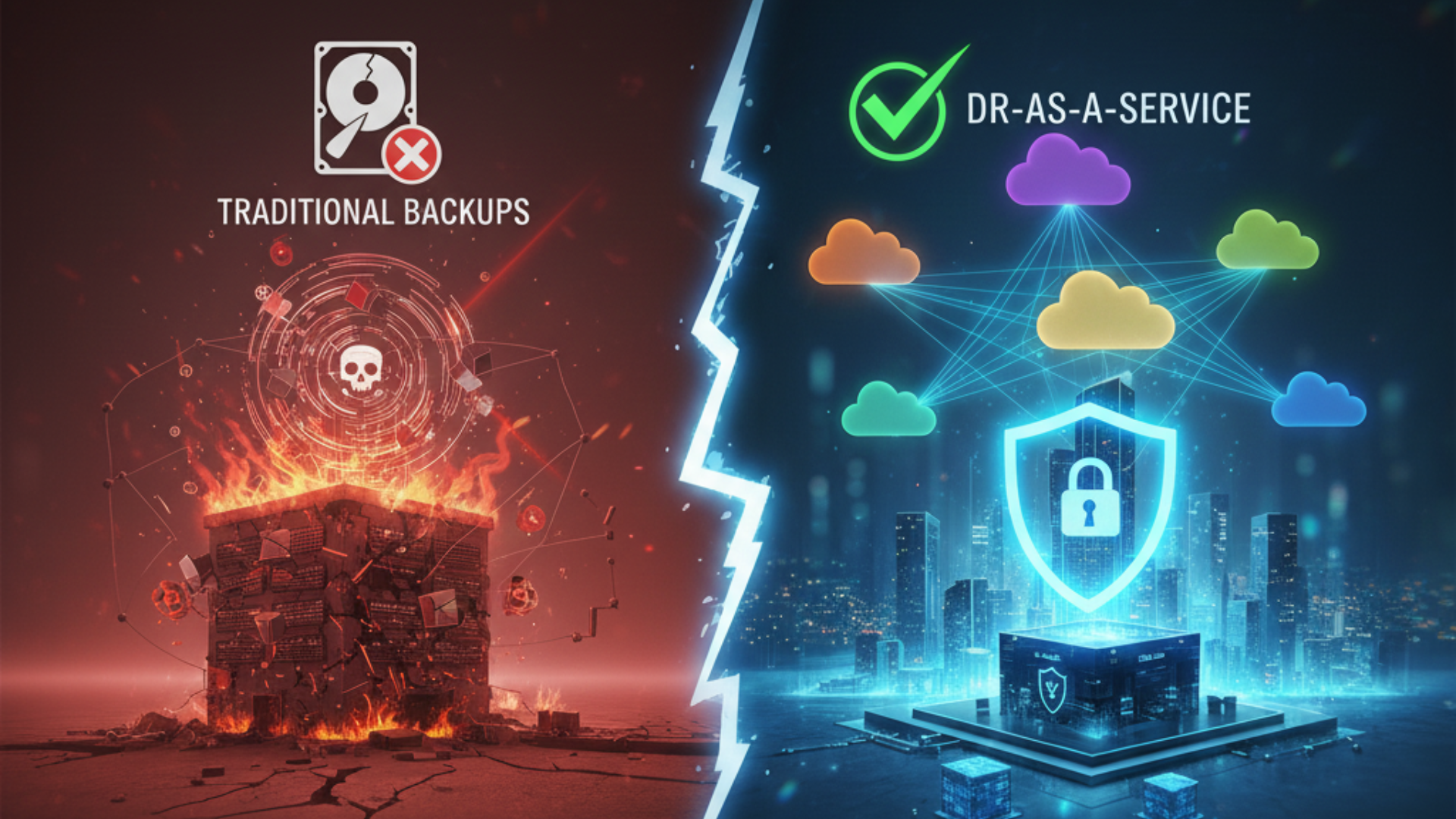
Backups Are Important — We All Know This However, in this day and age of increasing ransomware attacks not just in volume, but in complexity, backups are insufficient. Here comes DR‑as‑a‑Service (DRaaS): this disaster-recovery option is more comprehensive, agile and forward-thinking than traditional models. If you are only using traditional backups, then you may be leaving holes that attackers are only too happy to exploit.
In this article, we take to delve into what DRaaS is, why it has never been more important during the age of ransomware, the red flags to look out for when selecting a provider, and how to create a robust DR plan that is more than just backups.
What is DR‑as‑a‑Service?
DR‑as‑a‑Service basically means giving away some or all of your ability to recover after a disaster to a third party. DRaaS does more than just replicate your data and place it somewhere.
Regular and ongoing replication of data and systems to an offsite location
Orchestration of infrastructure or a virtual environment, so that you can bring up mission-critical systems as fast as possible in the event that production bites the bullet.
Managed failover / fallback paths
Use testing, monitoring, and security as part of recovery process
Not just a backup — rather than store and pray backups. It’s “prepare, detect, recover, test.”
More Cash Unlike a Normal Backup
Ransomware has evolved. Lock up everything under the sun, grab exfiltration pre-encryption, sock you with a leak threat, occasionally kick into a double, even a triple extortion level of attack. This raises the stakes enormously. In a ransomware scenario, traditional backups can fail for several reasons:
Backups are also attached to the network and are thus prone to malware encryption or infection.
A sparse backup schedule will lead you to high RPO — which means you lose more recent data.
RTO is the time required to bring back business process up and it can be detrimental for business if it is long.
Testing is frequently overlooked; another thing you might not discover until too late is that your backups are inadequate or not functional.
DRaaS solves a lot of these gaps. For example:
Ransomware-proof immutable backups and snapshots DataBank | Data Center Evolved+1
You want air‑gapped or isolated recovery sites so that your production network could be on fire and your recovery stores are still out of reach. DataBank | Data Center Evolved+1
Early automatic alerting to catch anomalistic behavior (encryption, unusual writes). DataBank | Data Center Evolved+1
Essential DRaaS Provider Features to Watch Out For
Here are important items that you should demand / verify, when evaluating / moving to a DRaaS provider — if you are not already doing so! Miss one of these and your “backup plan” will just be a pipe dream.
Feature
Why It Matters
Immutable / Write‑Once Storage
Avoid malicious tampering, removal, or encryption of recovery data.
Air‑gapped or Isolated Sites
A more serious benefit is that physical or logical separation from production has the effect of further reducing the reach of an attacker.
Real‑time or near‑real‑time Replication
RPO is how much data is lost in the event of a disaster, and low RPO means less lost data.
Fast Failover and Low RTO
Offers availability to reduce downtime cost during quickly resuming operations.
Regular Testing and Validation
Make sure recovery works when you want — drills, simulations.
Robust Security Measures (MFA, encryption in motion & at rest, role‑based access, secured credentials)
That, itself, is another reason to harden DRaaS against breach.
Monitoring and Alerting
Stopping small problems from turning into disasters By spotting irregularities early on.
Multi‑region / Geographically Redundant Storage
If one site is down (natural disaster, regional out), others can step up.
Clear SLAs / Guarantees
What are the guaranteed data loss, speed, and support?
Practical Ways DRaaS Makes an Impact
We will now discuss how DRaaS can actually be the game changer when ransomware strikes:
Fast Recovery — Imagine that an attacker encrypting all your files overnight. DRaaS can failover clients to a clean replica, and thus get systems up in a few hours as opposed to traditional backup restore that may take days.
Minimal Data Loss: Since replication happens frequently, and RPO is very small, the data lost is minimal Which is way better than waking up to yours is gone weeks into working on it.
Business Continuity — Services can continue in degraded or alternate mode even during recovery. Which maintains customer trust, revenue, operations etc.)
Enhanced Security Hygiene: DRaaS vendors must adhere to prohibitive best practices (network segregation, access limits, updates, etc.) in which the vendors reputation hinges on the capacity to stave breaches.
Testing & Preparedness – A lot of organizations never test what happens if their backups don’t state the use. Typically, DRaaS providers also include test runs, validation, so you can know in advance.
Standard Mistakes — What Could Go Wrong (And How to Prevent It)
For all DRaaS, you can still screw it up. Some common mistakes:
Failing to secure backups: Attackers may be able to access backups if they are not ensconced or enforced securely.
Failure to recover: If your backups fail to restore, they are worthless. It should include periodic drills.
Poorly defined recovery objectives: If RPO or RTO expectations are vague, anyone will fail. Be specific.
Ignored dependencies: You sometimes reboot systems but dependencies were not replicated and documented (networks, configurations, databases)
PUBLIC DOMAIN Cloud is protected data — for more on cloud bombs, listen to the podcast. Cloud DR does not equal protected Cloud — don’t assume cloud is invincible unless it is set up correctly. Misconfigurations, open permissions, shared credentials continue to pose a threat.
Ways to Start DRaaS →→ DRaaS in Your Organisation
If you are convinced based on this (and you should be), here is a path to go from “only backups” to a more resilient DRaaS‑based strategy:
Assess Risk & Impact
Identify critical systems, data, functions. How much downtime and data loss can you afford to live with? Your RTO and RPO objectives?
Step 5: Review Current Backup / Recovery Configuration
How frequent are backups? Where are they stored? Are they isolated? Are they regularly tested?
Define DRaaS Requirements
Determine the must have features based on your targets (RPO, RTO), added security / compliance requirements
Evaluate DRaaS Providers
Ask for references. Check SLAs. Test their technology. Consider cost vs risk. Compliance (data residency, legal, privacy, etc.)
Schedule Testing & Updates Regularly
Post deployment, once again simulate ransomware attacks or scenarios. Update recovery playbooks. Ensure that people know what is expected of them.
Train Team & Stakeholders
Technical staff + managementTo know what DRaaS actually means: when DR should be triggered, procedures for switching back, and who has responsibility for what.
Maintain Continuous Improvement
Revisit the plan as threats evolve (new ransomware variants, double extortion, extortion + data leak, etc.). Update controls, policies, technologies accordingly.
Beyond Technology: Culture & Process
DRaaS isn’t just about tools. The other aspect of it is mindsets and processes. A few thoughts:
Who owns DR in your organisation? (CIO, CISO or a DR‑lead) DR is not something for “IT backup guy only.”
CommunicationInternal and external communication channels should be clear when disaster strikes. Who tells customers, regulators? What do you say?
Decision Discipline: Do not wait for 100 percent certainty. Time is the enemy in ransomware events, so determine ahead of time when you declare disaster, failover, etc.
Always be Learning: Post‑mortems, Lessons Learned, and updating of playbooks You can expect ransomware attacks to expose vulnerabilities that you may not have foreseen.
Should all DRaaS be treated as the most common modern investment rather than a cost? Good DR, and service beat disaster planning nearly every time because the cost of downtime, loss, reputational damage are costly at any time, to any company.
What the Future Looks Like
Some trends expected to define DRaaS in the ransomware era:
In recovery environments, zero trust architecture is being offered by more providers.
Default to immutability, providing an air‑gap becomes more common and simpler to set up.
Improved automation in detection + failover maybe AI−enabled anomaly detection.
Regulatory pressure: legislation mandating that businesses possess strong DR capabilities.
Closer integration of cybersecurity, incident response, and DRaaS providers for coordinated response.
Conclusion
To summarize: you need backups, but that is not enough. As ransomware attacks continue their trend towards being smarter, faster and more aggressive, the challenge for organizations is to up their game. DR‑as‑a‑Service has no magic. It provides you with tools, practices, and partners that allow you to restore your data quickly, lose as little as possible, and maintain control when all goes wrong.
This is the warning sign if you have been operating on only basic backups today. Consider: Fast, isolated, tested, and robust. Because the answer is the difference between bouncing back — or paying a lot more than you should have to.
Recent Posts
- How to Eliminate Repetitive IT Issues With Better Documentation Practices
- Improving System Security With Structured Patch and Vulnerability Management
- Supporting Remote Teams Effectively With a Strong IT Foundation
- Closing Cybersecurity Gaps by Addressing Overlooked IT Basics
- Managing Software Licenses Efficiently to Minimize Cost and Compliance Issues
Recent Comments
- No comments to show