
-
Suresh Kalal
- January 15, 2026
- No categories assigned.
- No Comments
Implementing Role-Based Access Control (RBAC) With ClearPass Policy Manager
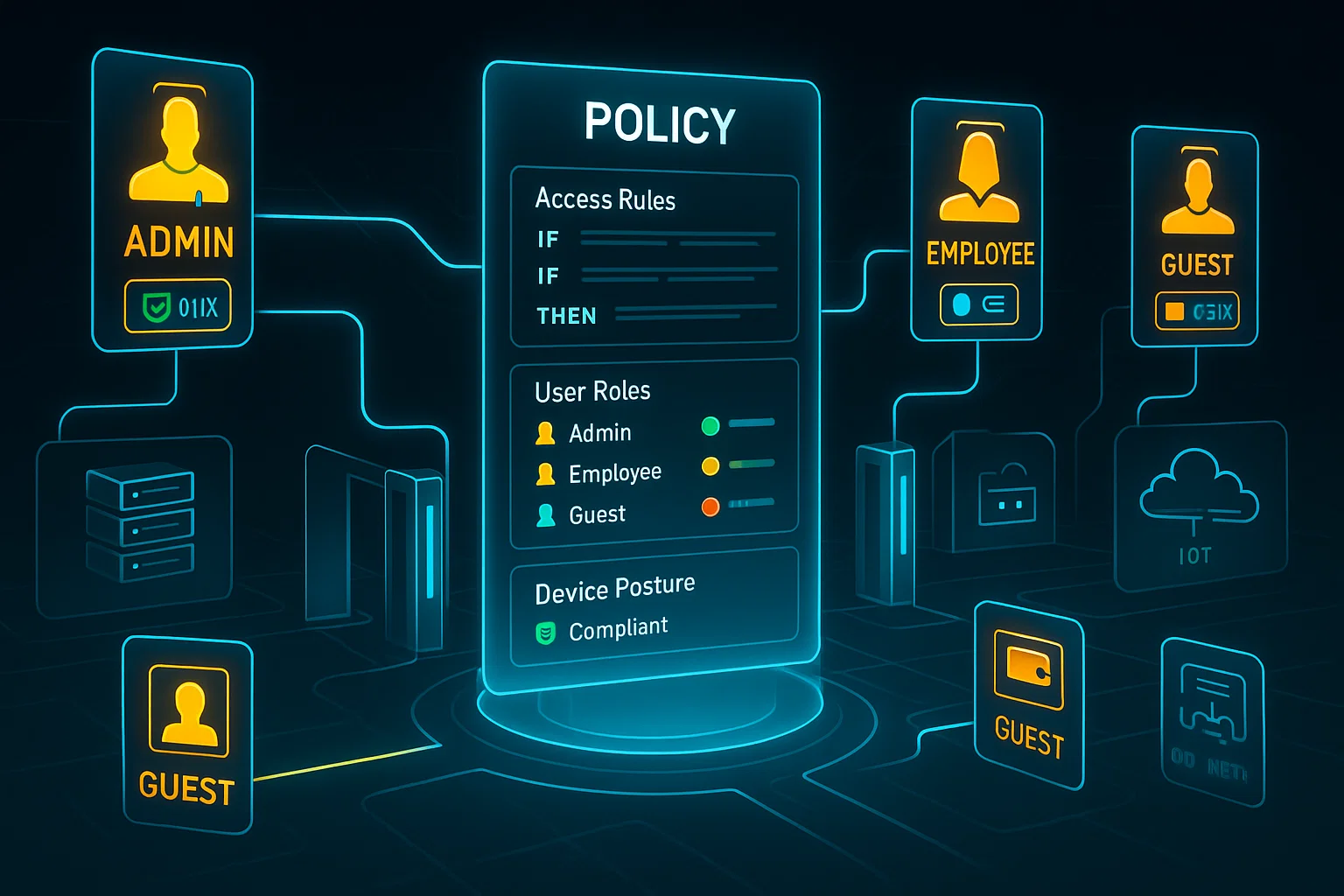
Networks today are noisy places. Between contractors, remote workers, an army of I.o.T. devices and employees logging in from their own smartphones, each new device is a new set of variables to secure. With role-based access control (RBAC), you can take that complexity and make it easy to manage your user’s all while protecting the network from your users accessing resources they shouldn’t. When you combine RBAC with Aruba ClearPass Policy Manager, you have a set up tools to apply network access in a consistent fashion—in real-time—based on what device is being used, who the user is and/or where it happens to be connected!
This isn’t an all-for-naught lock everything down kind of thing. It’s also, making access meaningful: who should get to see what, under what conditions at that moment in time, and what happens if something changes about a device mid-session. Whether you’re in operations, security or service delivery RBAC with ClearPass is one of the biggest and most powerful levers you can pull to provide predictable and audit-able network access policies.
What RBAC actually gives you
At the most basic level, role based access control is simple: you give permissions to roles and then assign users or devices to those roles. The payoff is manageability. Rather than playing whack-a-mole with ACLs and device exceptions, you manage a role and its privileges. That means less room for error and faster pivots when business demands change.
ClearPass now makes RBAC an active, context-enforced function. Roles aren’t fixed badges: They’re decisions we make at the time of authentication, to be reconsidered when compulsions change. That allows you to combine identity, device posture, location, time-of-day, and other attributes into a single clean policy decision: what role(s) is applicable right now?
How ClearPass structures roles and policies
ClearPass separates role definition, role mapping, and enforcement — and that separation is what makes the solution flexible.
- Role definition is where you name and describe what a role means for your environment (for example, Guest, Employee-Laptop, Contractor, or IoT-Sensor). Roles are intentionally intuitive so your ops teams can reason about them quickly.
- Role mapping is the logic that decides which role or roles a session should receive. This logic looks at identity sources (directory groups, certificates), device profile information, posture results, and contextual attributes.
- Enforcement ties a role to concrete network outcomes: VLAN assignment, downloadable ACLs, bandwidth limits, captive portal flows, or quarantine. Once a role is mapped to a session, ClearPass pushes the required enforcement down to network devices in real time.
That model — identity → role → enforcement — means policy changes are less error prone. Want to tighten access for contractors? Update the Contractor role and the change propagates everywhere that role is used.
Practical use cases that matter
Here are several scenarios where implementing RBAC with ClearPass delivers clear operational value:
- Guest vs. Employee experience: A guest device lands on the network, completes an onboarding flow, and receives a Guest role that limits access to the internet and a captive portal. A corporate laptop that authenticates with a machine certificate gets Employee-Laptop privileges with access to internal services. Same network, different outcomes, handled consistently.
- Posture-based decisioning: Devices that fail antivirus or configuration checks can be mapped to a remediation or quarantine role automatically. That role can restrict traffic to internal update servers only, allowing remediation but preventing lateral movement.
- IoT segmentation: IoT devices — cameras, sensors, printers — can be profiled and placed into tightly scoped roles that limit them to necessary services and prevent access to sensitive systems. That containment reduces overall risk.
- Time and location constraints: You can create roles that factor in time of day or physical location (for instance, giving contractors more access during scheduled working hours and restricting access outside those windows).
- Zero trust alignment: RBAC enables least-privilege and continuous evaluation. Instead of a one-time trust decision, ClearPass makes and re-checks role assignments as conditions change, which aligns with a zero trust mindset.
Why this helps managed IT operations
If you deliver managed services, RBAC with ClearPass simplifies ongoing support and change control.
- Repeatability: Roles make your service blueprints repeatable across customers or locations. Once a role is defined and tested, it becomes a building block you reuse.
- Faster on-boarding: Onboarding new customers or sites becomes more predictable. Define roles once, wire them into the provisioning workflow, and you avoid bespoke ACL surgery.
- Clear troubleshooting: With consistent role names and enforcement profiles, diagnosing problems becomes faster — the session records show the role mapping and the enforcement decision, which is much easier to interpret than raw ACL logs.
- Reduced operational risk: Since privileges are assigned to roles rather than to one-off user/device configurations, the chance of accidentally granting excessive access drops. Rollbacks and audits are easier too.
Practical tips and common traps
To make RBAC effective and sustainable, keep these practical points in mind:
- Start with coarse roles: Resist the urge to create dozens of tiny roles initially. Start broad — Guest, Employee, Contractor, IoT — and refine only where real risk or operational needs justify it.
- Use clear naming conventions: Names should be meaningful and consistent across teams and sites. That reduces confusion when support engineers review logs or when you hand off runbooks.
- Leverage device profiling: ClearPass can automatically tag devices based on observed behavior and attributes. Use that to distinguish device types without manual inventory work.
- Test enforcement in a controlled window: When you change role definitions or enforcement profiles, test in a small environment and have a rollback plan. Policy changes can affect access in unexpected ways.
- Monitor and iterate: Regularly use session logs and reporting to validate role mappings. Over time you’ll spot roles that are under- or over-used and can rationalize them.
- Plan for scale: In larger deployments, cluster ClearPass nodes and ensure role mapping logic is consistent across instances. Ensure directory integrations and profiling services are resilient.

Trade-offs to be aware of
RBAC streamlines policies, but it’s not without trade-offs:
- Too many roles equals complexity: If you over-segment early, management overhead increases. Be deliberate about adding roles.
- Complex mapping logic can be fragile: When you combine many attributes in mapping rules, debugging becomes harder. Keep mapping rules as simple and transparent as possible.
- Device support matters: Some enforcement features depend on the capabilities of your networking gear. Confirm device support (for downloadable roles, ACLs, VLANs, etc.) before you design complex enforcement actions.
Conclusion
ClearPass Policy Manager with role-based access control delivers a practical, much more repeatable way of enforcing the appropriate level of access on much broader set of devices. It accelerates policy changes, streamlines troubleshooting and reduces risk — all while enabling a modern context-aware security posture.
Ask, and if you do ask: What I can follow this up with is a terse runbook or checklist that you hand to engineers: role naming conventions, a role-mapping template (something JavaScript-driven so everyone avoids typos), test scripts, a sample enforcement profile for common roles. I can even distill it into a friendly-for-slides summary for the purposes of briefing leadership.
Recent Comments
- No comments to show